


Sign in
  • Home
  • Reset Guides
    • Toner Reset
    • Drum Reset
    • Maintenance Reset
  • Setup & Drivers
    • Setup & Configuration
    • Software & Drivers
    • Testing & Maintenance
  • Error Code & Troubleshooting
  • Advanced
    • Service Mode (SP Mode)
    • System Settings
Sign in
Welcome!Log into your account
Forgot your password?
Privacy Policy
Password recovery
Recover your password
Search
spot_img
  • Privacy Policy
  • About Us
  • Contact
Facebook
Instagram
Linkedin
X
Logo
  • Home
  • Reset Guides
    • Toner Reset
    • Drum Reset
    • Maintenance Reset
  • Setup & Drivers
    • Setup & Configuration
    • Software & Drivers
    • Testing & Maintenance
  • Error Code & Troubleshooting
  • Advanced
    • Service Mode (SP Mode)
    • System Settings
Logo
Facebook
Instagram
X
  • Home
  • Reset Guides
    • Toner Reset
    • Drum Reset
    • Maintenance Reset
  • Setup & Drivers
    • Setup & Configuration
    • Software & Drivers
    • Testing & Maintenance
  • Error Code & Troubleshooting
  • Advanced
    • Service Mode (SP Mode)
    • System Settings
Home 2026

Archives

Scan to PDF

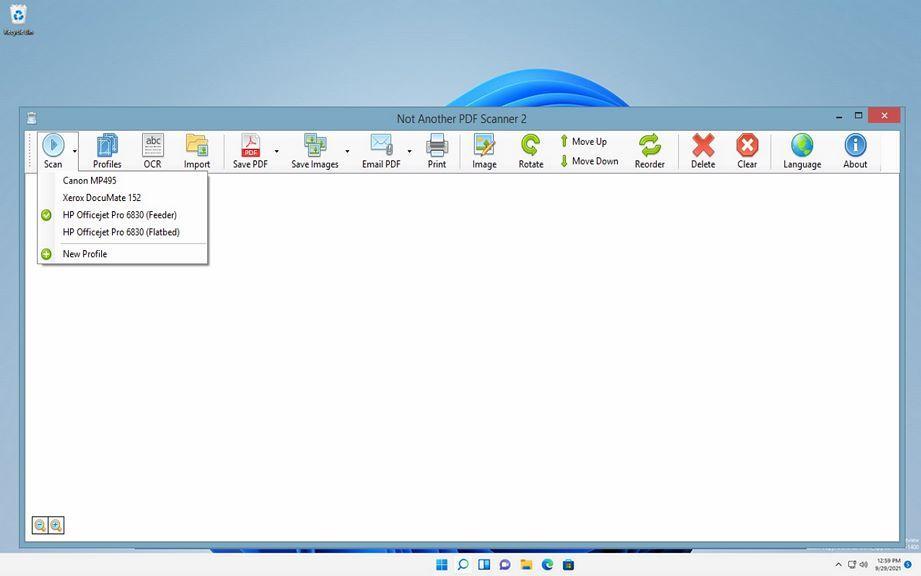
NAPS2 ver. 6.1.2 – Not Another PDF Scanner 2 – Free Download

Toni -
April 21, 2026
0

Business magazine provides the latest stock market, financial and business news from around the world.

Facebook
Instagram
Linkedin
X

most viewed

Ricoh MPC3503 Service Mode (SP Mode) – How to Enter Step-by-Step

How to Perform Touch Panel Adjustment on SHARP MX-M365, MX-565, MX-2651, MX-3050, MX-4060 & MX-3051

How to reset “Replace Fusing Belt Unit” on Ricoh MP C3502 / MP C4502

trending right now

Ricoh MPC3503 Service Mode (SP Mode) – How to Enter Step-by-Step

How to Perform Touch Panel Adjustment on SHARP MX-M365, MX-565, MX-2651, MX-3050, MX-4060 & MX-3051

How to reset “Replace Fusing Belt Unit” on Ricoh MP C3502 / MP C4502

Reset Cleaning Web Counter on Ricoh MP6002SP / MP9002 (Fusing Web Reset Guide)

How to Reset Drum Counter on Brother DCP-L2640DN

How to Print a Self Test Page on Epson LX-350

Copyright © tagDiv, Newspaper Theme.

FAQ

Contact us