


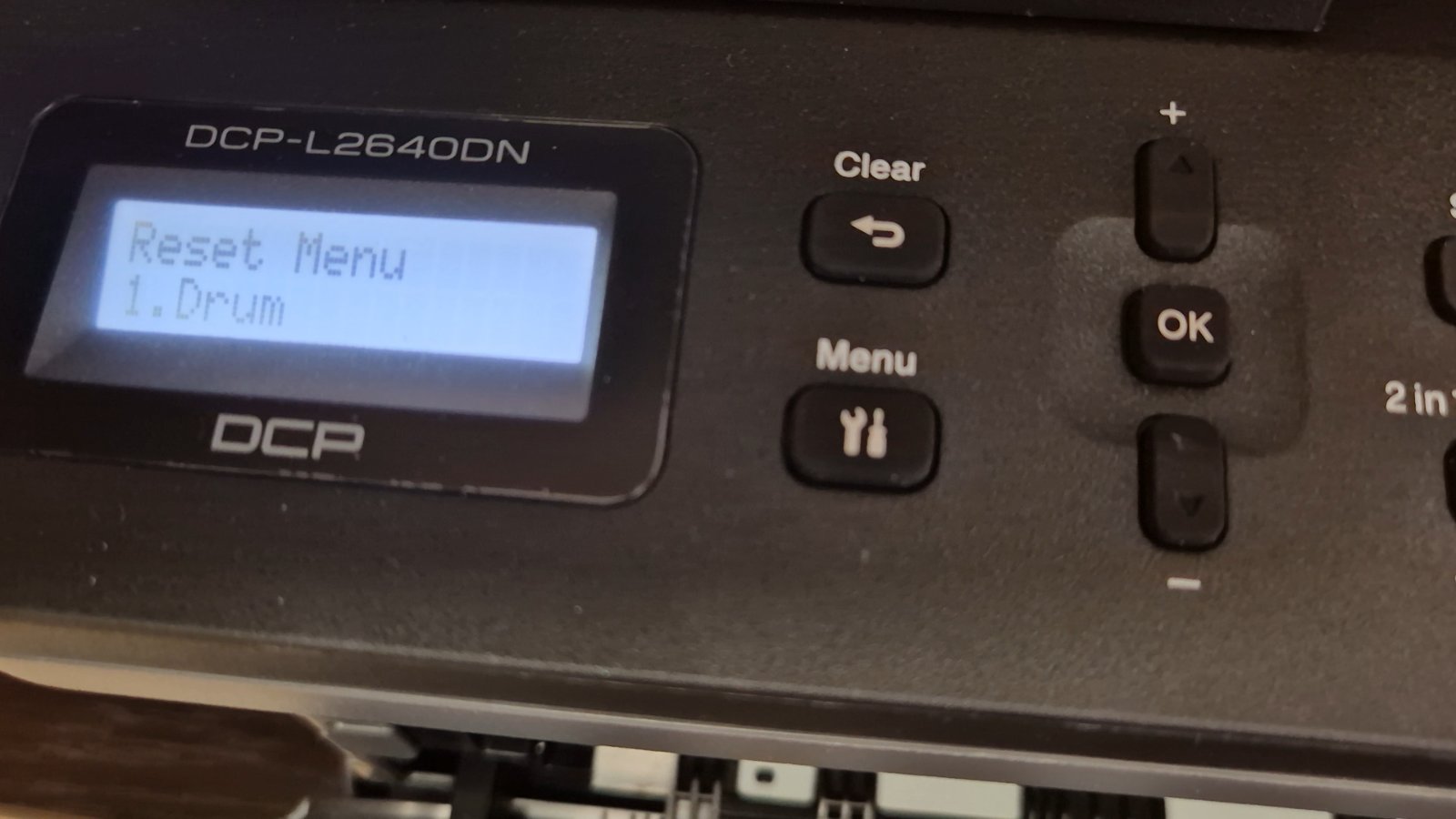
If you are using the Brother DCP-L2640DN printer and you see a message related to the drum unit, such as “Replace Drum” or “Drum End Soon”, it doesn’t always mean
Every printer and copier tracks drum usage with an internal counter, so after you fit a new drum unit the machine keeps showing a “Replace Drum” or “Drum End Soon” warning until you reset that counter. This category collects step-by-step drum reset guides for the most common Brother printers and multifunction copiers, with the exact button sequence for each model — no service tools required. Popular guides include the Brother MFC-L2750DW drum reset, the Brother DCP-L2640DN drum reset, and the Brother HL-1110/1112 series drum reset. Reset the counter only after replacing or checking the drum, since resetting alone will not fix a genuinely worn unit.
If you are using the Brother DCP-L2640DN printer and you see a message related to the drum unit, such as “Replace Drum” or “Drum End Soon”, it doesn’t always mean
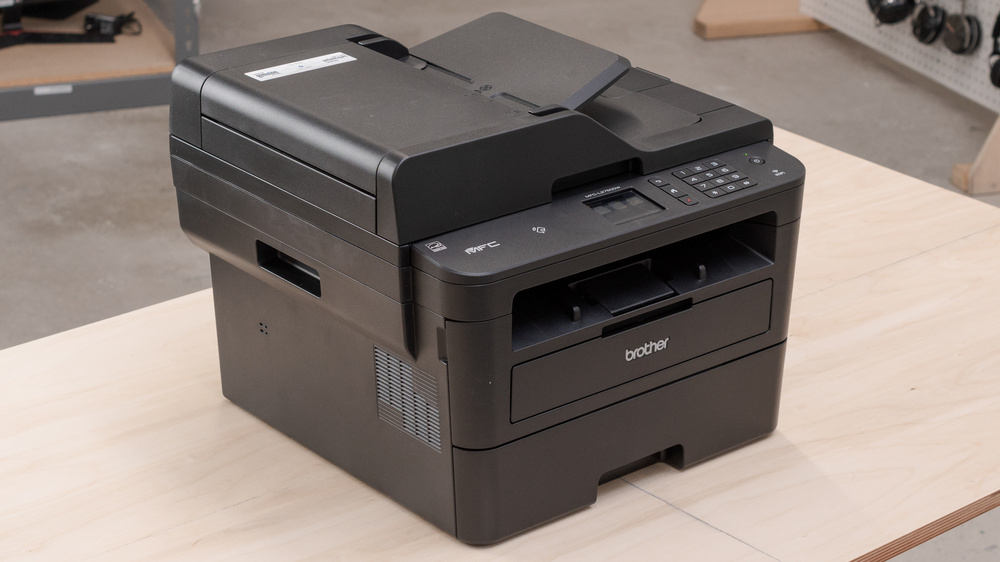
After you replace the drum unit on the Brother MFC-L2750DW, the printer keeps showing a drum warning until you reset the drum counter manually. This step-by-step guide shows the exact
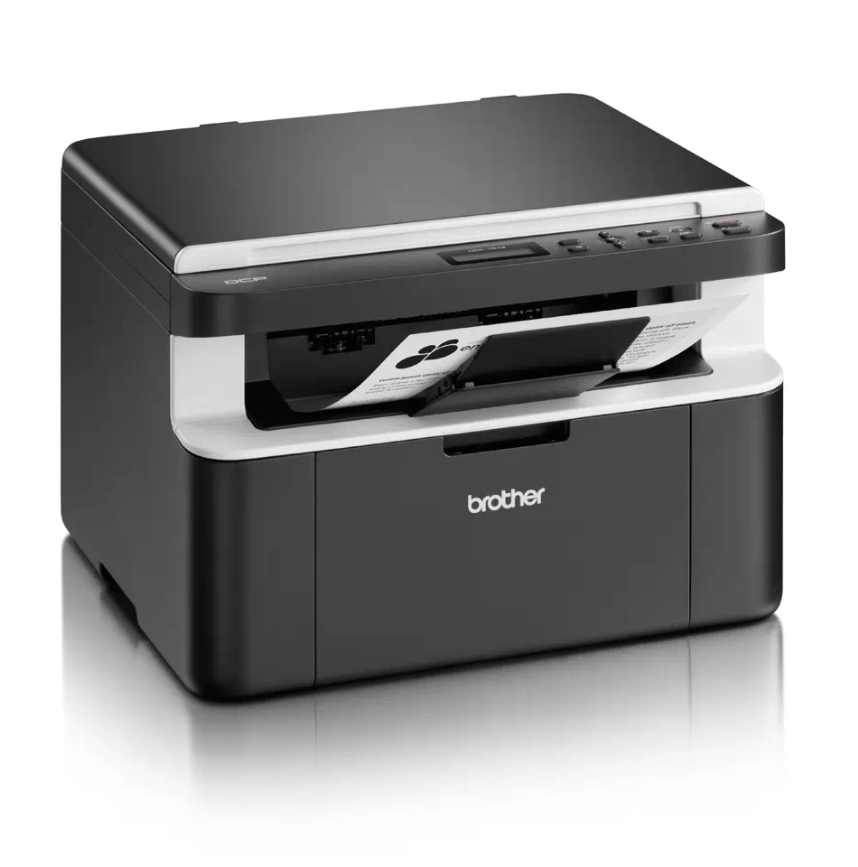
If your Brother DCP-1510 or DCP-1512 shows a “Replace Drum” or “Drum End Soon” message after you fit a new drum unit, you need to reset the drum counter. This
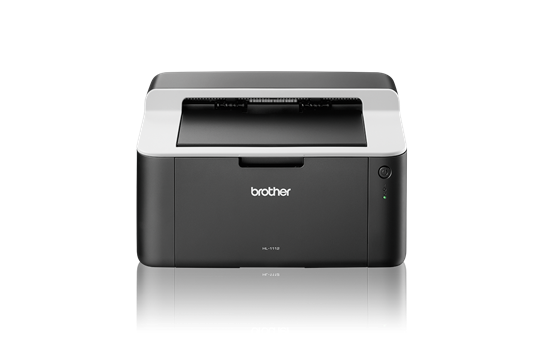
When the Brother HL-1110 reaches about 10,000 pages it stops the drum unit and shows a “Replace Drum” message. A Brother HL-1110 drum reset sets the drum counter back to
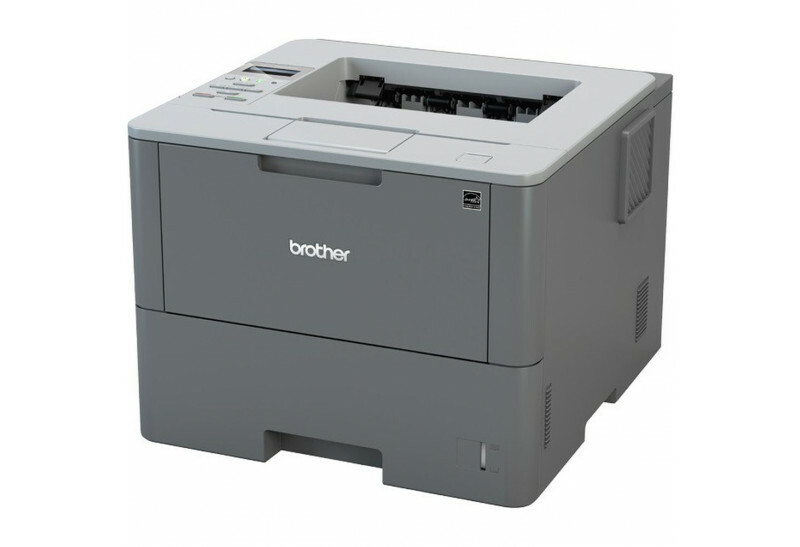
After you replace the drum unit on the Brother HL-L6250DW, the printer keeps showing a drum warning until you reset the drum counter. This Brother HL-L6250DW drum reset guide shows
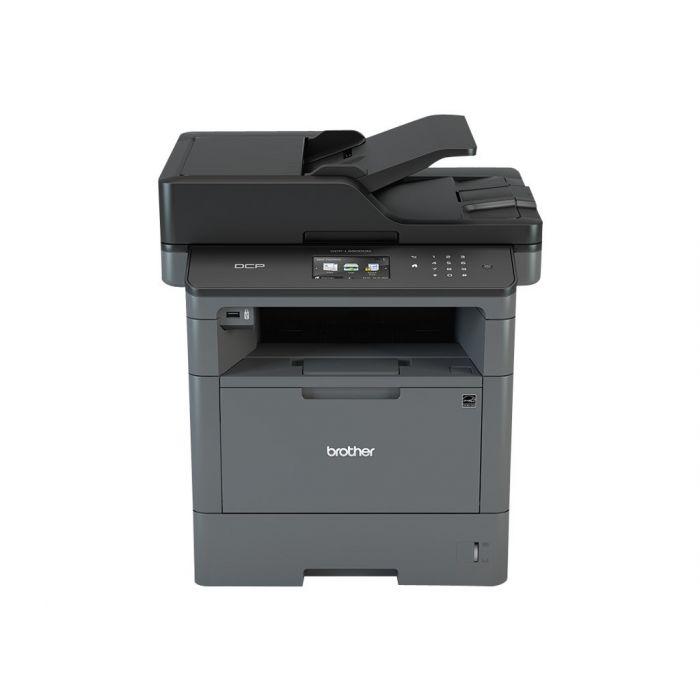
After you replace the drum unit on the Brother MFC-L5500, the printer keeps showing a drum warning until you reset the drum counter. This Brother MFC-L5500 drum reset guide shows
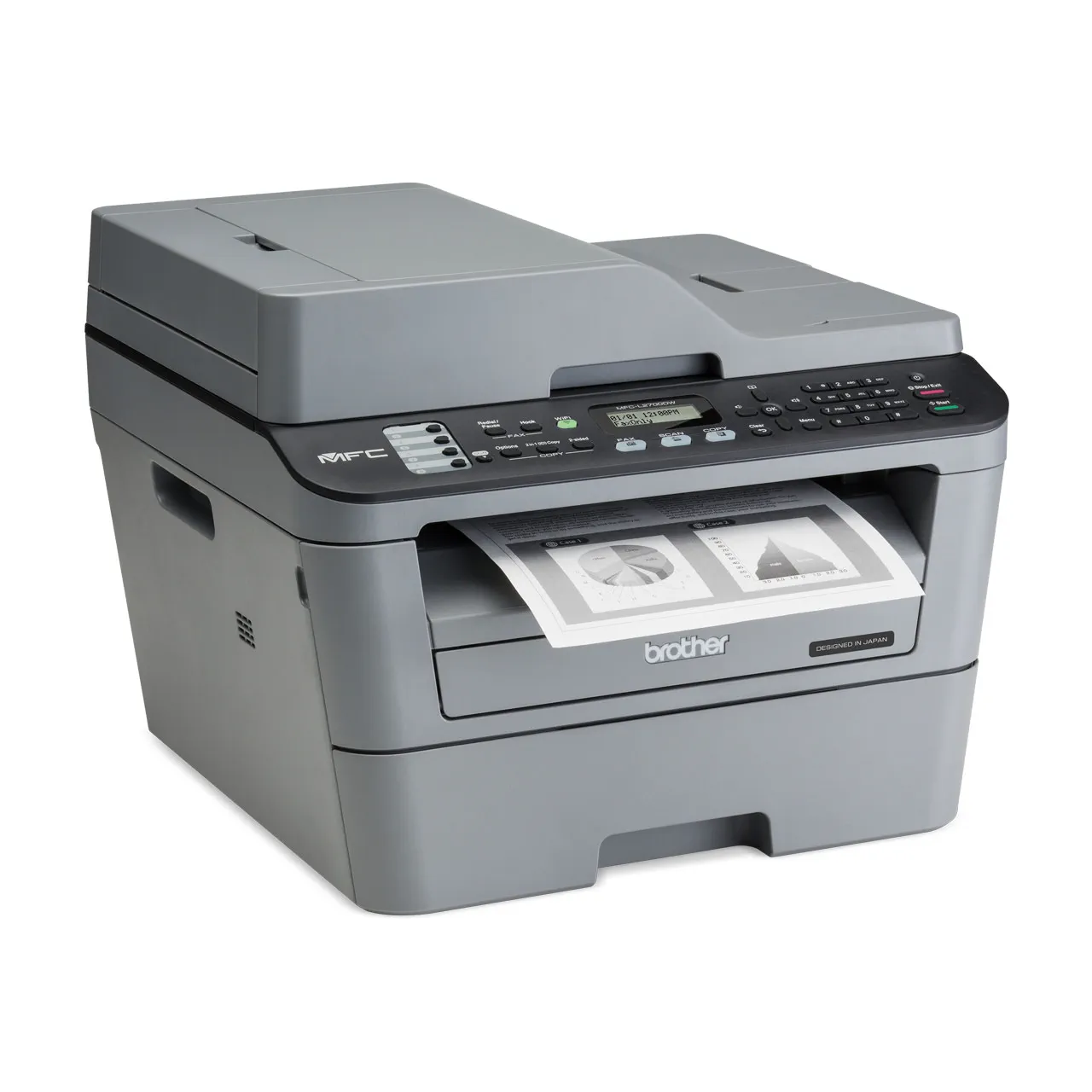
If your Brother MFC-L2700DW keeps asking you to replace the drum unit or toner even after you installed a new one, you need to reset the counter. This guide covers
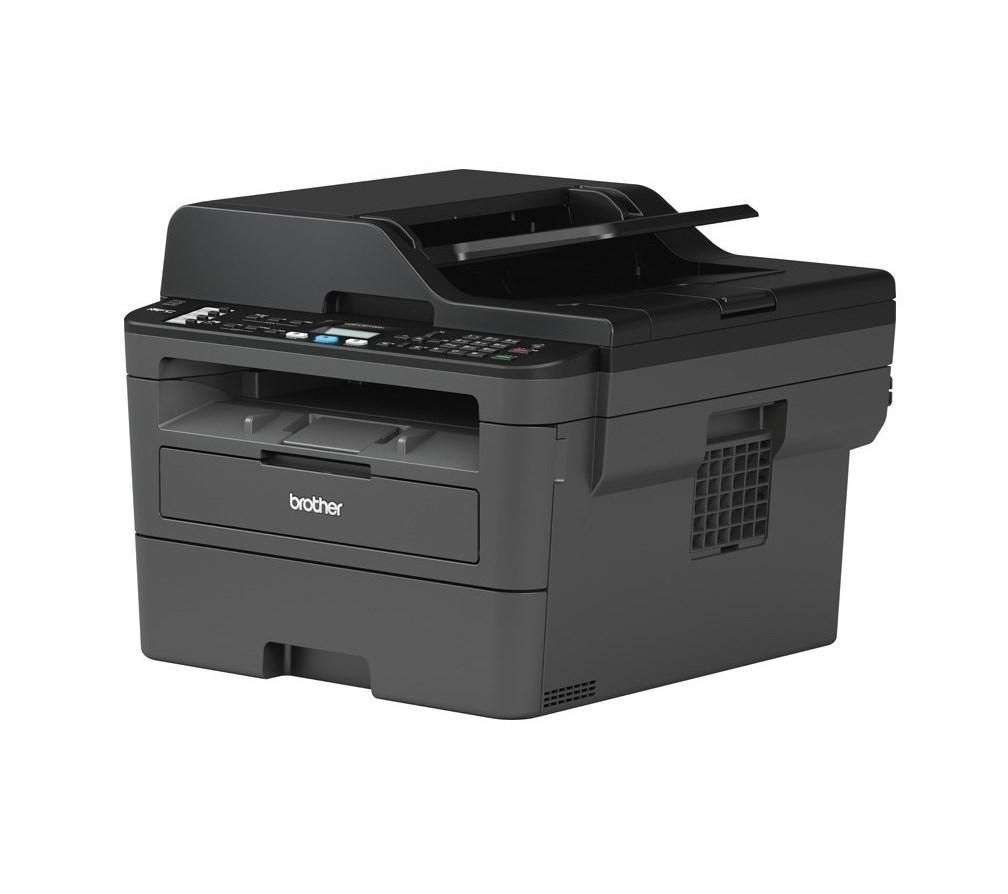
After you replace the drum unit on the Brother DCP-L2510D or MFC-L2712DW, the printer shows a drum warning until you reset the drum counter. This Brother DCP-L2510D drum reset guide