


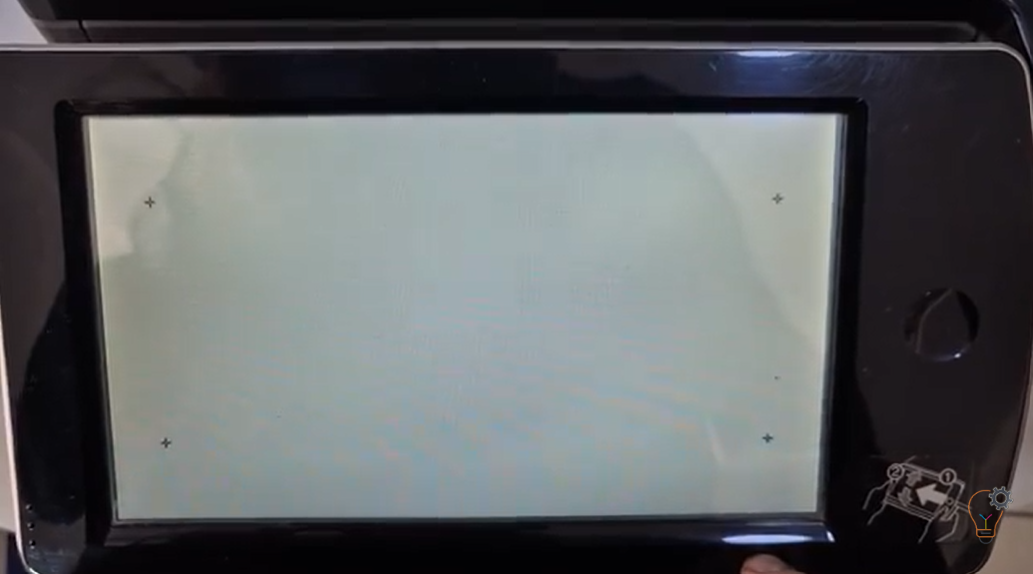
If the touchscreen on your SHARP multifunction printer is not responding correctly, registers the wrong position, or feels slow and inaccurate, a touch panel adjustment (calibration) may solve the issue.
Everything you need to get a printer or copier set up and running lives here. This section brings together our setup and driver guides across three areas: Setup & Configuration for paper, trays and device settings; Software & Drivers for installing drivers, scanning software and firmware fixes; and Testing & Maintenance for test pages and basic checks. Browse the sub-categories to find the exact steps for your model.
If the touchscreen on your SHARP multifunction printer is not responding correctly, registers the wrong position, or feels slow and inaccurate, a touch panel adjustment (calibration) may solve the issue.
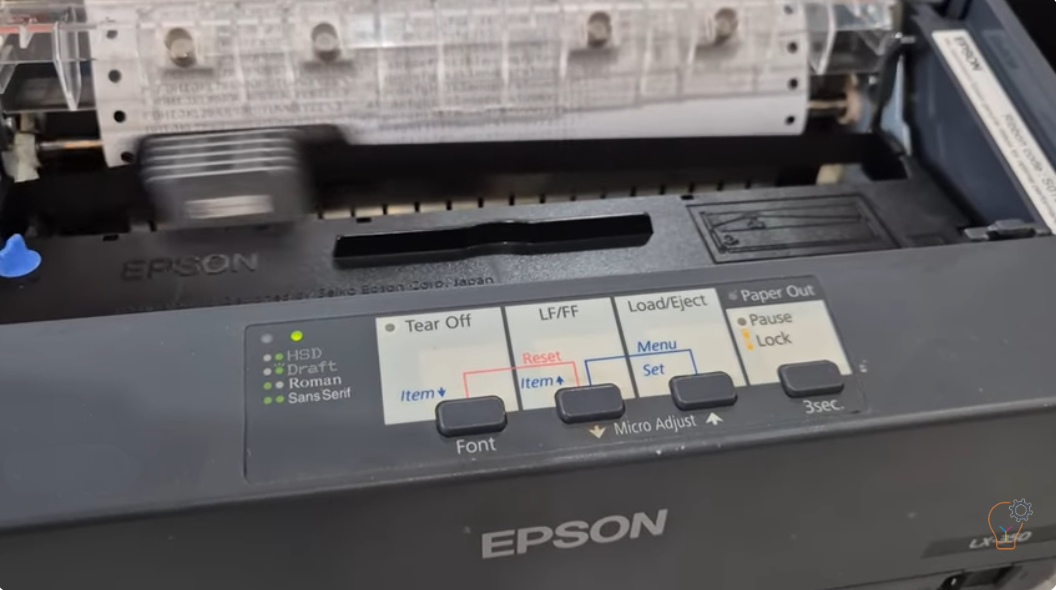
If you are troubleshooting your Epson LX-350 dot matrix printer or simply want to check its performance, printing a self test page is one of the easiest and most effective
Whether you’re designing eye-catching promotional material, curating art prints for a gallery wall, or producing large-scale educational charts, finding the Best Printers for Poster Printing is essential. With today’s advanced
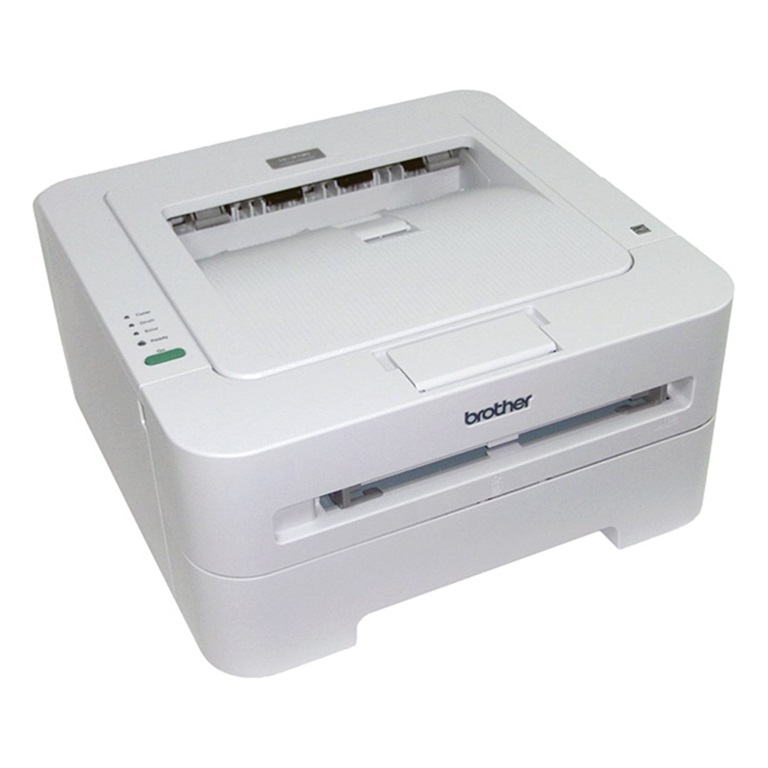
Printing a test page is the quickest way to check print quality and confirm the hardware works on the Brother HL-2130 — no computer required. Here is how to print
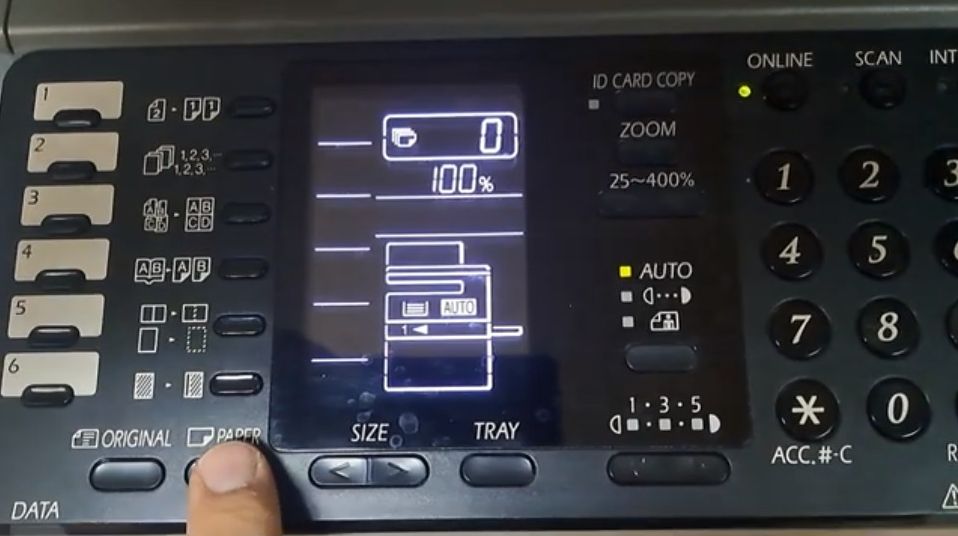
Changing the paper size on the Sharp AR-6020 is needed when you load a different size into Tray 1 or the bypass (manual) tray, so the copier stops asking for
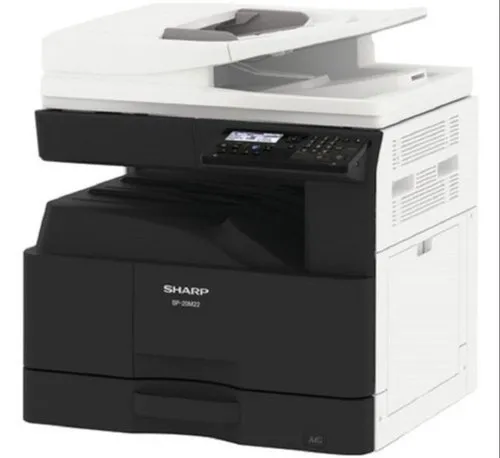
By default the USB port (Type B) is disabled on these models. To enable the USB port on the Sharp BP-20M22, BP-20M24, BP-20M28 and BP-20M31, you enter simulation (service) mode
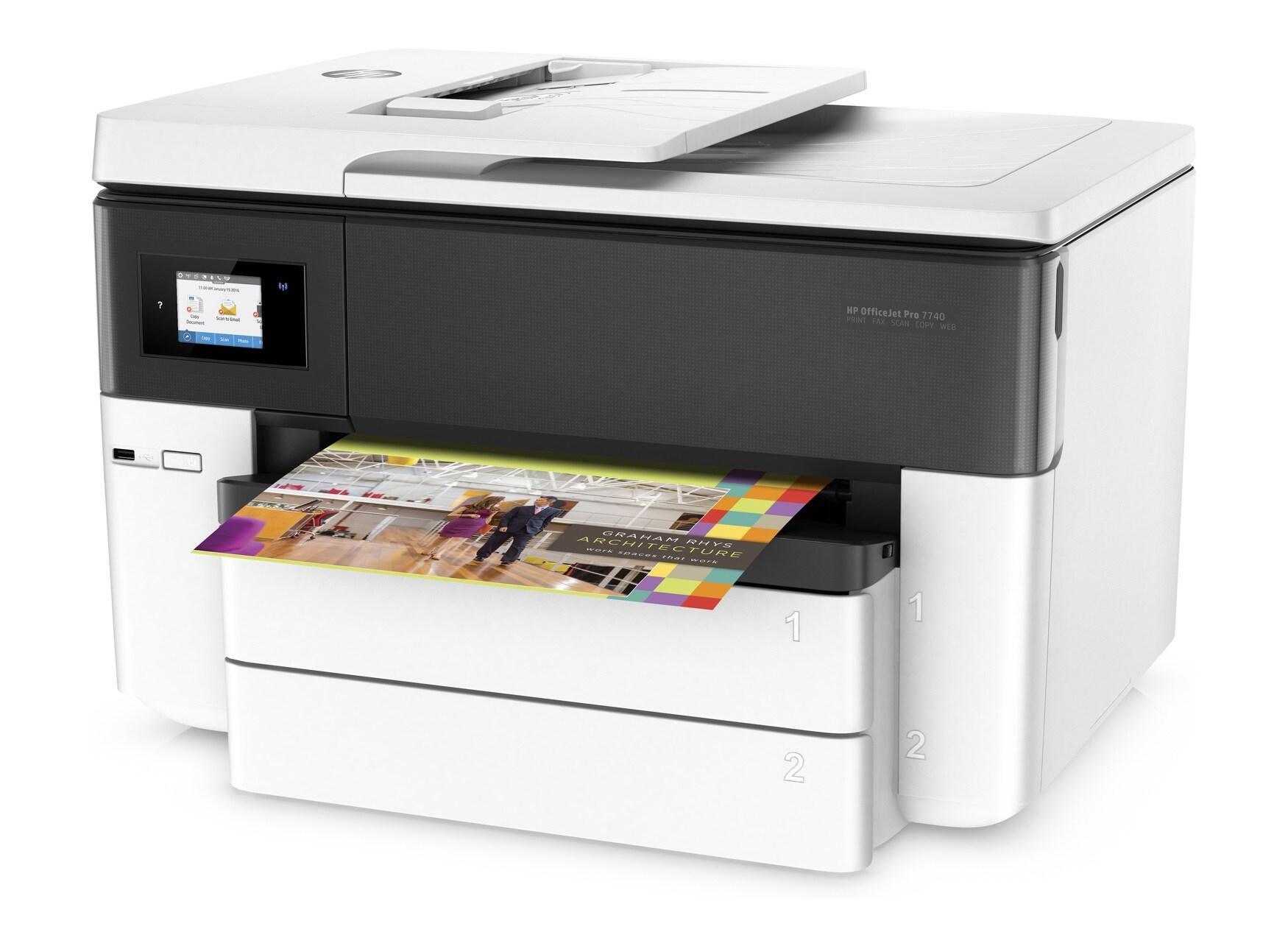
Since 2016, HP has included dynamic security in their firmware update, designed to limit third-party ink cartridges’ use. As per HP, dynamic security-enabled printers are only meant to function with
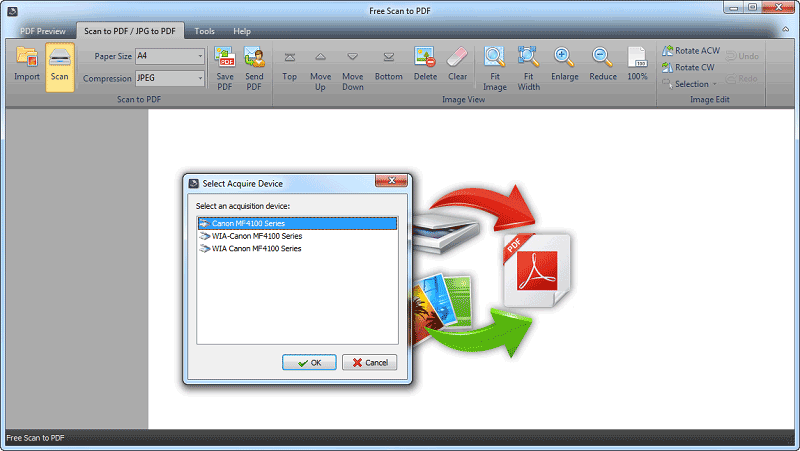
Advanced Scan to PDF is a simple, ease of use, good, clean, without ads, and without activations scaning program? Scan your documents to PDF format from your multifunctional device. Here is Advanced
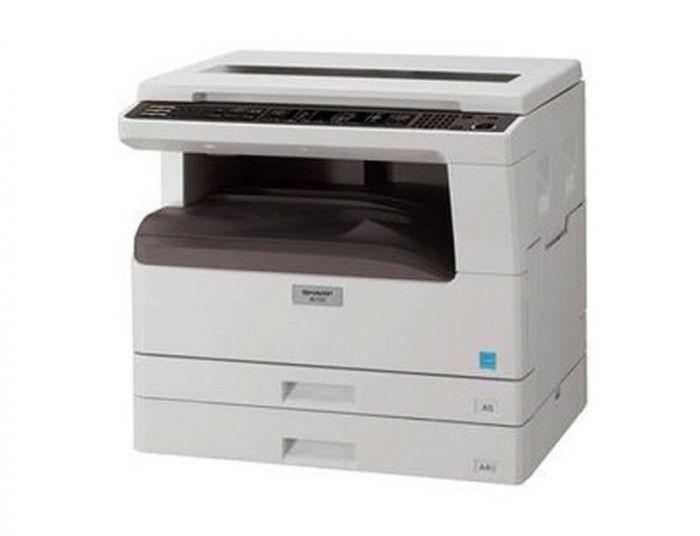
This guide shows how to change the paper tray size setting on the Sharp AR-5618 / AR-5620, so the copier matches the paper loaded in each tray and in the
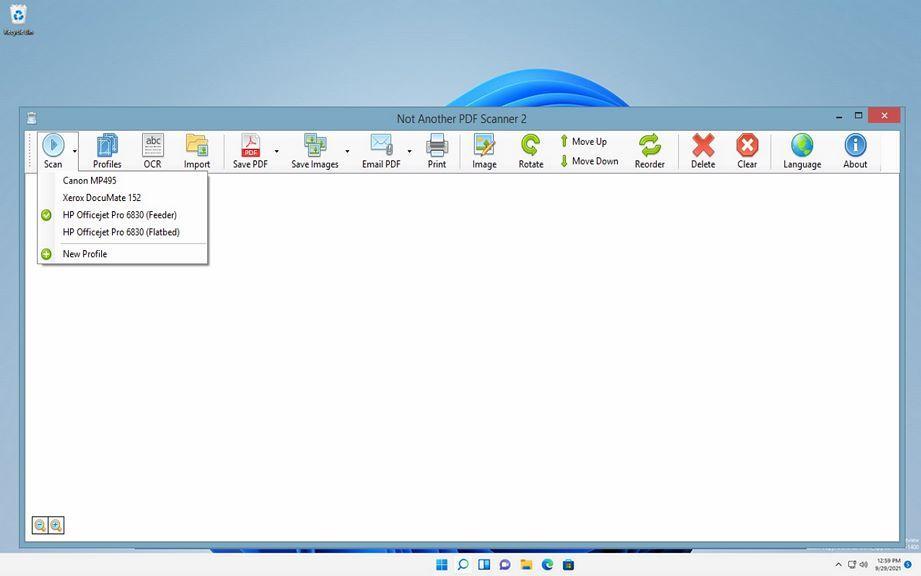
NAPS2 is a document scanning application with a focus on simplicity and ease of use. Scan your documents from WIA- and TWAIN-compatible scanners, organize the pages as you like, and