


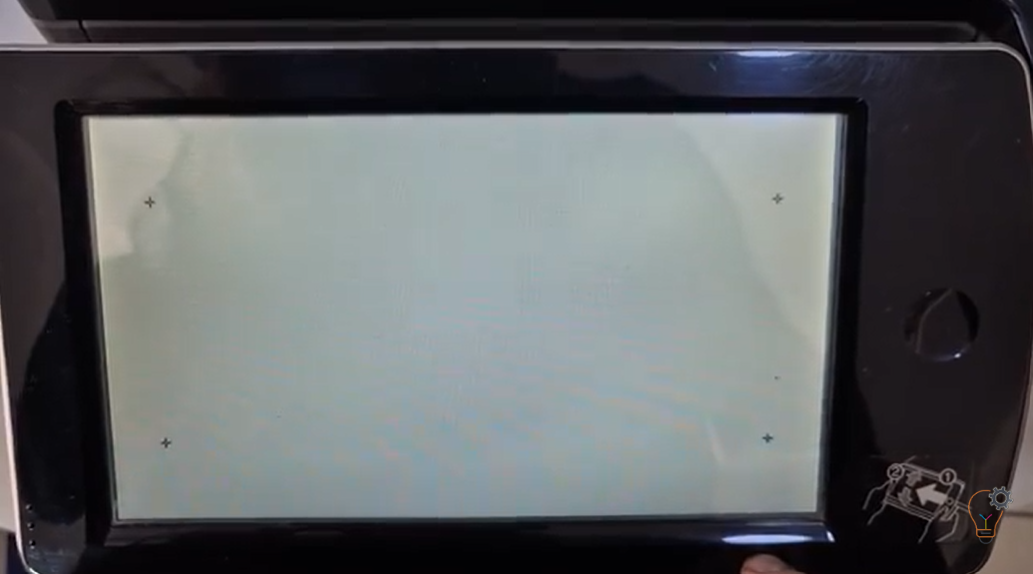
If the touchscreen on your SHARP multifunction printer is not responding correctly, registers the wrong position, or feels slow and inaccurate, a touch panel adjustment (calibration) may solve the issue.
Getting a new or second-hand printer ready often means adjusting a few settings before it works the way you want. This category collects setup and configuration guides for copiers and printers — paper size and tray options, touch-panel calibration and other device configuration. Popular guides include the touch panel adjustment on Sharp MX-series copiers, changing the paper size on the Sharp AR-6020, and the paper tray size setting on the Sharp AR-5618/5620. Each guide gives the exact steps so the machine matches your paper and workflow.
If the touchscreen on your SHARP multifunction printer is not responding correctly, registers the wrong position, or feels slow and inaccurate, a touch panel adjustment (calibration) may solve the issue.
Whether you’re designing eye-catching promotional material, curating art prints for a gallery wall, or producing large-scale educational charts, finding the Best Printers for Poster Printing is essential. With today’s advanced
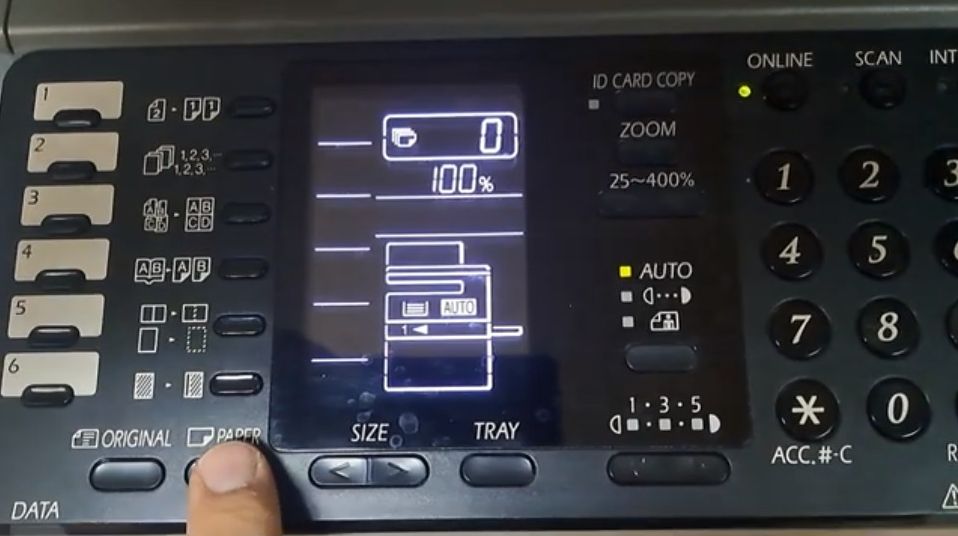
Changing the paper size on the Sharp AR-6020 is needed when you load a different size into Tray 1 or the bypass (manual) tray, so the copier stops asking for
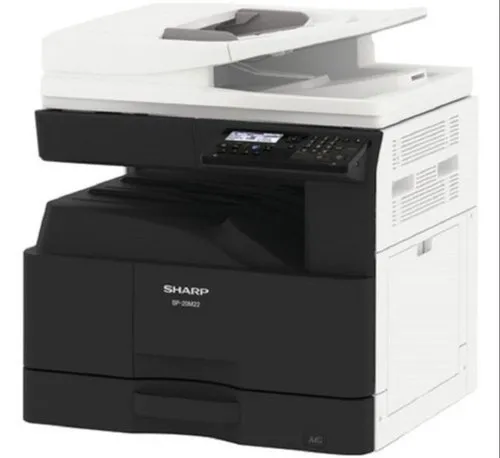
By default the USB port (Type B) is disabled on these models. To enable the USB port on the Sharp BP-20M22, BP-20M24, BP-20M28 and BP-20M31, you enter simulation (service) mode
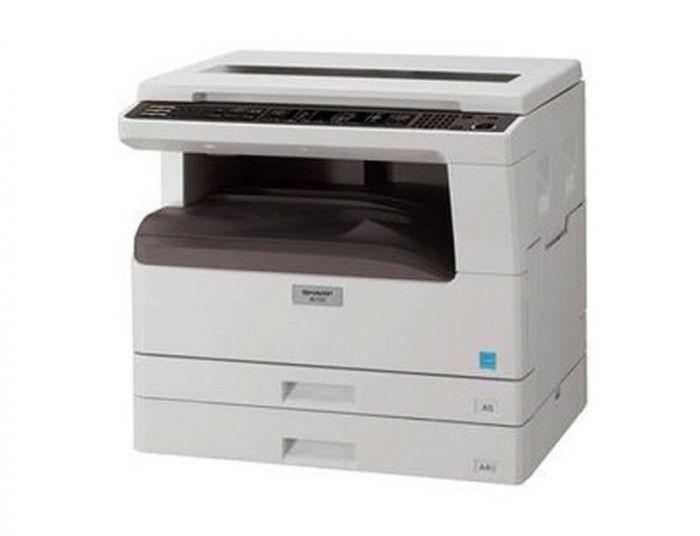
This guide shows how to change the paper tray size setting on the Sharp AR-5618 / AR-5620, so the copier matches the paper loaded in each tray and in the