


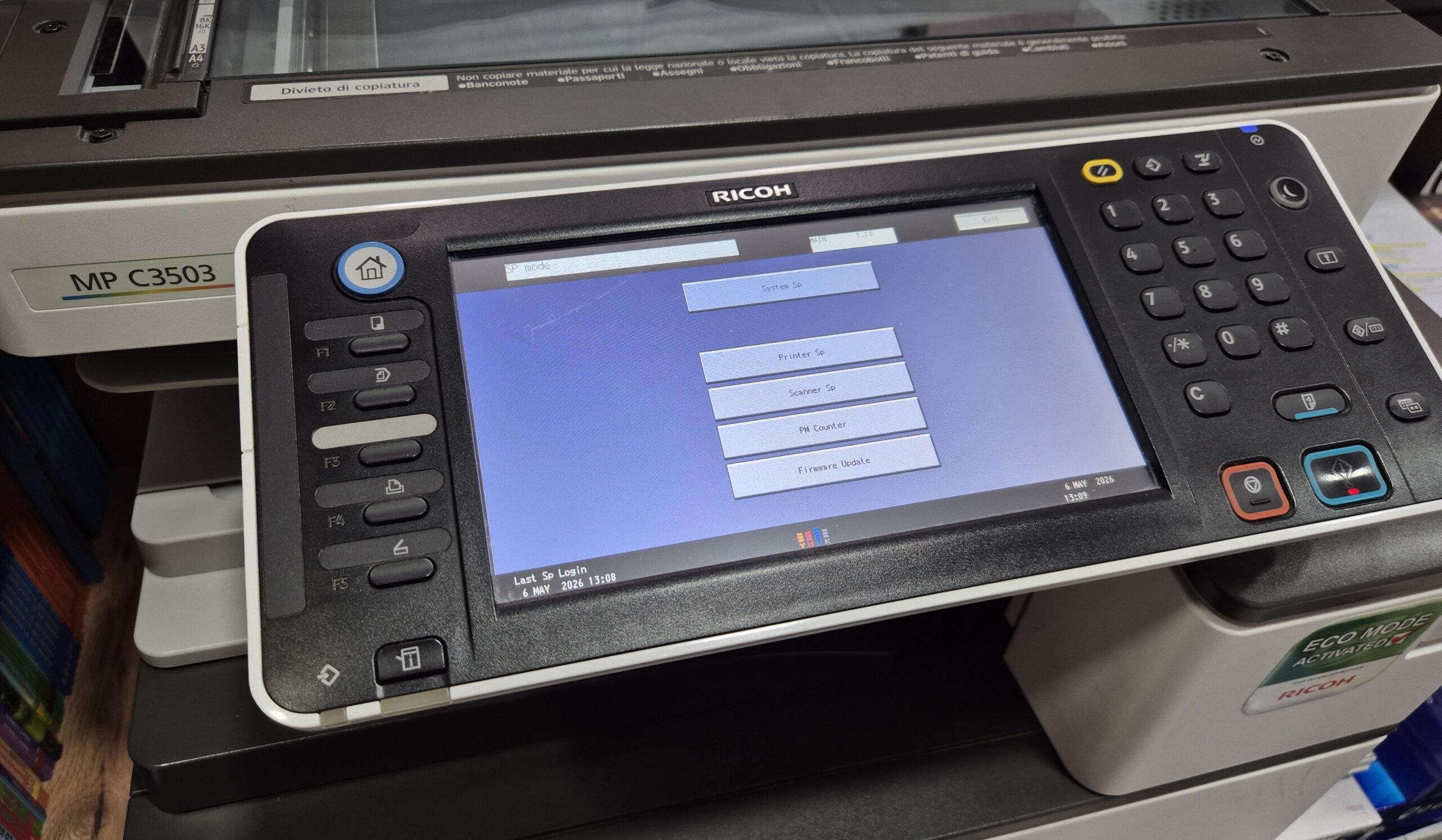
Learn how to enter Service Mode (SP Mode) on the Ricoh MPC3503 copier quickly and safely. This step-by-step guide shows the exact key combination used by technicians. The procedure is
Service Mode (also called SP Mode or Service Program Mode) is the hidden technician menu used to reset counters, clear errors and adjust internal settings on printers and copiers. This category collects step-by-step guides for entering service mode on popular Ricoh and Konica Minolta models, with the exact key sequence for each. Guides include how to enter SP Mode on the Ricoh MPC3503, the Ricoh MP2553SP/3053 series, and Service Mode on the Konica Minolta bizhub C224e. Service mode is intended for technicians — only change values you understand.
Learn how to enter Service Mode (SP Mode) on the Ricoh MPC3503 copier quickly and safely. This step-by-step guide shows the exact key combination used by technicians. The procedure is
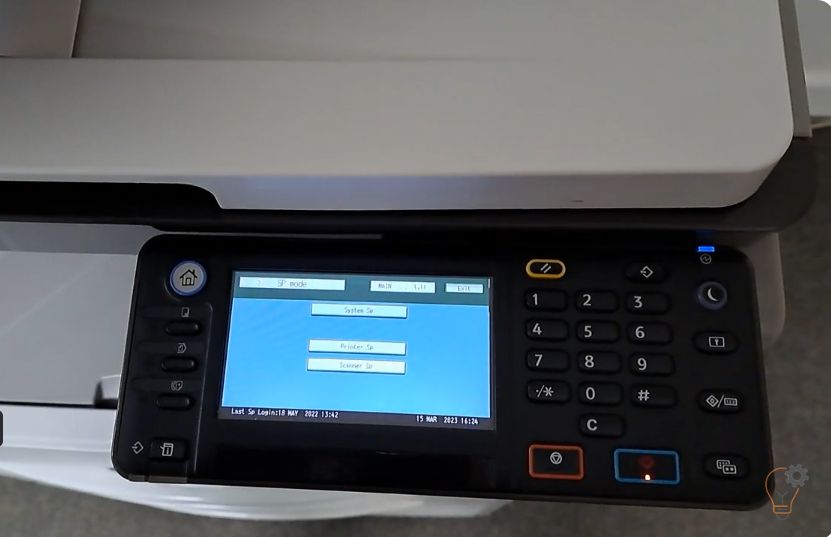
To enter Service (SP) Mode on the Ricoh MP 2501SP, you use a short key sequence on the control panel. This guide shows the exact Ricoh MP 2501SP service mode
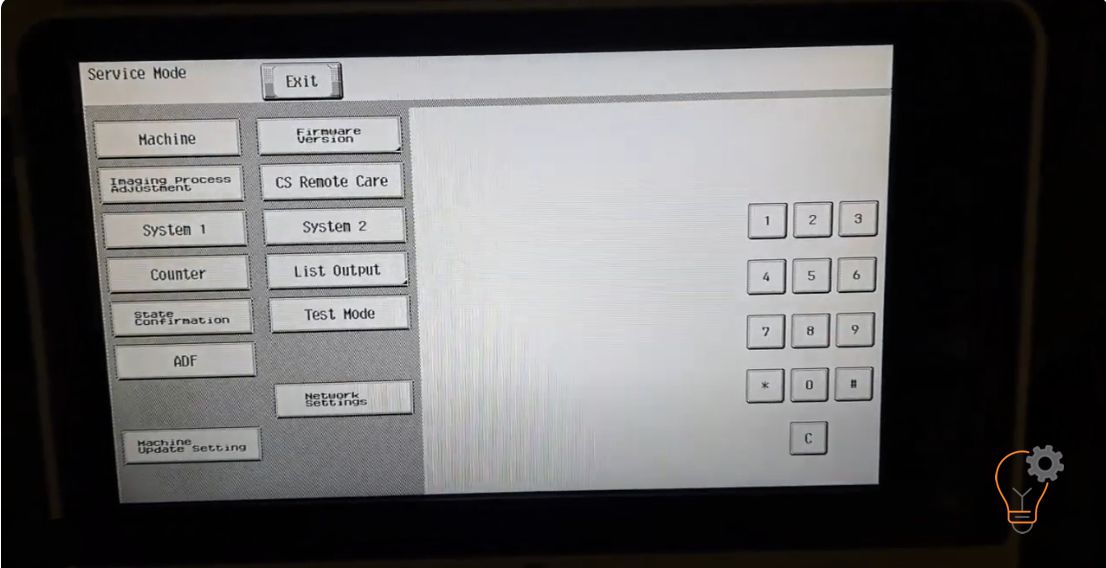
If you want to enter in an Service Mode on Konica Minolta bizhub C224e models for many reasons… Maybe to clear some error counter, to reset the machine or clear
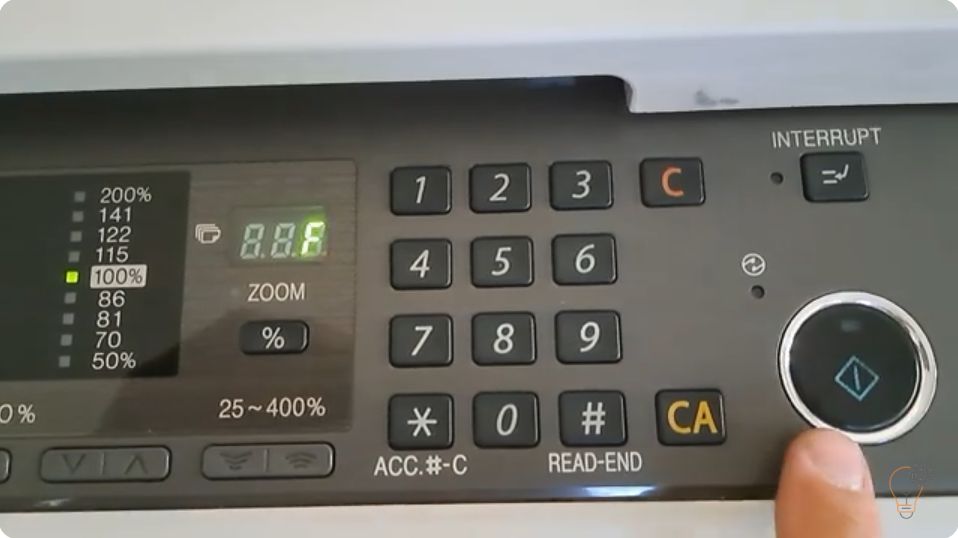
When a Sharp copier reports a fault it first shows only the first two characters of the code (for example H2 or F2). To diagnose the problem you need the
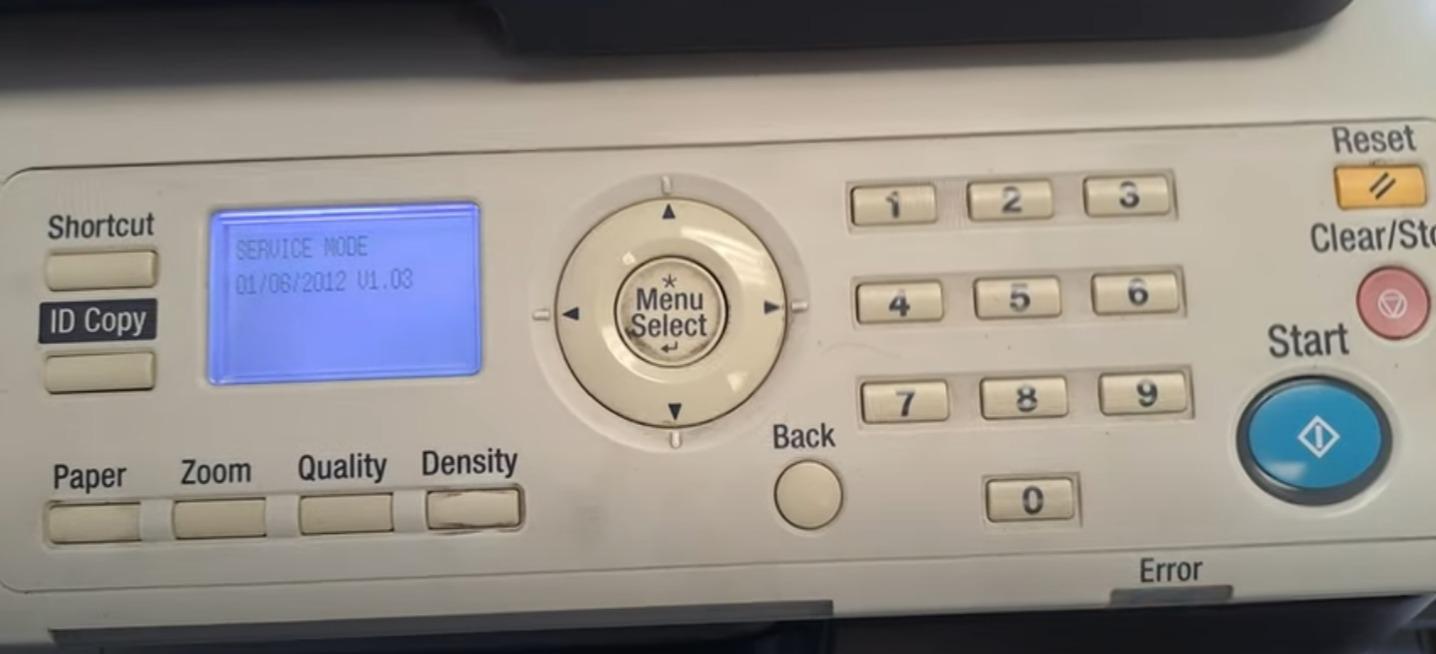
If you want to enter in an service mode on Konica Minolta bizhub 165 or bizhub 185 for many reasons… Maybe to clear some error counter, to reset the machine
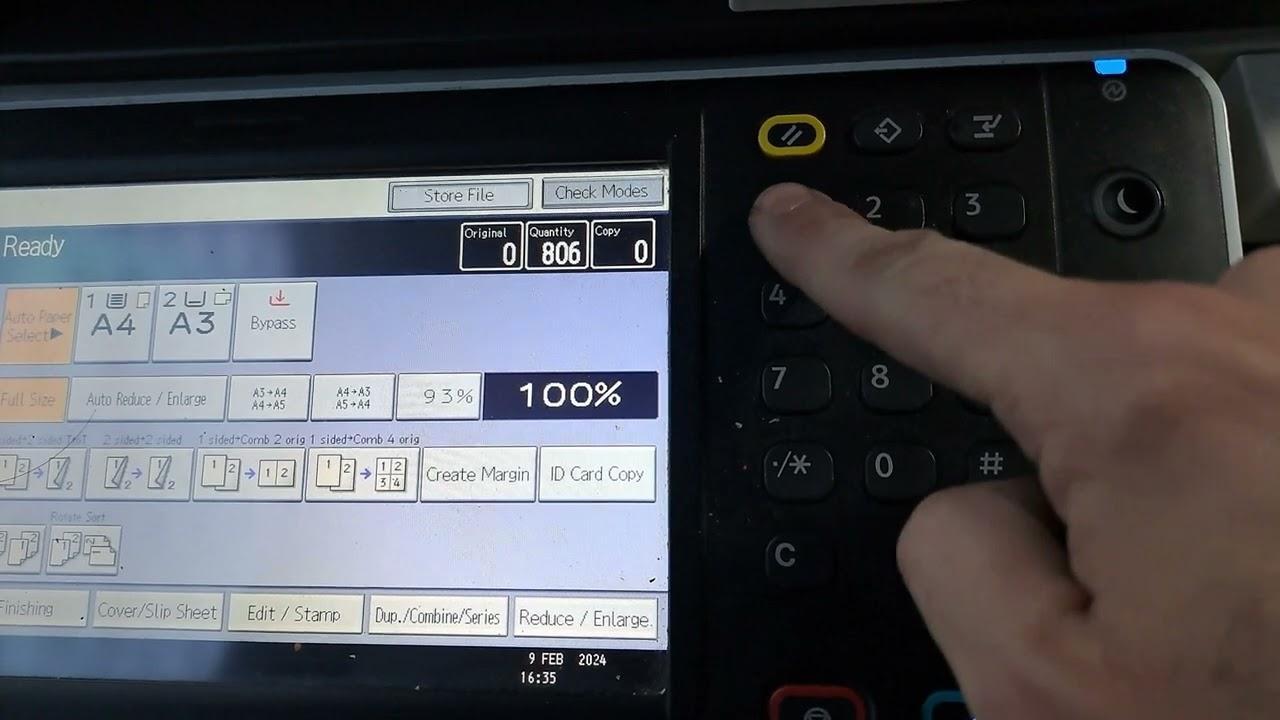
If you need to enter Service Program Mode (SP Mode) on the Ricoh MP2553SP, 3053, 3053SP, 3353 or 3353SP, use the key sequence below. This is the standard Ricoh MP