


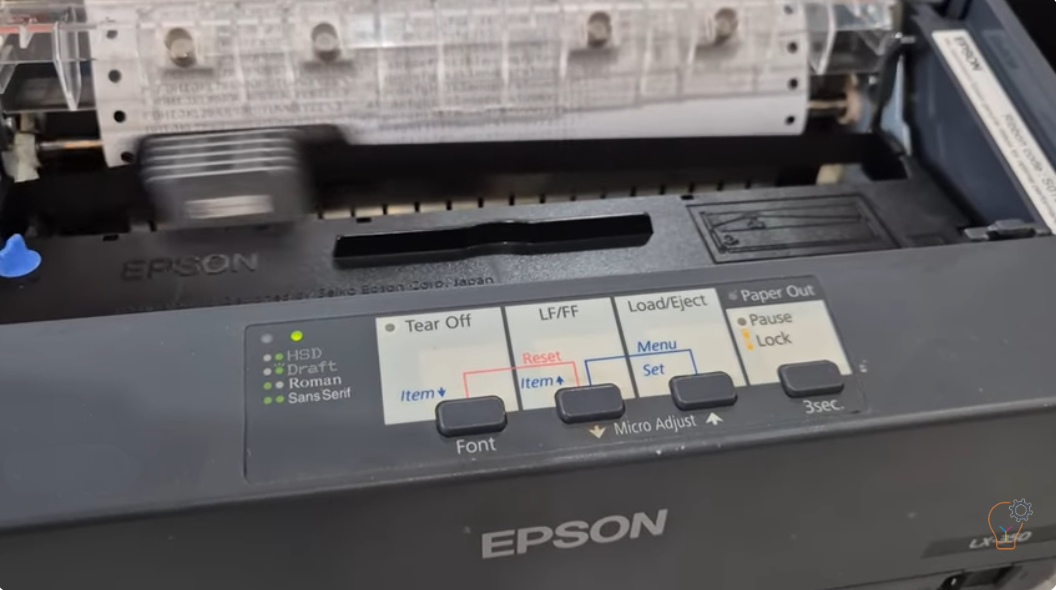
If you are troubleshooting your Epson LX-350 dot matrix printer or simply want to check its performance, printing a self test page is one of the easiest and most effective
A test page is the quickest way to check that a printer’s hardware, toner and drum are working — without connecting to a computer. This category collects testing and basic maintenance guides for printers and copiers. Guides include how to print a self test page on the Epson LX-350 dot matrix printer and how to print a test page on the Brother HL-2130. Use a test print to spot streaks, fading or alignment problems early, before they interrupt your work.
If you are troubleshooting your Epson LX-350 dot matrix printer or simply want to check its performance, printing a self test page is one of the easiest and most effective
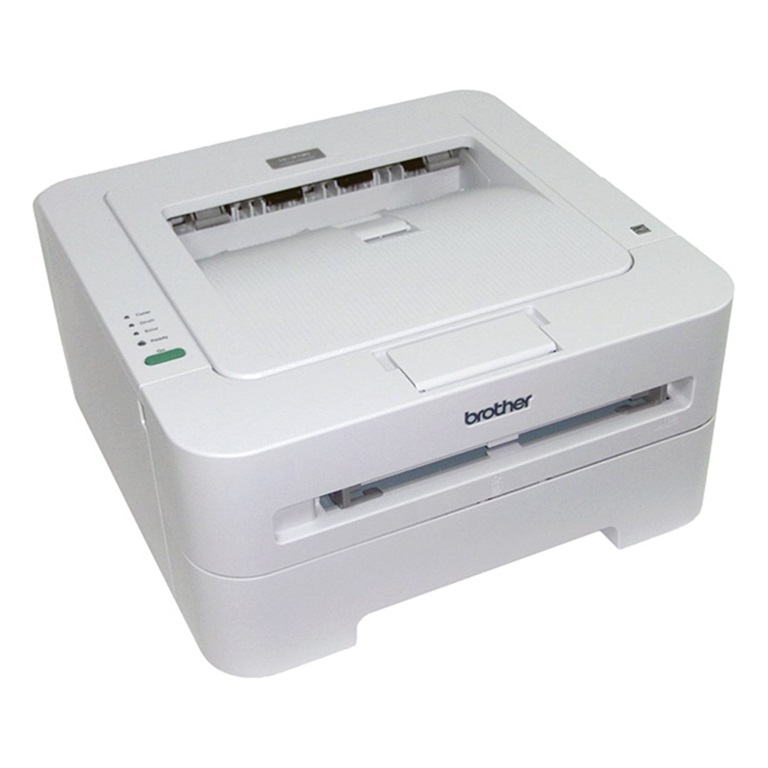
Printing a test page is the quickest way to check print quality and confirm the hardware works on the Brother HL-2130 — no computer required. Here is how to print