


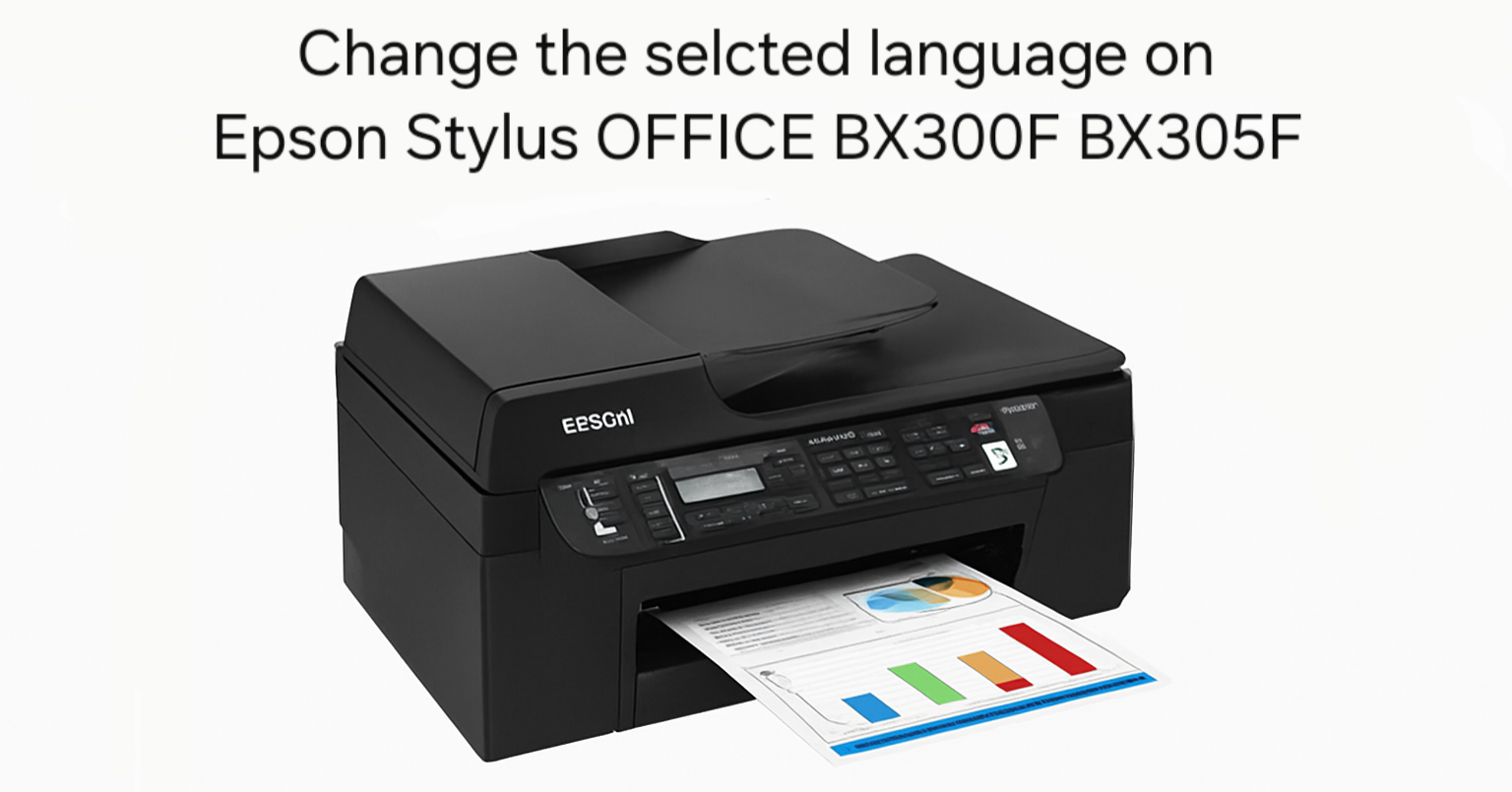
If you’ve recently purchased a second-hand Epson Stylus OFFICE BX300F or BX305F printer and found it set to a language you don’t understand, don’t worry – you’re not alone. Many
System settings control how a printer or copier behaves day to day — things like paper size, display language, USB port access, toner-save mode and meter counters. This category collects step-by-step guides for changing these printer system settings on Sharp, Konica Minolta and Epson machines. Popular guides include enabling the USB port on the Sharp BP-50C26, checking the copy count on the Konica Minolta bizhub 423/363, and changing the display language on the Epson Stylus Office BX300F/BX305F. Each guide gives the exact menu path or key sequence, with no computer required.
If you’ve recently purchased a second-hand Epson Stylus OFFICE BX300F or BX305F printer and found it set to a language you don’t understand, don’t worry – you’re not alone. Many
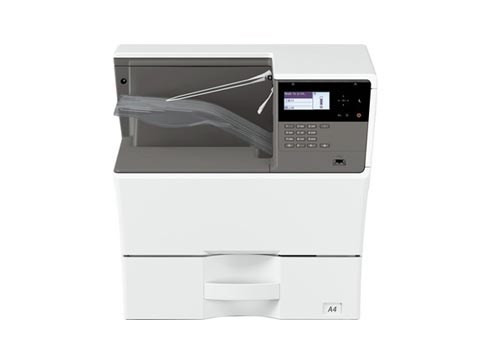
By default the USB port is disabled on these Sharp models. To enable the USB port on the Sharp MX-B350P, AR-B352PT, MX-B450P and AR-B452PT, you enter simulation mode and switch
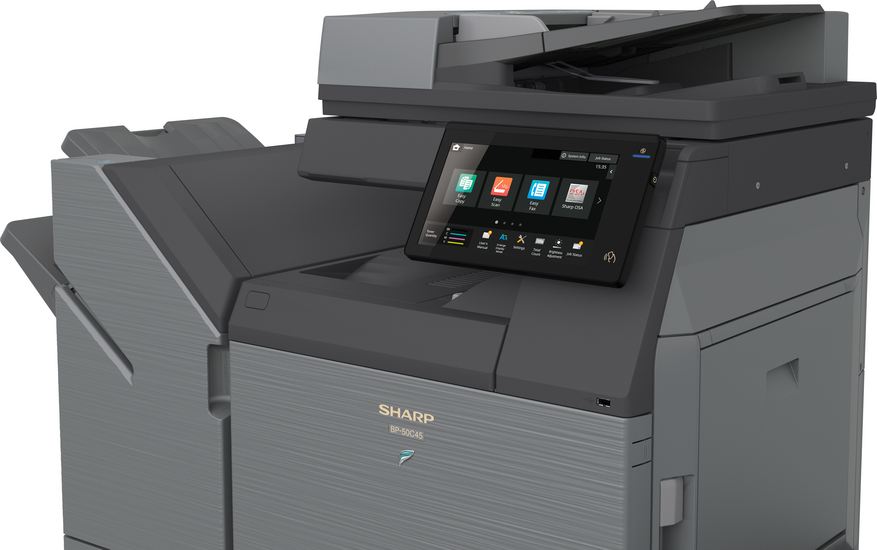
By default the USB port (Type B) is disabled on this model. To enable the USB port on the Sharp BP-50C26, you enter simulation (service) mode and switch it on.
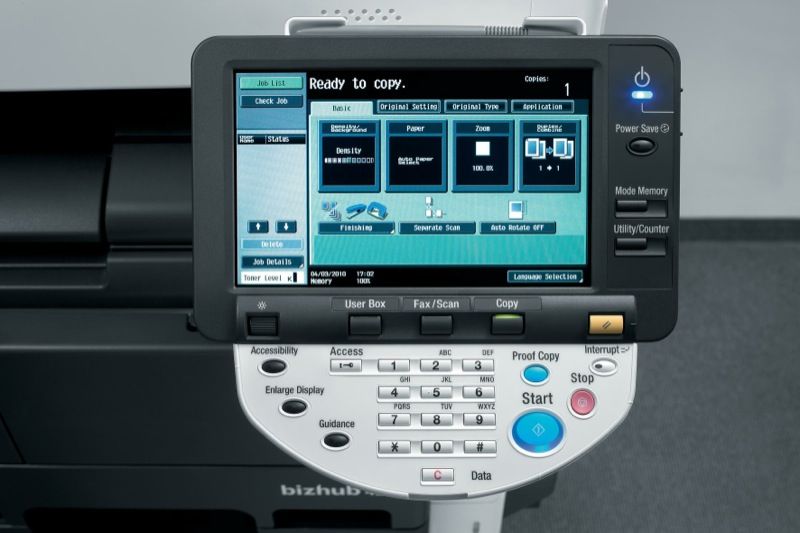
If you need to read the meter or copy count on the Konica Minolta bizhub 423, 363, 283 or 223, it only takes a couple of taps on the control
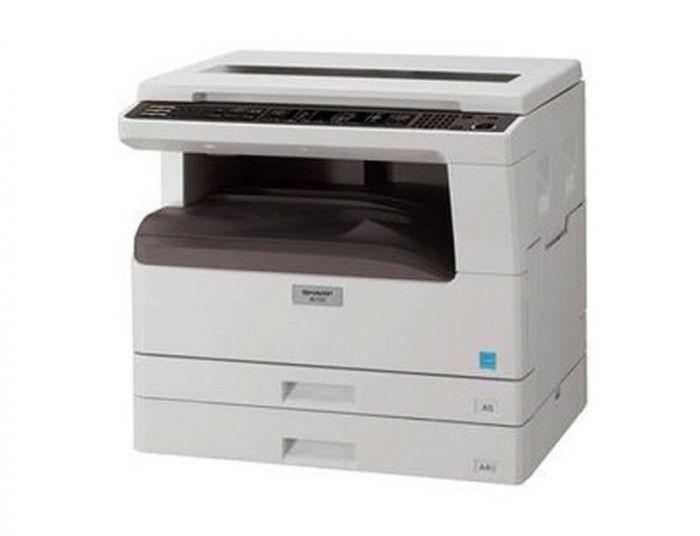
If you want to check the remaining toner life on the Sharp AR-5516, AR-5518, AR-5520, AR-6020 or AR-6023, the copier can show the toner level as a percentage using a
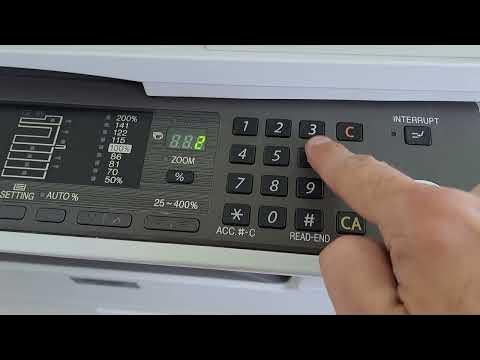
To reduce toner consumption you can turn on toner save mode on the Sharp AR-5516 / AR-5520 series. It is enabled through the machine’s simulation (service) mode using the key
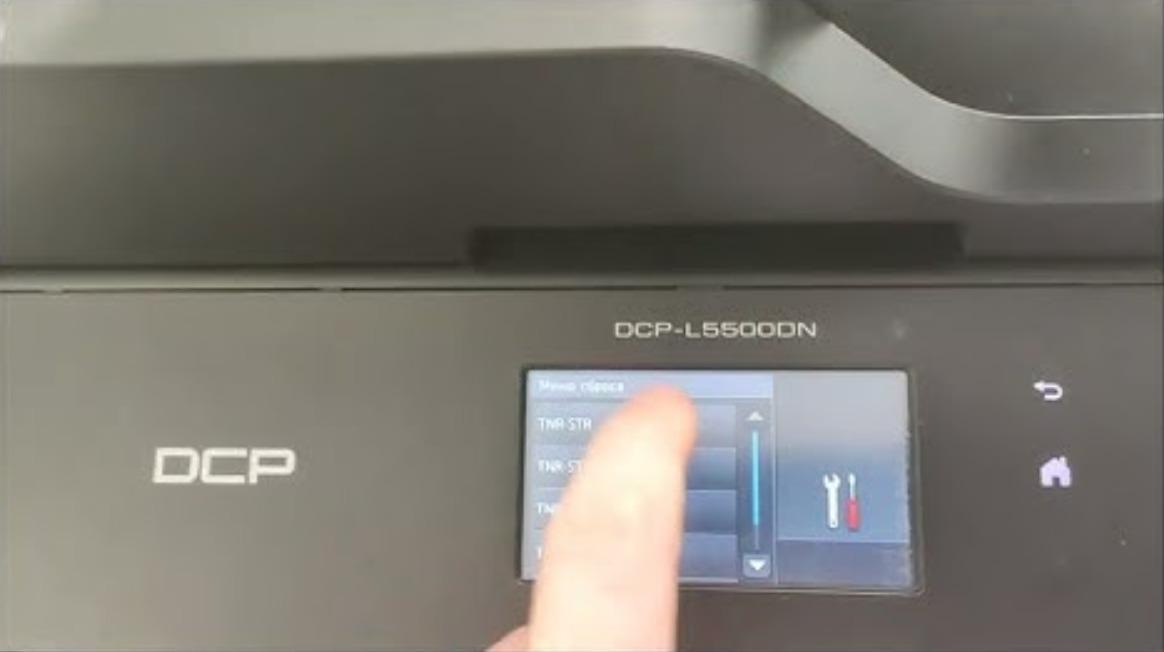
Toner Save mode lightens the print density so the machine uses less toner and the cartridge lasts longer. Here is how to turn Toner Save mode on or off on