

Now Reading: Toner Save mode ON/OFF on Brother DCP L5500 / 5700 / 5750 / 6700 / 6900
1
-
01
Toner Save mode ON/OFF on Brother DCP L5500 / 5700 / 5750 / 6700 / 6900

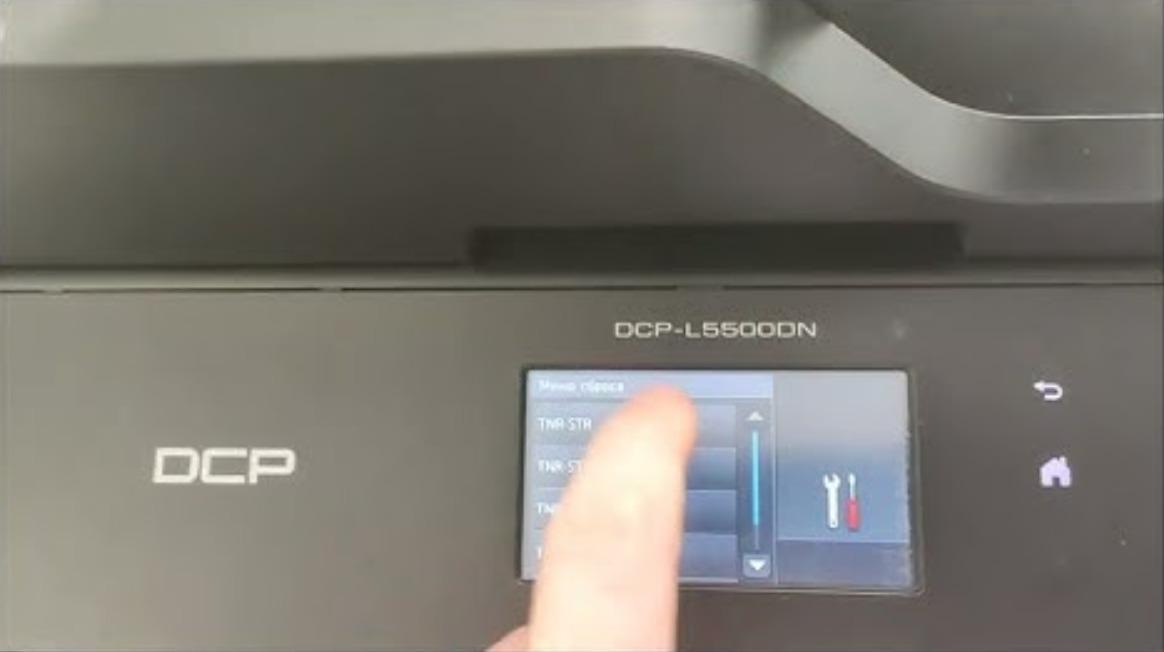
Toner Save mode ON/OFF on Brother DCP L5500 / 5700 / 5750 / 6700 / 6900
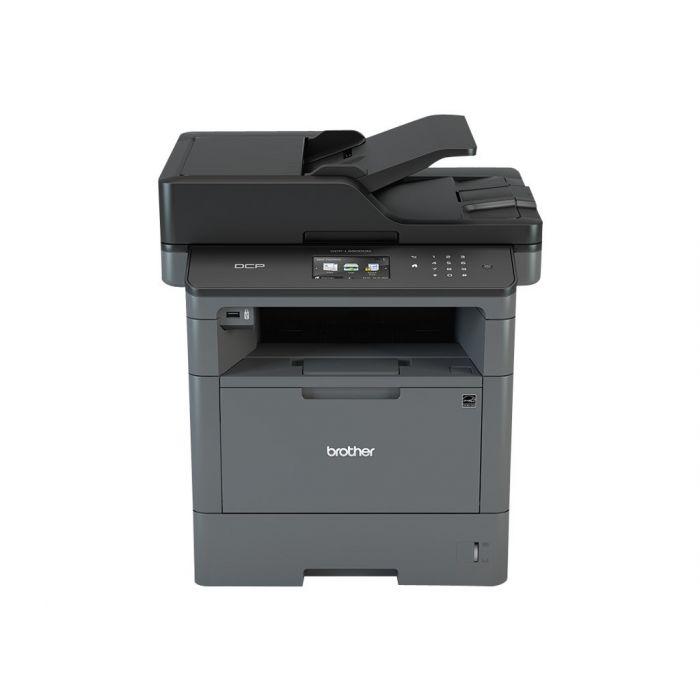
Toner Save mode lightens the print density so the machine uses less toner and the cartridge lasts longer. Here is how to turn Toner Save mode on or off on the Brother DCP-L5500, L5700, L5750, L6700 and L6900.
How to turn Toner Save mode on or off on the Brother DCP-L5500 series
- Press Menu.
- Press the Up or Down arrow to choose General Setup and press OK.
- Choose Ecology and press OK.
- Choose Toner Save and press OK.
- Choose On or Off and press OK.
- Press Stop/Exit.
Watch the video
You can watch the full procedure here:
Frequently asked questions
What does Toner Save mode do?
It reduces the amount of toner used per page, so prints look slightly lighter but the cartridge lasts longer — useful for drafts and internal documents.
Will Toner Save affect print quality?
Text and images print a little lighter. For final or photo-quality prints, turn Toner Save off.
Which models does this cover?
The Brother DCP-L5500, L5700, L5750, L6700 and L6900 use the same Menu → General Setup → Ecology → Toner Save path.
Related guides
Leave a reply
You must be logged in to post a comment.
Related Posts
Previous Post
Next Post
Loading Next Post...
Pingback: Turn on the toner save mode on Sharp AR-5516/5520 series | Copiers Printers Tricks
Pingback: Turn on the toner save mode on Sharp AR-5516/5520 series | Print Copy Tech
Pingback: How to check the remaining life of the toner cartridge on Sharp AR-5516/5520 series? | Print Copy Tech
Pingback: How to check the remaining life of the toner cartridge on Sharp AR-5516/5520 series - PrintFixLab
Pingback: Turn on the toner save mode on Sharp AR-5516/5520 series - PrintFixLab