


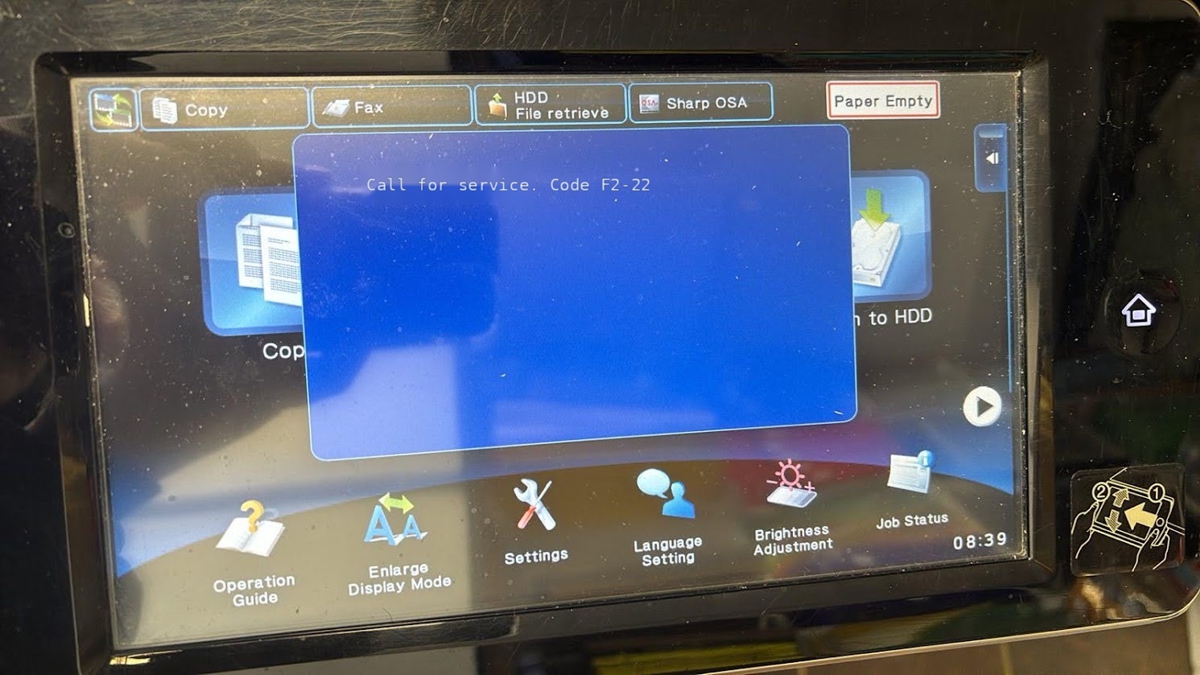
If your Sharp MX-M565 shows the F2-22 error, the machine has detected a discharge lamp (K) problem – not a toner, paper, or fuser fault. On the MX-M565 (and the
If your Sharp MX-M565 shows the F2-22 error, the machine has detected a discharge lamp (K) problem – not a toner, paper, or fuser fault. On the MX-M565 (and the
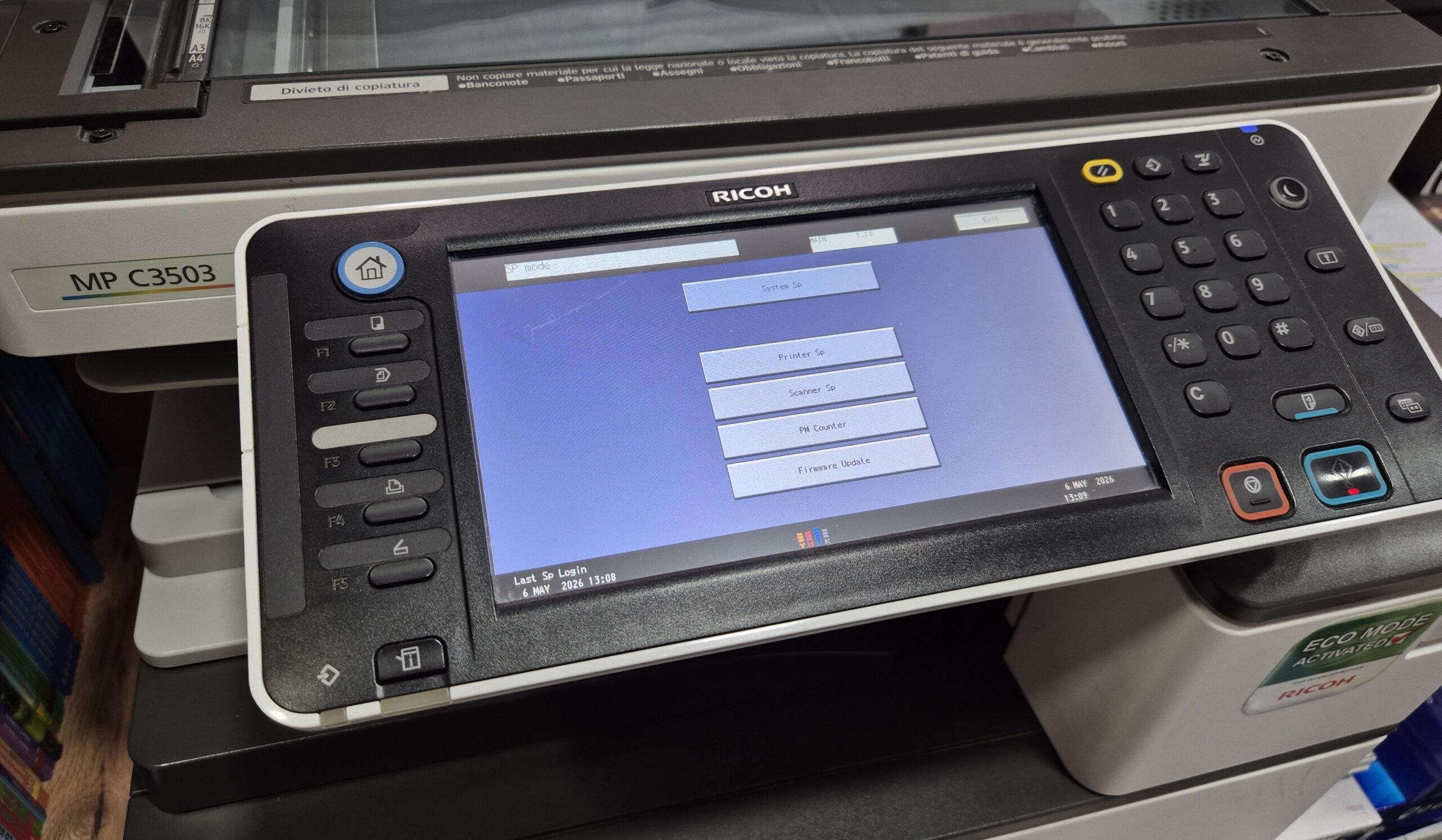
Learn how to enter Service Mode (SP Mode) on the Ricoh MPC3503 copier quickly and safely. This step-by-step guide shows the exact key combination used by technicians. The procedure is
If the touchscreen on your SHARP multifunction printer is not responding correctly, registers the wrong position, or feels slow and inaccurate, a touch panel adjustment (calibration) may solve the issue.
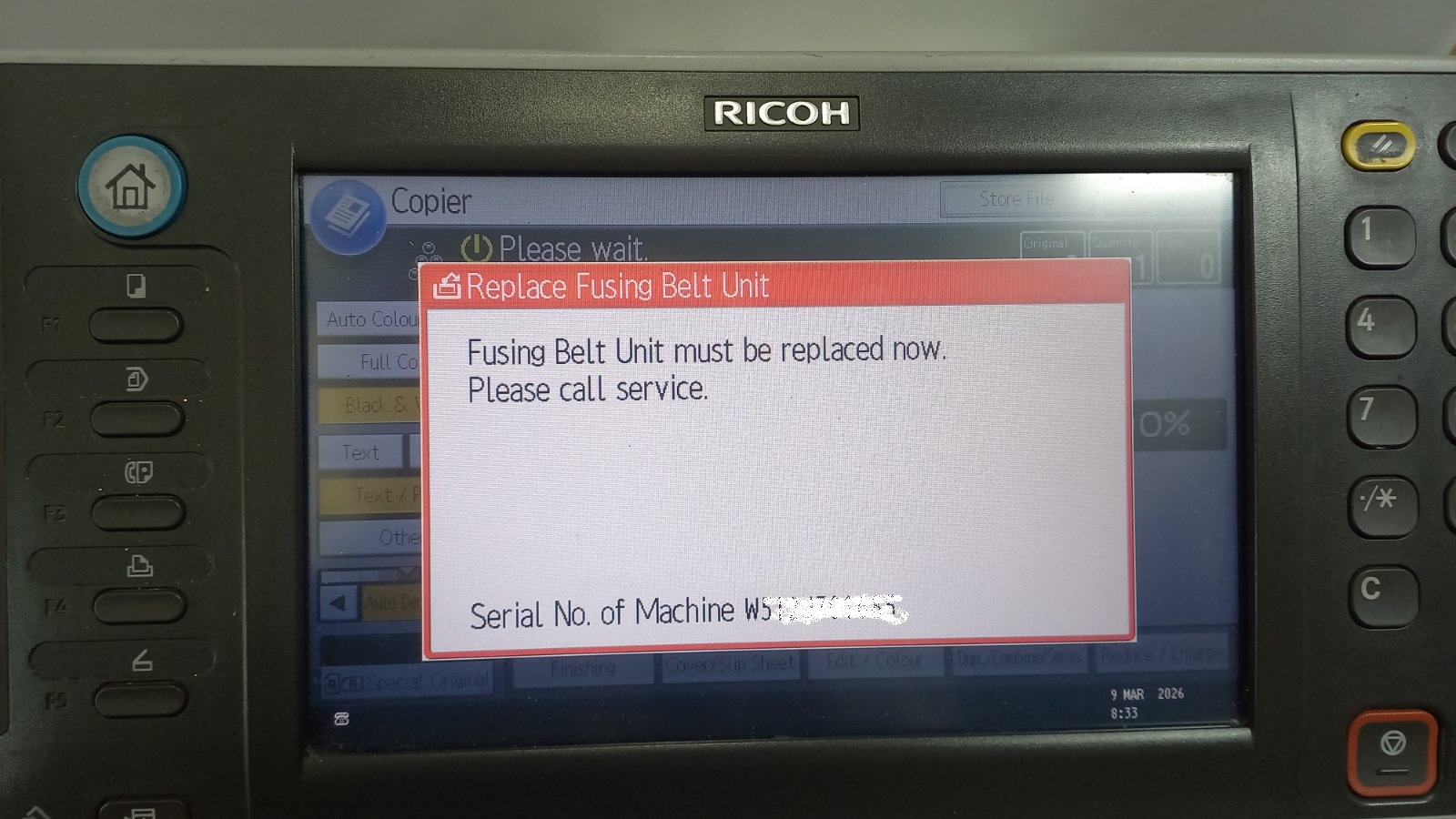
If your Ricoh copier displays the message “Replace Fusing Belt Unit”, it usually means that the fusing belt unit has reached its service counter limit. Even after replacing the unit,
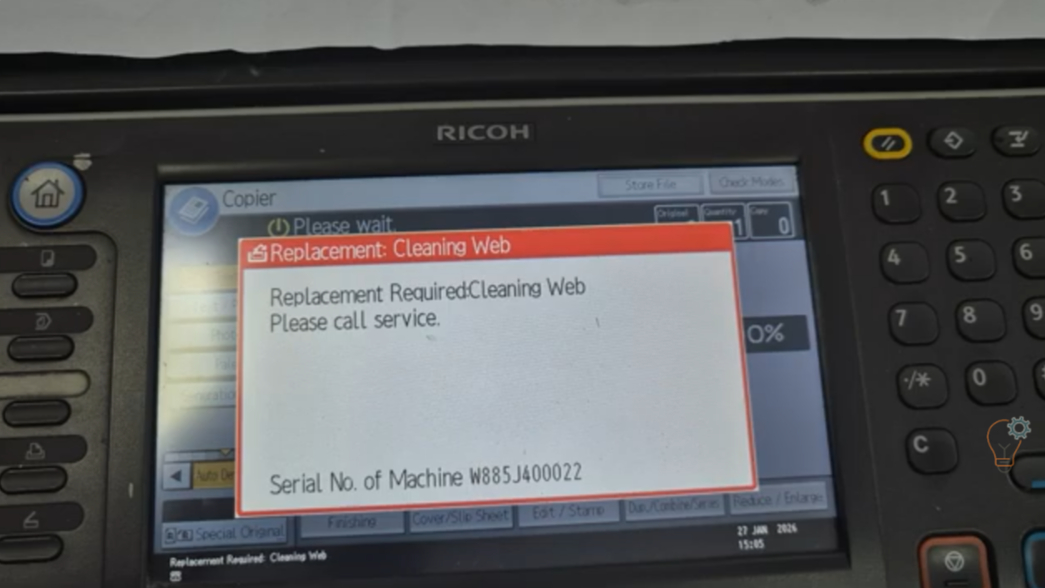
If your Ricoh Aficio MP6002SP or MP9002 displays a maintenance message related to the cleaning web, you may need to reset the counter after replacing the fusing cleaning web (teflon
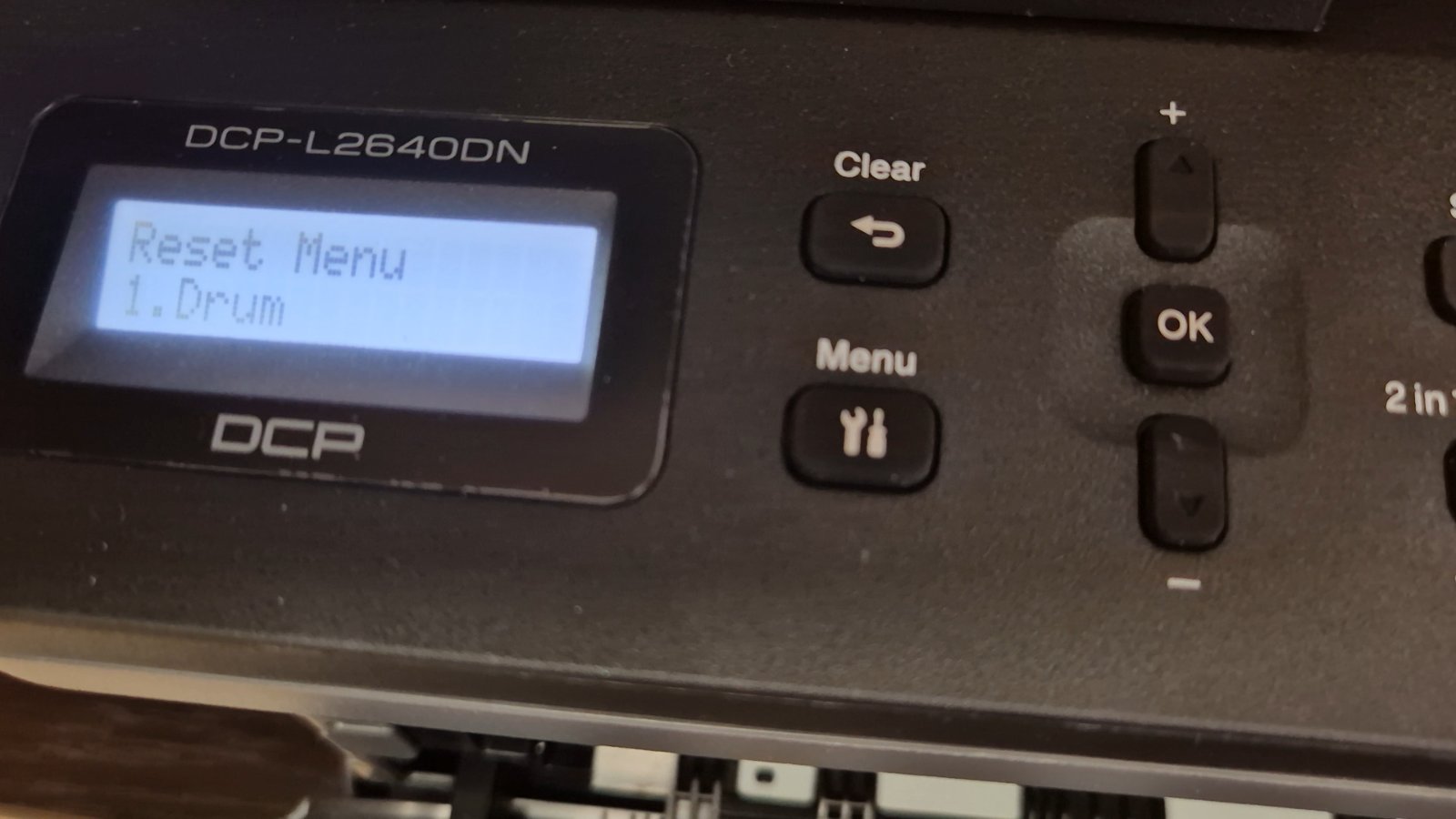
If you are using the Brother DCP-L2640DN printer and you see a message related to the drum unit, such as “Replace Drum” or “Drum End Soon”, it doesn’t always mean
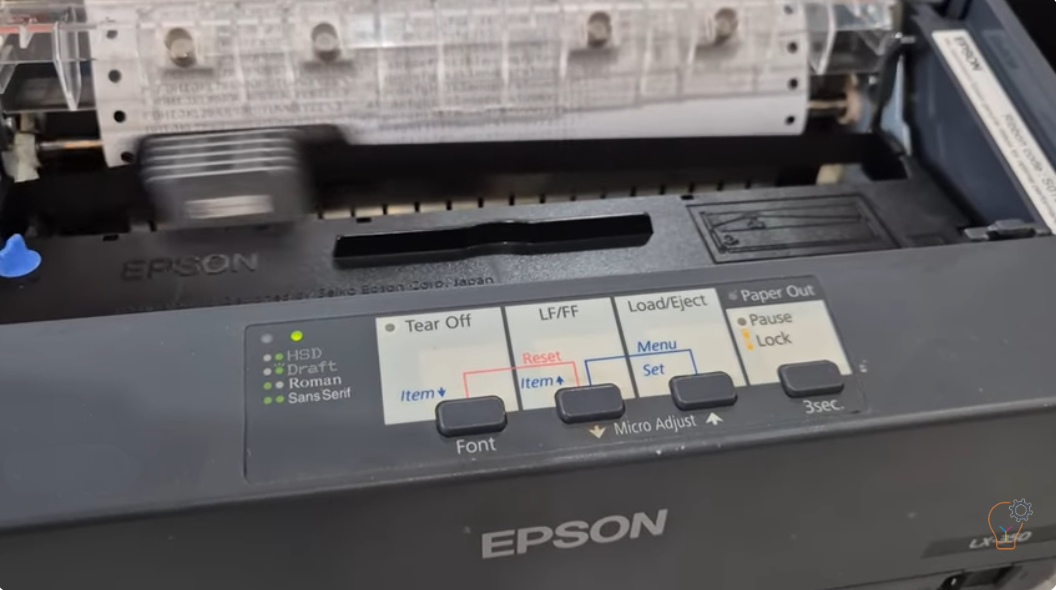
If you are troubleshooting your Epson LX-350 dot matrix printer or simply want to check its performance, printing a self test page is one of the easiest and most effective
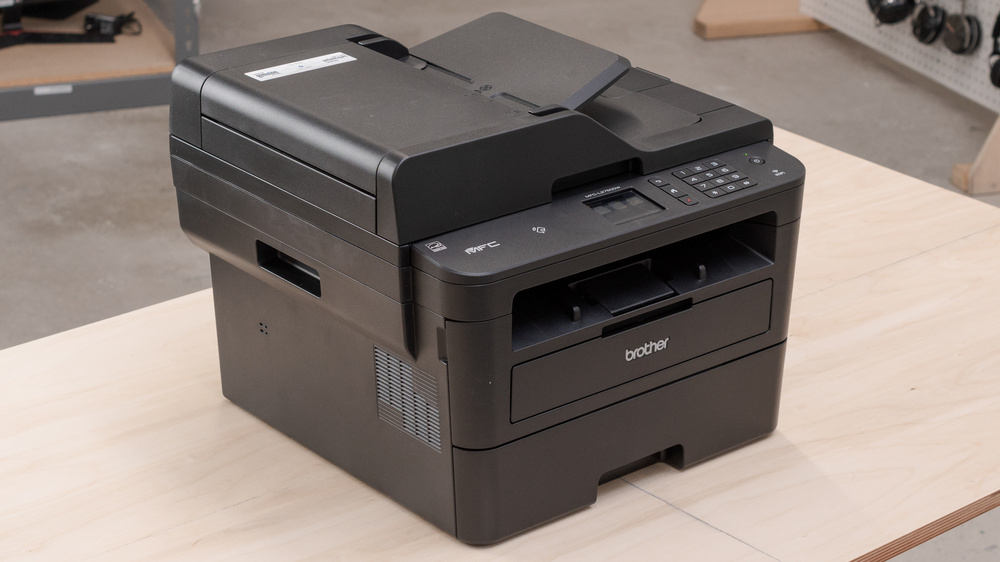
After you replace the drum unit on the Brother MFC-L2750DW, the printer keeps showing a drum warning until you reset the drum counter manually. This step-by-step guide shows the exact
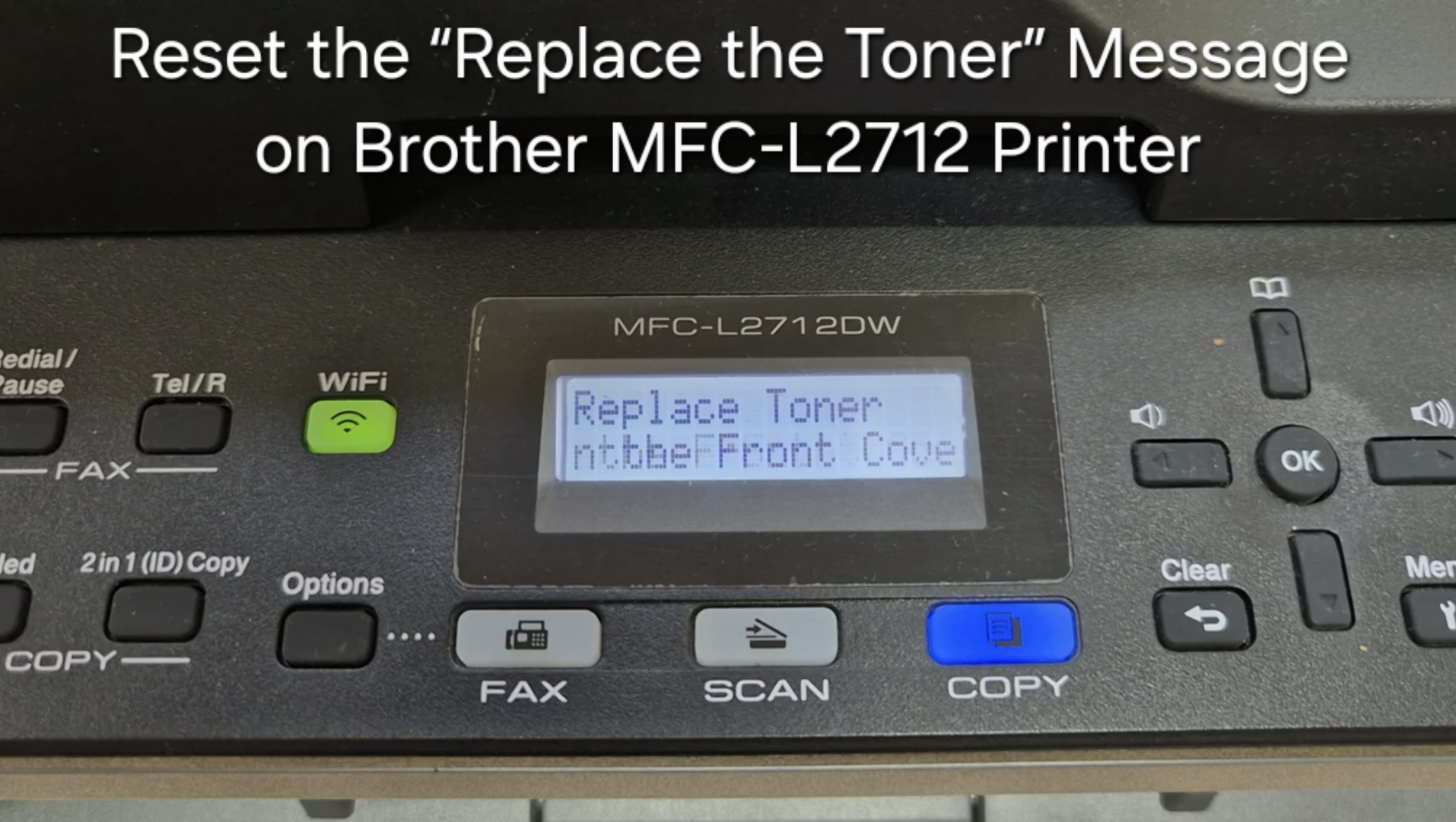
If your Brother MFC-L2712 displays the “Replace the Toner” message, you can often clear it by resetting the toner counter. Follow the steps below to perform a manual reset. This

Whether you’re designing eye-catching promotional material, curating art prints for a gallery wall, or producing large-scale educational charts, finding the Best Printers for Poster Printing is essential. With today’s advanced