


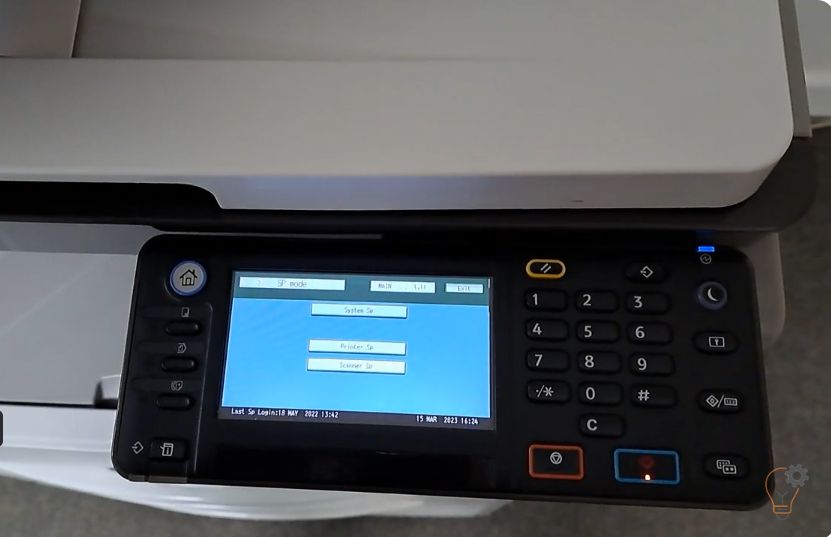
To enter Service (SP) Mode on the Ricoh MP 2501SP, you use a short key sequence on the control panel. This guide shows the exact Ricoh MP 2501SP service mode
To enter Service (SP) Mode on the Ricoh MP 2501SP, you use a short key sequence on the control panel. This guide shows the exact Ricoh MP 2501SP service mode
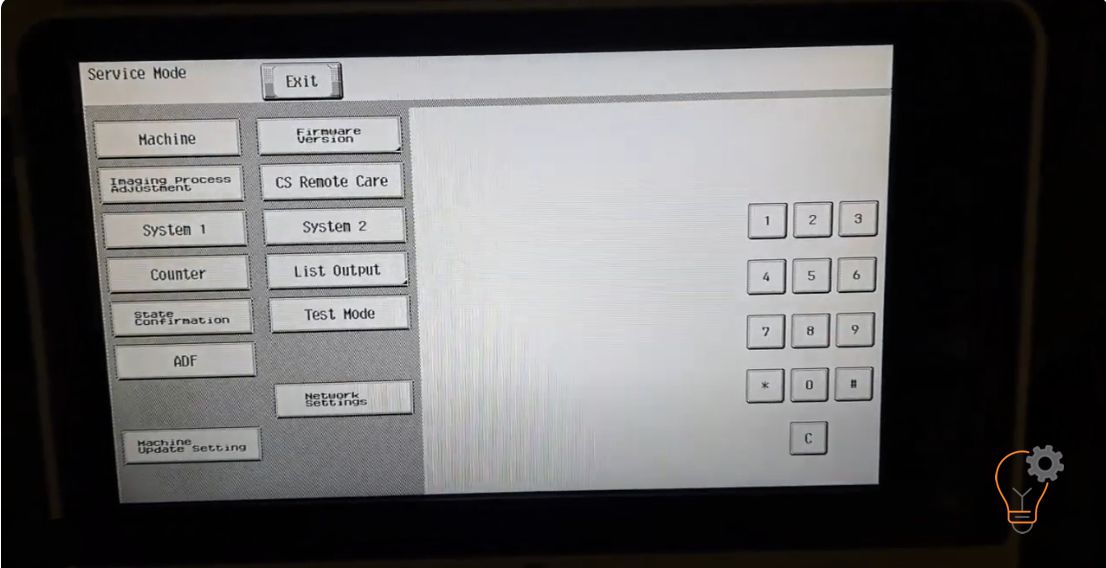
If you want to enter in an Service Mode on Konica Minolta bizhub C224e models for many reasons… Maybe to clear some error counter, to reset the machine or clear
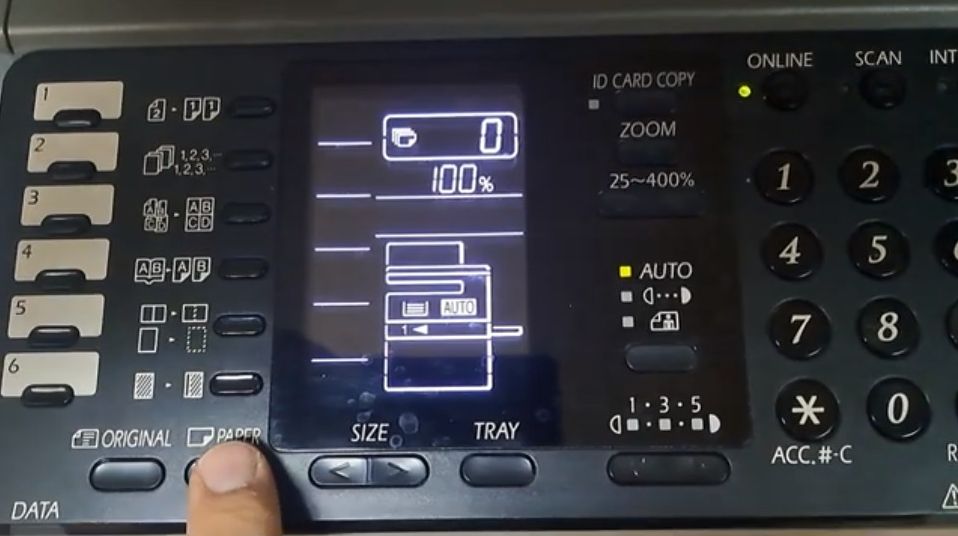
Changing the paper size on the Sharp AR-6020 is needed when you load a different size into Tray 1 or the bypass (manual) tray, so the copier stops asking for
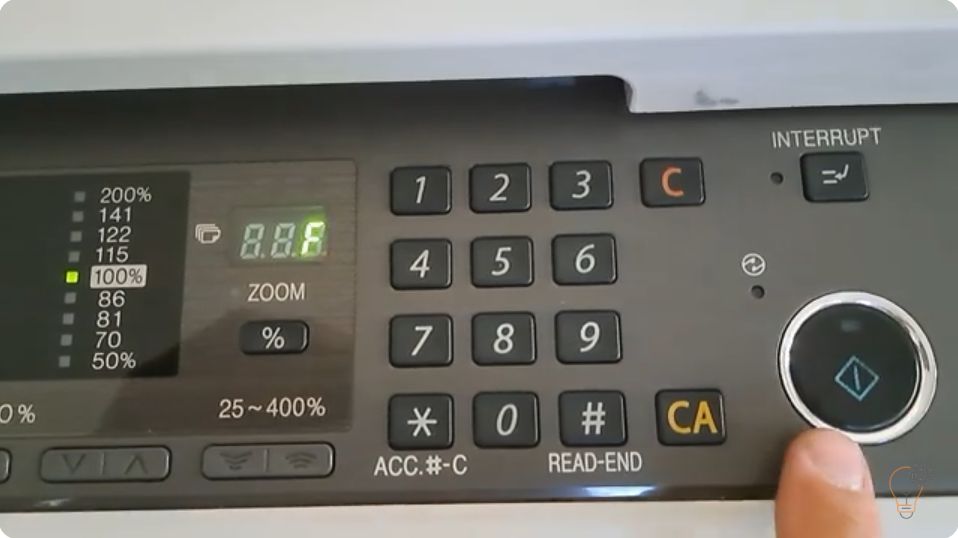
When a Sharp copier reports a fault it first shows only the first two characters of the code (for example H2 or F2). To diagnose the problem you need the
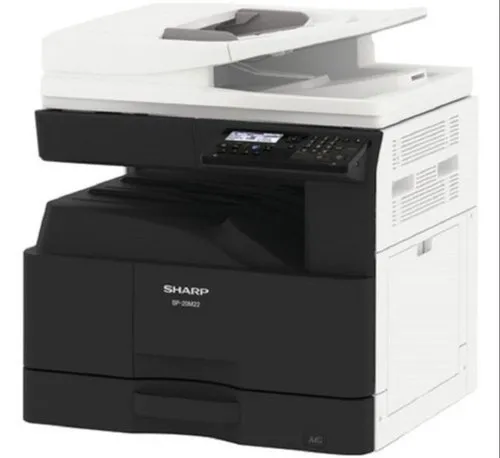
By default the USB port (Type B) is disabled on these models. To enable the USB port on the Sharp BP-20M22, BP-20M24, BP-20M28 and BP-20M31, you enter simulation (service) mode
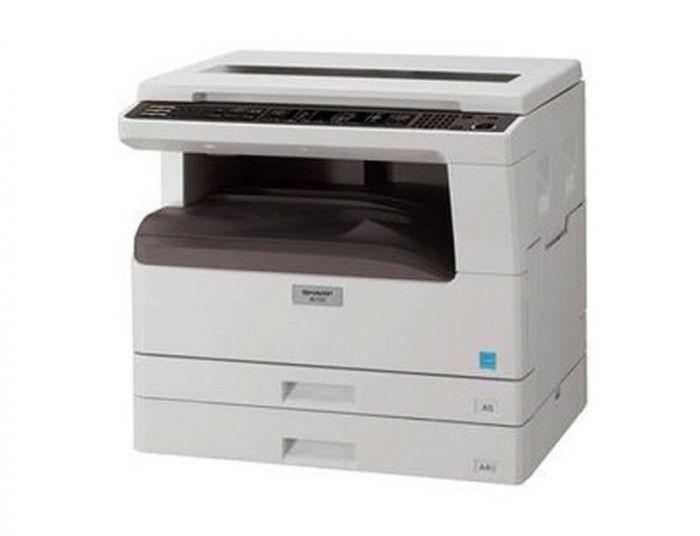
If you want to check the remaining toner life on the Sharp AR-5516, AR-5518, AR-5520, AR-6020 or AR-6023, the copier can show the toner level as a percentage using a
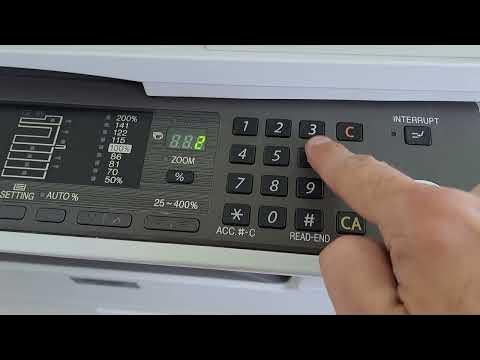
To reduce toner consumption you can turn on toner save mode on the Sharp AR-5516 / AR-5520 series. It is enabled through the machine’s simulation (service) mode using the key
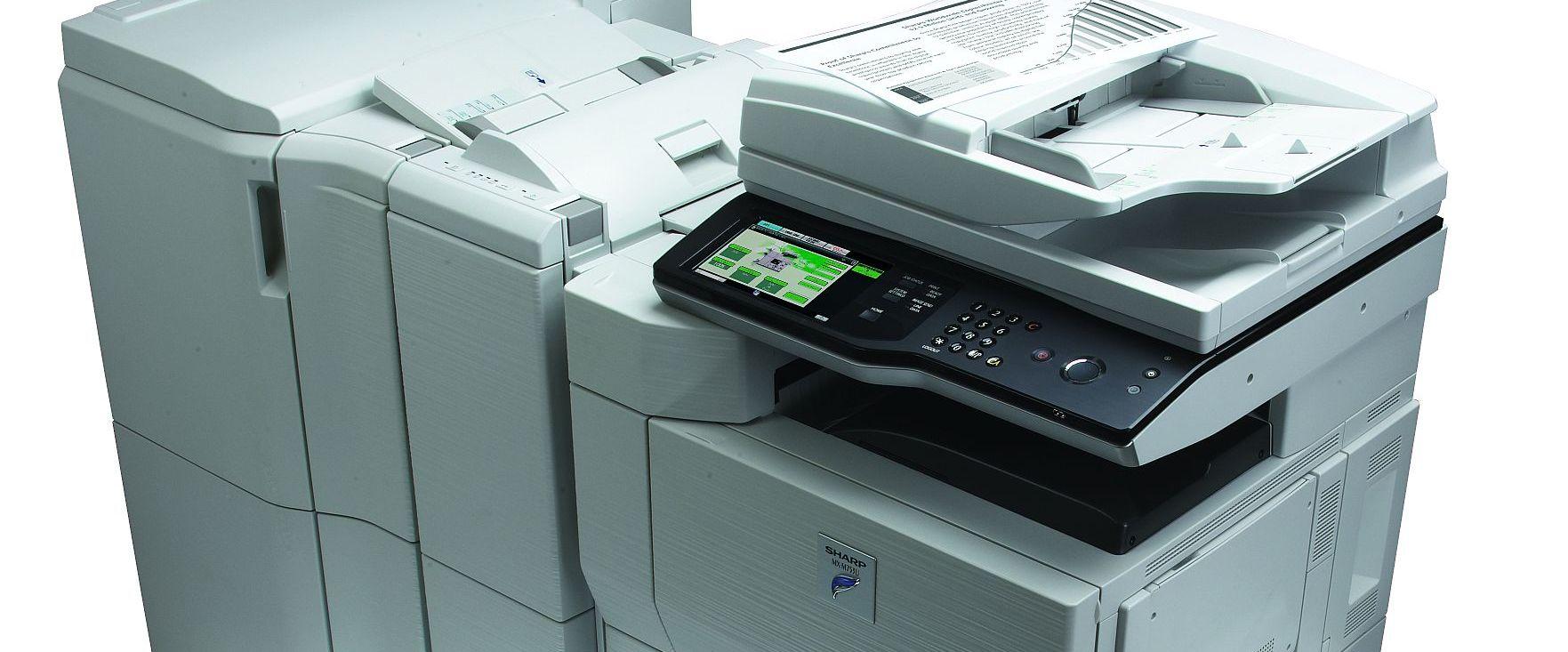
The Sharp error “Call for service L4-03” indicates a functional problem with the fusing (fuser) drive — usually a locked fusing motor. It appears on models such as the Sharp
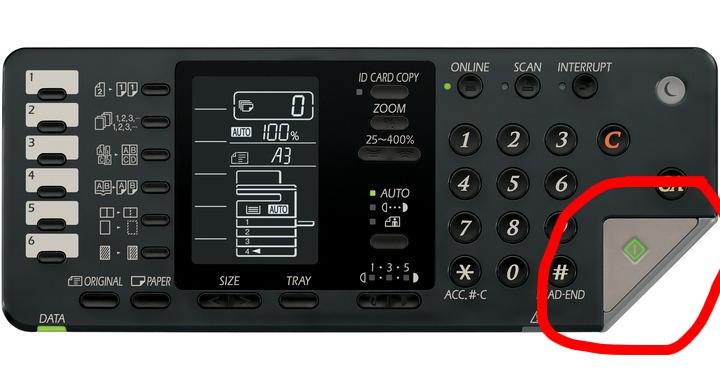
If the warning light on the Start button is blinking on the Sharp AR-6020 / AR-6023 and you can print but cannot copy, the problem is usually with the scanner
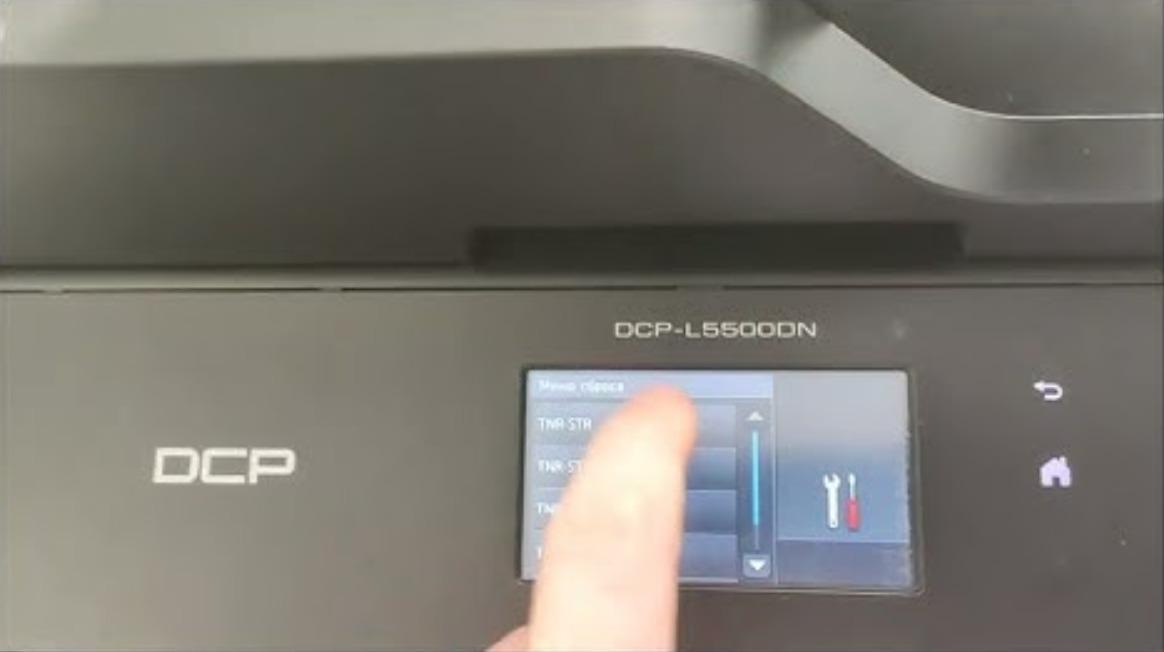
Toner Save mode lightens the print density so the machine uses less toner and the cartridge lasts longer. Here is how to turn Toner Save mode on or off on