

Now Reading: Ricoh MP 2501SP Service Mode (SP Mode) – How to Enter
-
01
Ricoh MP 2501SP Service Mode (SP Mode) – How to Enter

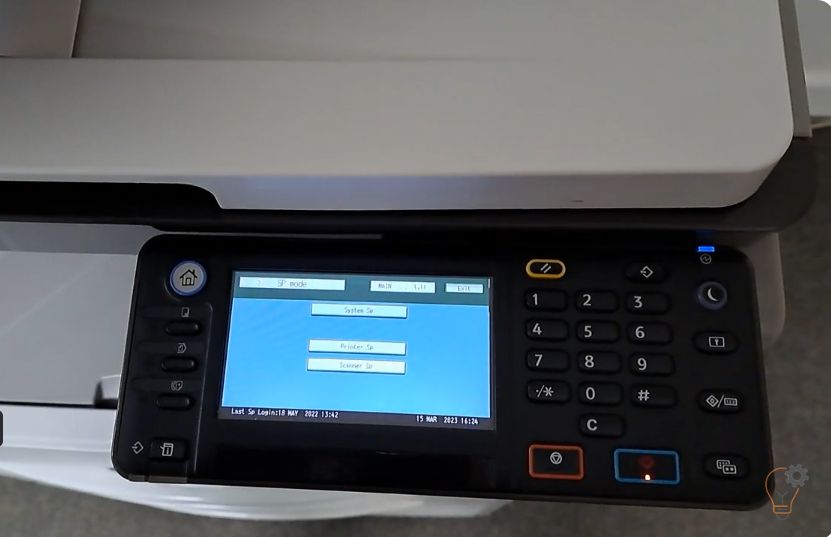
Ricoh MP 2501SP Service Mode (SP Mode) – How to Enter
To enter Service (SP) Mode on the Ricoh MP 2501SP, you use a short key sequence on the control panel. This guide shows the exact Ricoh MP 2501SP service mode steps so you can reach the System SP menu for counters and maintenance.
How to enter SP Mode on the Ricoh MP 2501SP
- On the numeric keypad, press 1 → 0 → 7.
- Press and hold the “C” (Clear/Stop) key for a few seconds until the display changes.
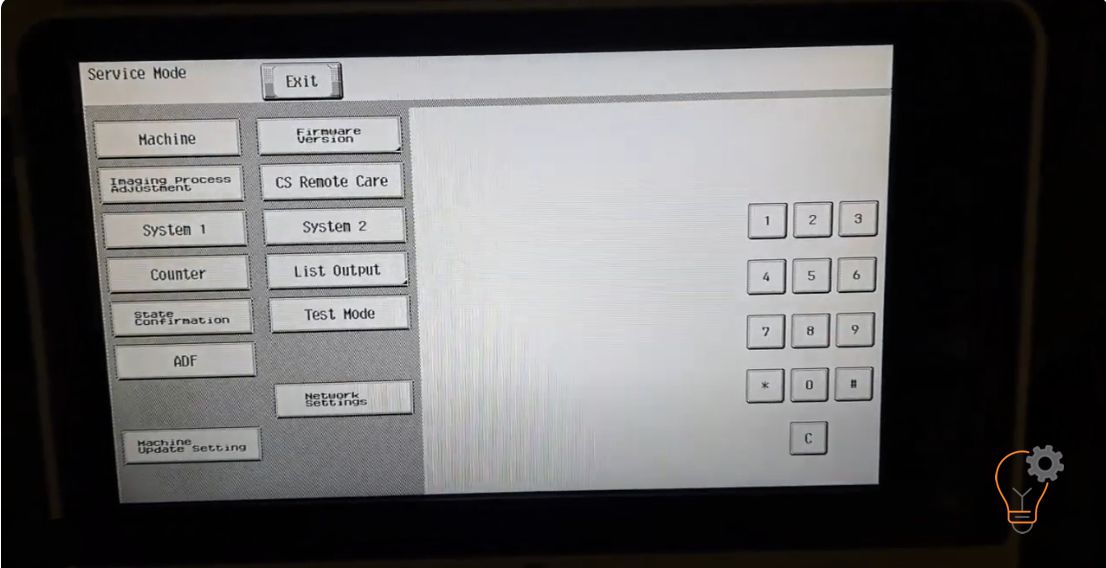
- Tap System SP to open the service menu.
That is all — you are now in Service Mode.
Watch the video
You can watch the procedure in this short video:
Notes
Service Mode is intended for technicians. Only change settings you understand, and turn the machine off and on to exit and apply changes.
Frequently asked questions
What does SP Mode stand for?
SP stands for Service Program — a hidden menu used to reset counters, adjust settings and clear errors.
Does this work on other Ricoh MP models?
The 1 → 0 → 7 then hold C method works on several Ricoh MP models. For the MP2553SP/3053 series, see the guide below.
How do I leave SP Mode?
Exit the menu and, if needed, switch the machine off and on to return to normal operation.
Related guides
Leave a reply
You must be logged in to post a comment.
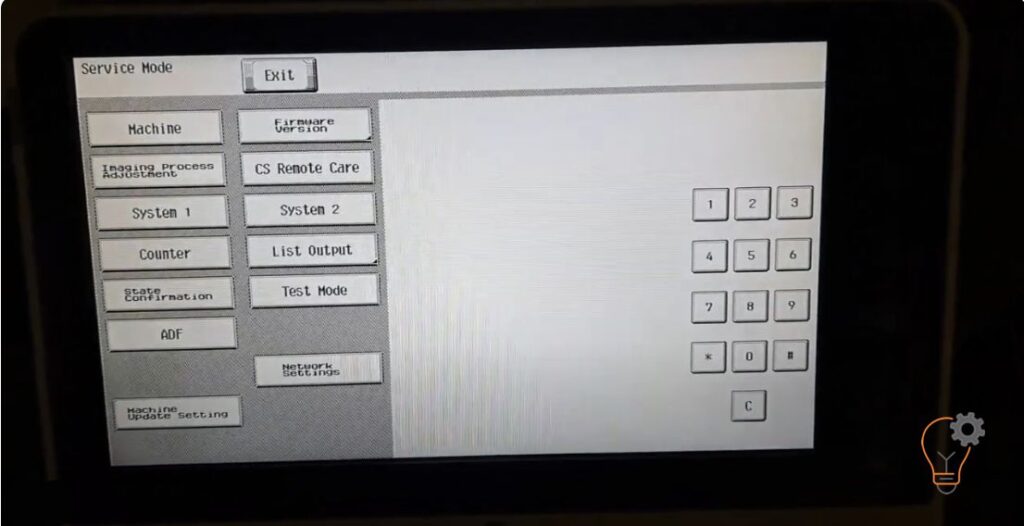
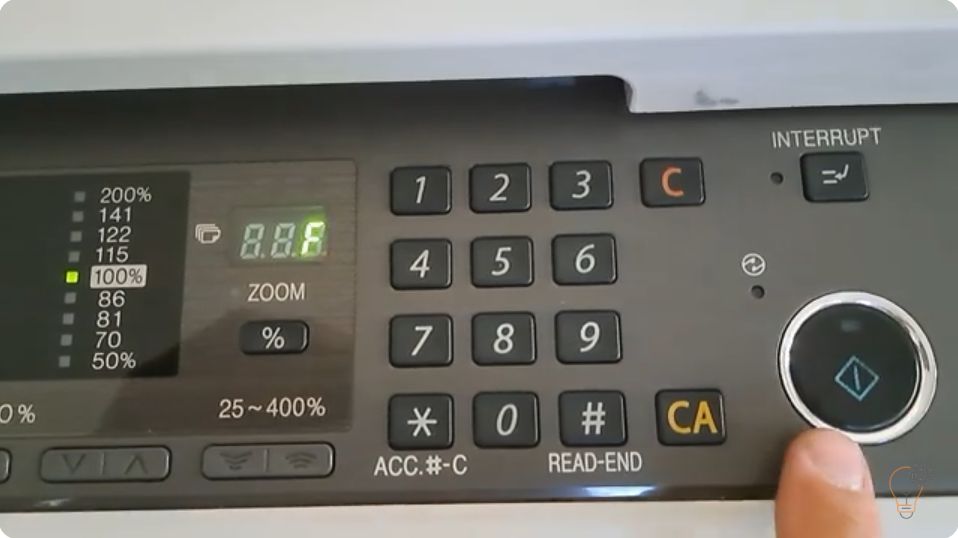
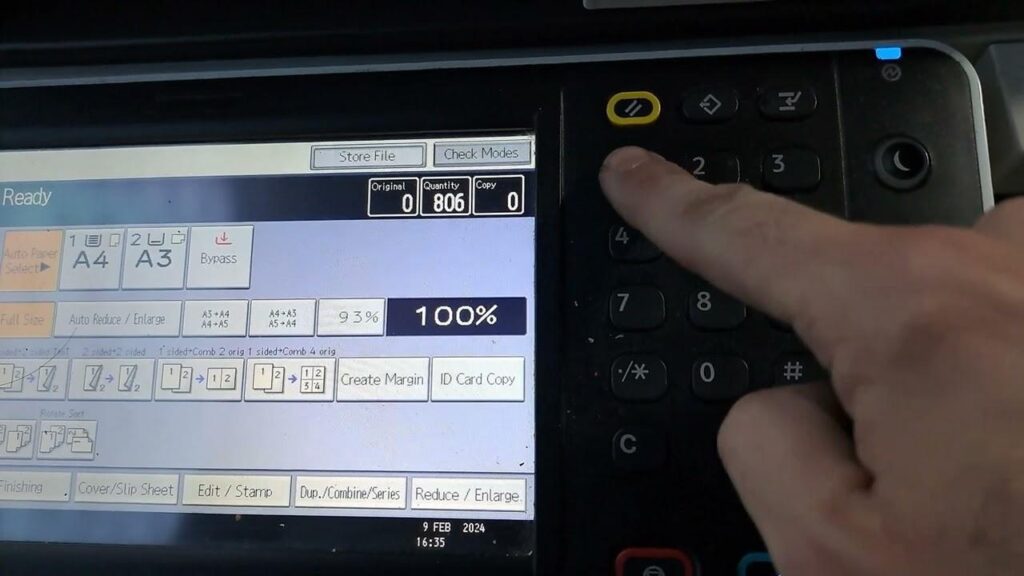
Pingback: Enter in service program mode on RICOH MP2553SP/3053/3053SP/3353/3353SP | Print Fix Lab