


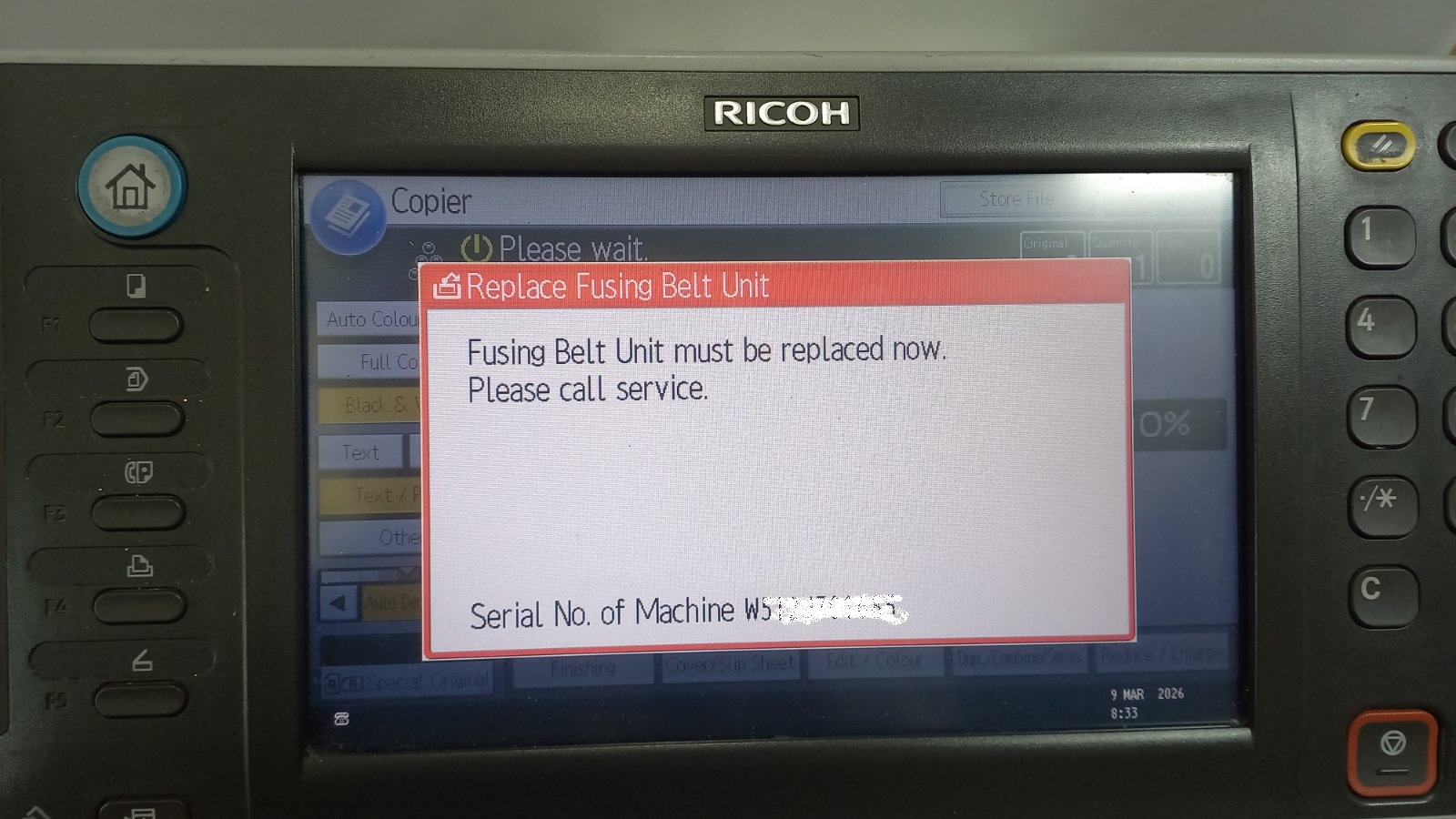
If your Ricoh copier displays the message “Replace Fusing Belt Unit”, it usually means that the fusing belt unit has reached its service counter limit. Even after replacing the unit,
After you replace a maintenance part such as a fusing belt, cleaning web or maintenance kit, the copier keeps its service counter until you reset it — otherwise the maintenance warning stays on screen. This category collects step-by-step maintenance reset guides that show the exact service-mode procedure for each model. Guides include how to reset the “Replace Fusing Belt Unit” message on the Ricoh MP C3502/C4502 and how to reset the cleaning web counter on the Ricoh MP6002SP/MP9002. Always reset the counter only after fitting the new part, since clearing it without replacement can cause print-quality problems or damage.
If your Ricoh copier displays the message “Replace Fusing Belt Unit”, it usually means that the fusing belt unit has reached its service counter limit. Even after replacing the unit,
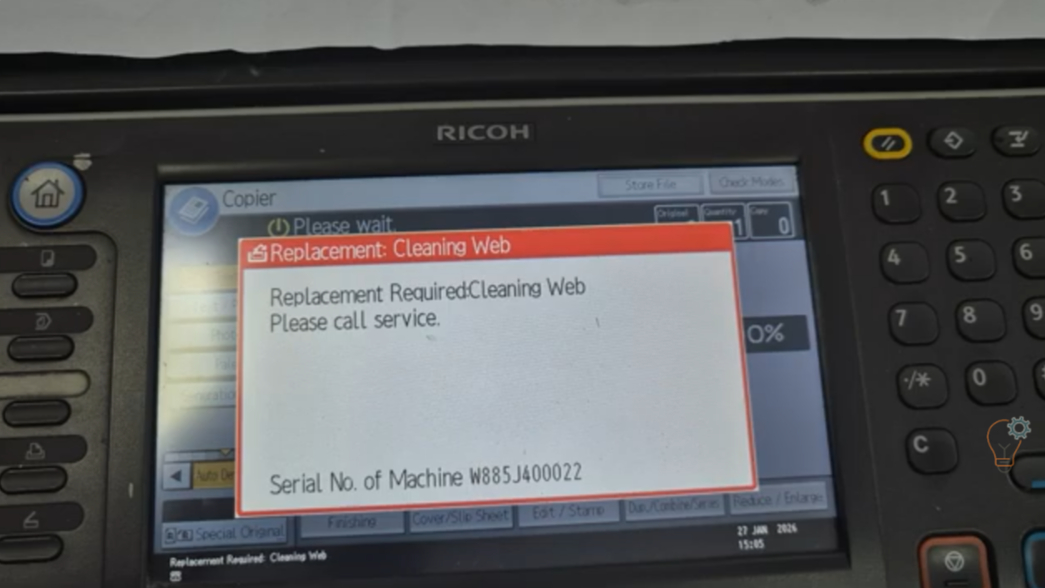
If your Ricoh Aficio MP6002SP or MP9002 displays a maintenance message related to the cleaning web, you may need to reset the counter after replacing the fusing cleaning web (teflon