


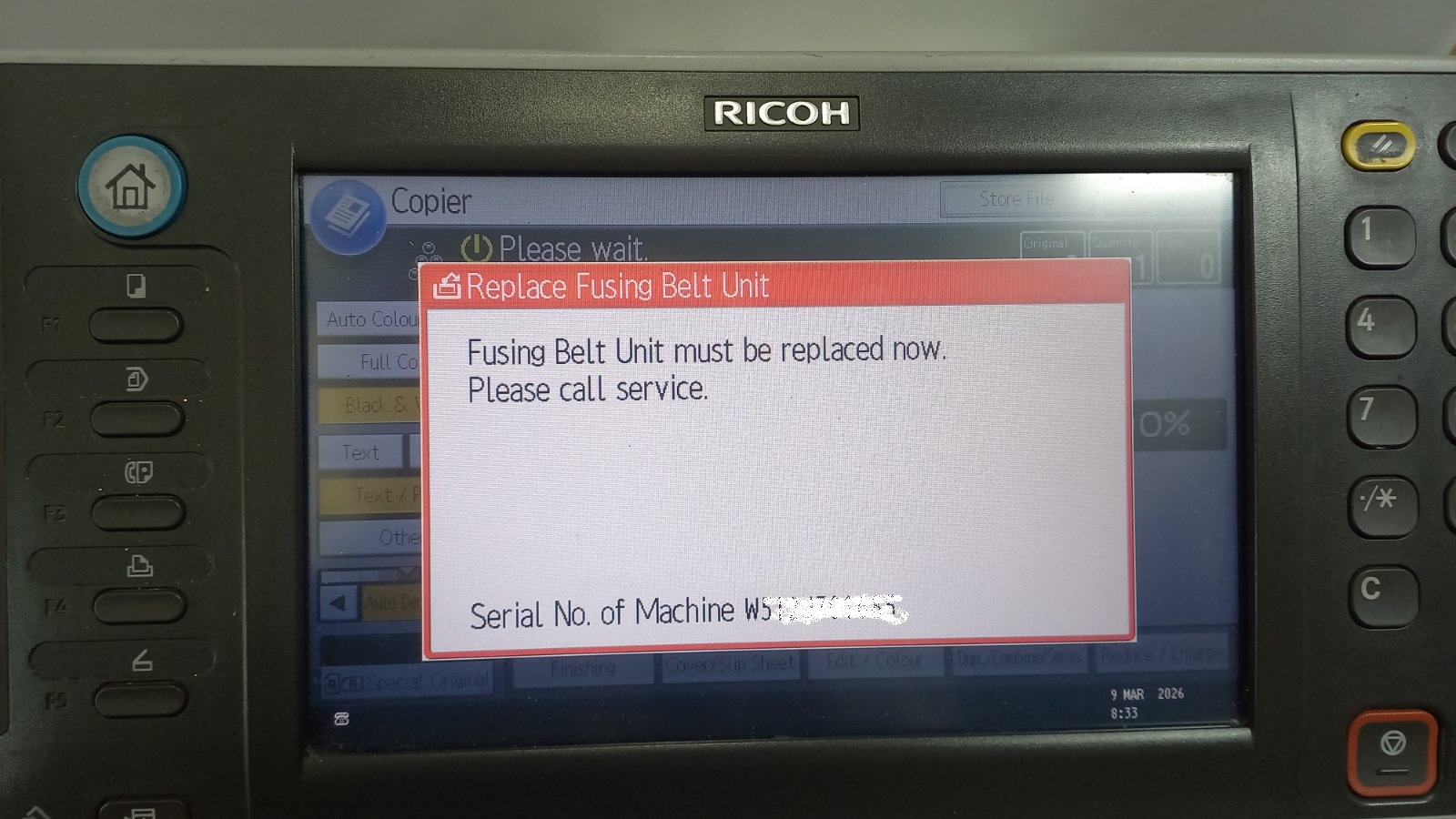
If your Ricoh copier displays the message “Replace Fusing Belt Unit”, it usually means that the fusing belt unit has reached its service counter limit. Even after replacing the unit,
Printers and copiers use internal counters to track toner, drum and maintenance-part usage — and they keep showing a warning until you reset the matching counter after a replacement. This section brings together all of our reset guides in one place, organised by type. Browse the Toner Reset guides to clear “Replace Toner” messages, the Drum Reset guides for “Replace Drum” warnings, and the Maintenance Reset guides for fusing and cleaning-web counters. Each guide gives the exact key sequence for a specific printer or copier model.
If your Ricoh copier displays the message “Replace Fusing Belt Unit”, it usually means that the fusing belt unit has reached its service counter limit. Even after replacing the unit,
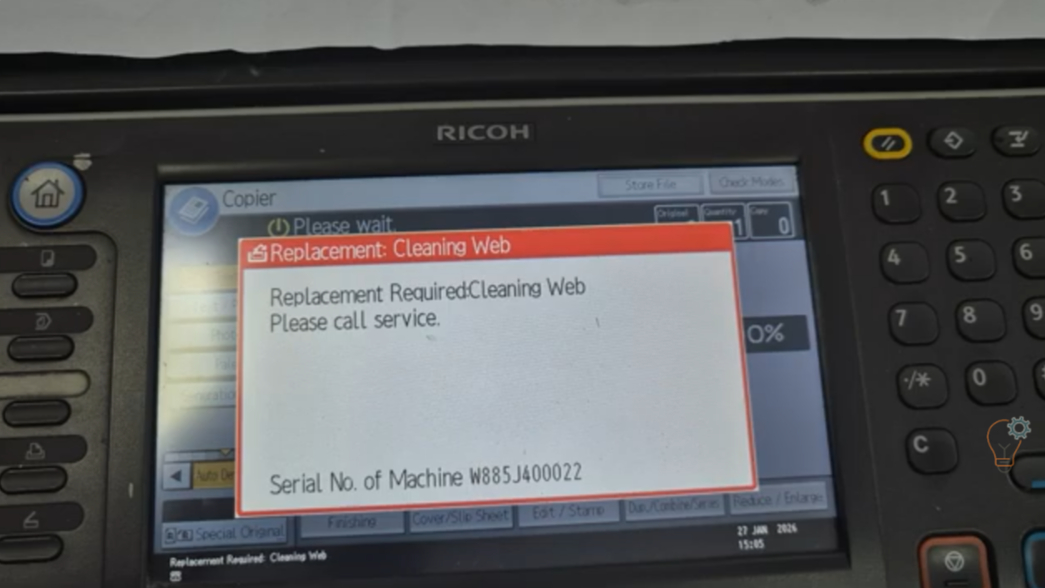
If your Ricoh Aficio MP6002SP or MP9002 displays a maintenance message related to the cleaning web, you may need to reset the counter after replacing the fusing cleaning web (teflon
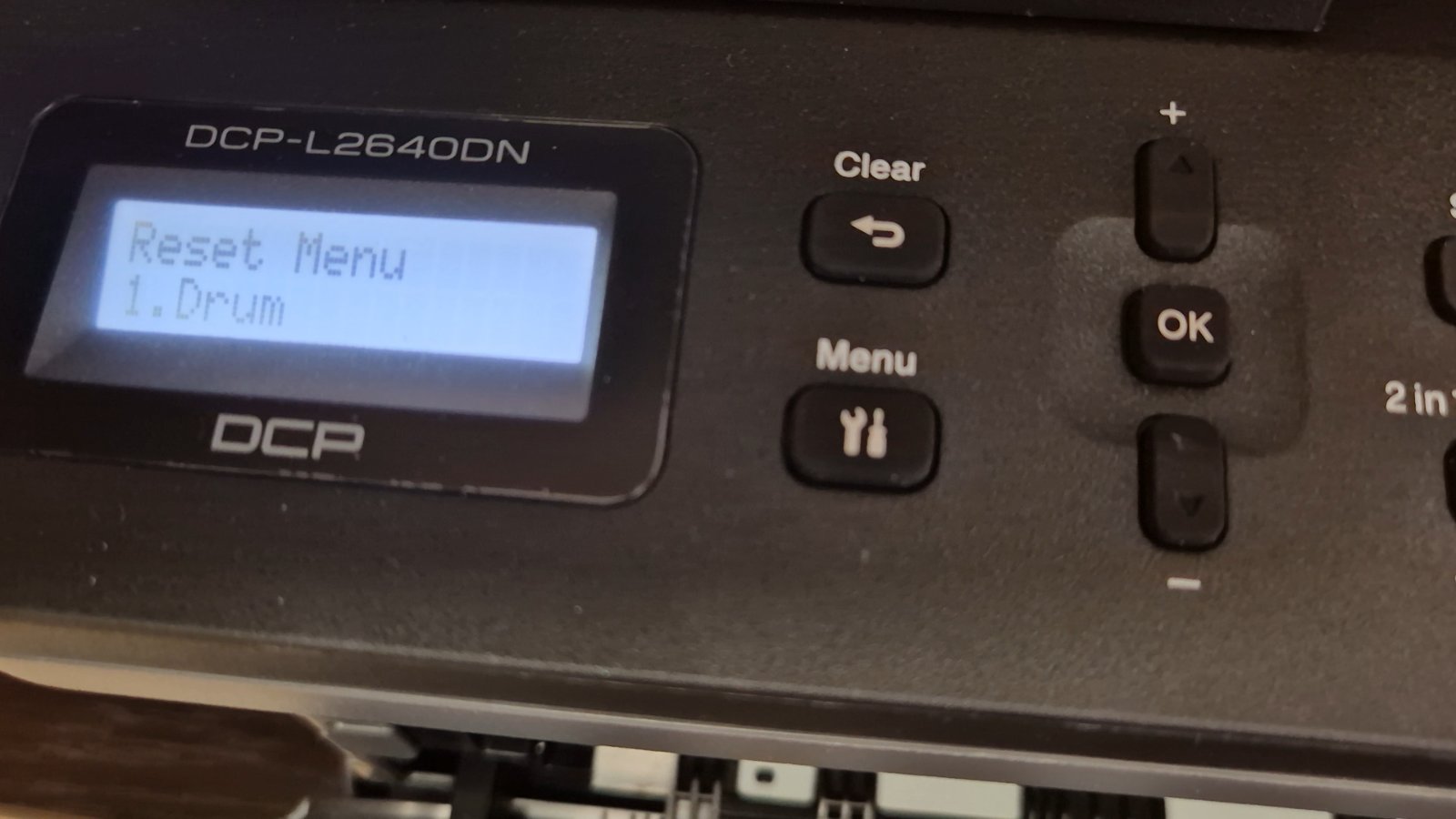
If you are using the Brother DCP-L2640DN printer and you see a message related to the drum unit, such as “Replace Drum” or “Drum End Soon”, it doesn’t always mean
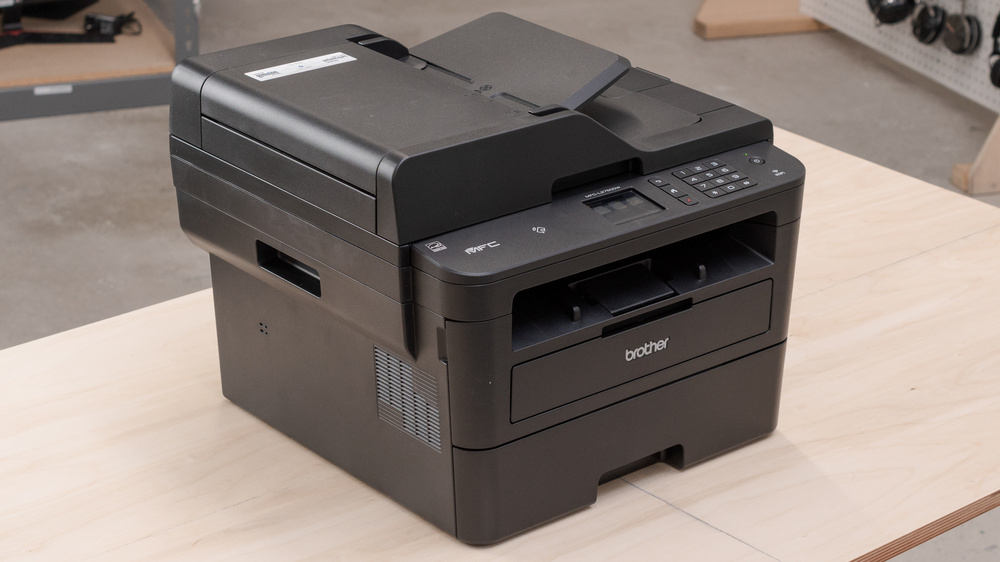
After you replace the drum unit on the Brother MFC-L2750DW, the printer keeps showing a drum warning until you reset the drum counter manually. This step-by-step guide shows the exact
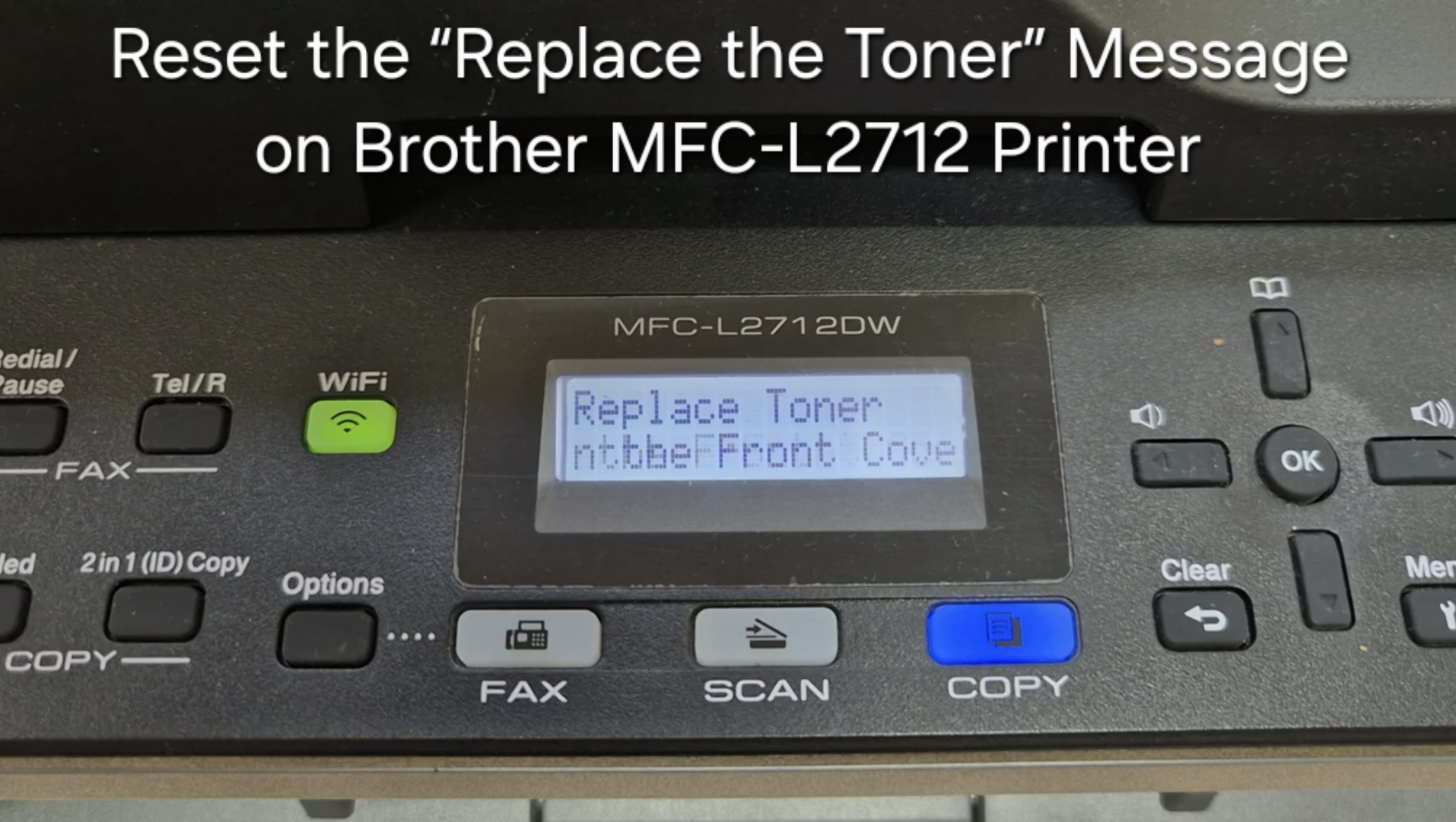
If your Brother MFC-L2712 displays the “Replace the Toner” message, you can often clear it by resetting the toner counter. Follow the steps below to perform a manual reset. This
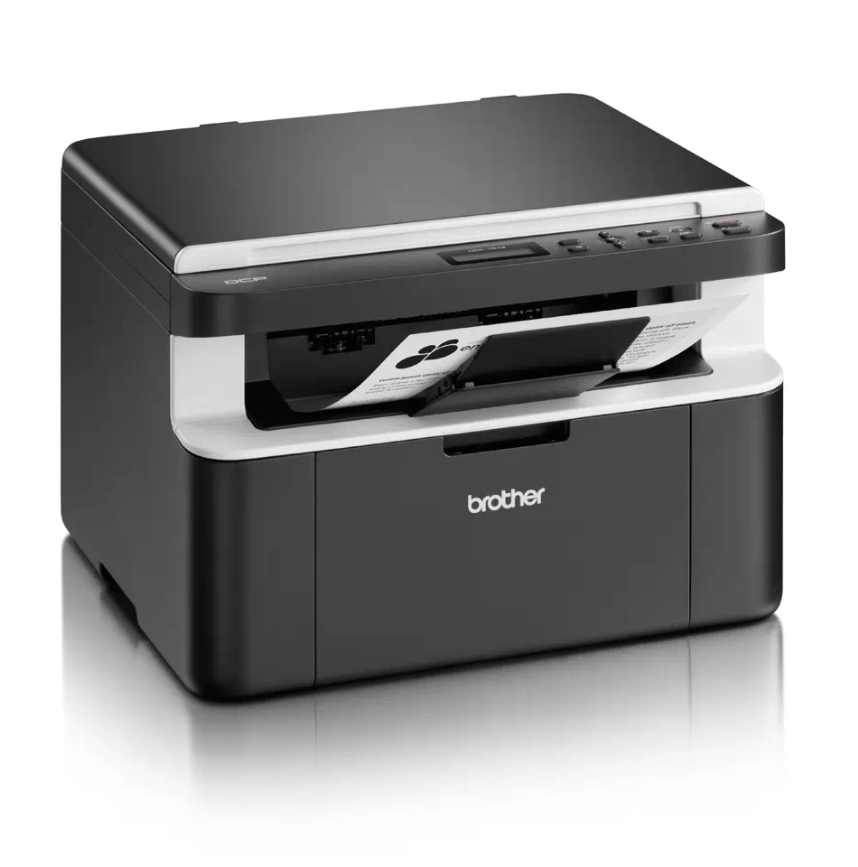
If your Brother DCP-1510 or DCP-1512 shows the “Replace Toner” message and won’t let you print or copy, you can perform a Brother DCP-1510 toner reset to clear the message
If your Brother DCP-1510 or DCP-1512 shows a “Replace Drum” or “Drum End Soon” message after you fit a new drum unit, you need to reset the drum counter. This
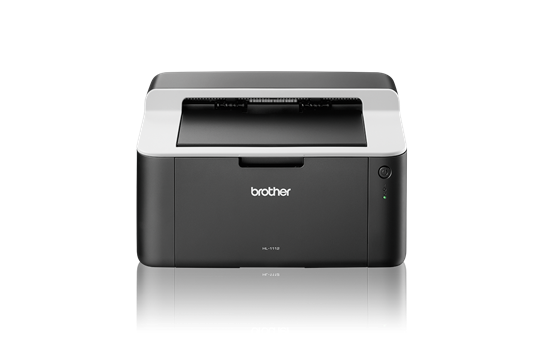
When the Brother HL-1110 reaches about 10,000 pages it stops the drum unit and shows a “Replace Drum” message. A Brother HL-1110 drum reset sets the drum counter back to
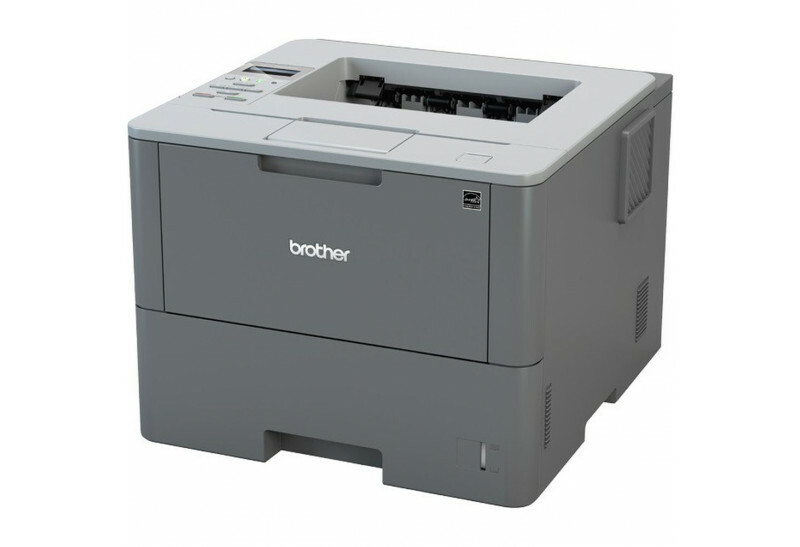
After you replace the drum unit on the Brother HL-L6250DW, the printer keeps showing a drum warning until you reset the drum counter. This Brother HL-L6250DW drum reset guide shows
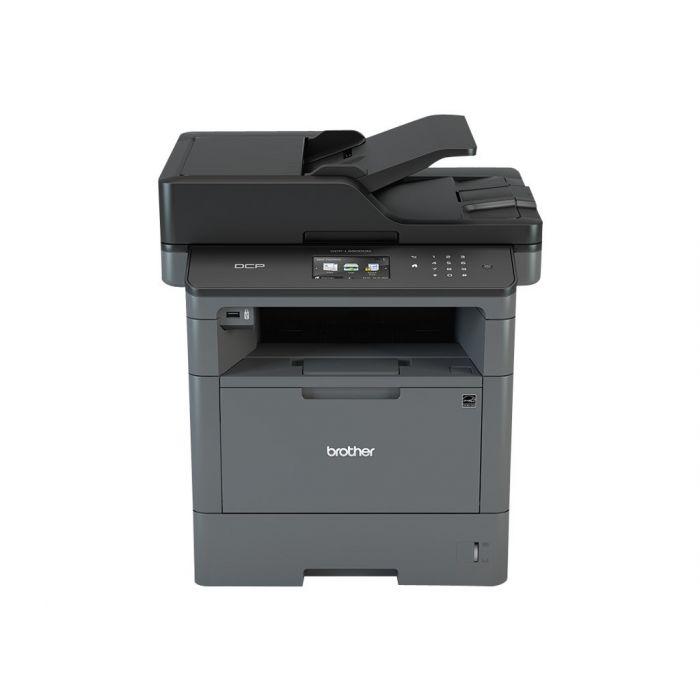
When you change the toner on the Brother DCP-L5500DN or DCP-L5850DW and the machine keeps showing “Change the toner cartridge” or “Install toner”, you need to run a hidden reset