Now Reading: How to reset drum cartridge on Brother DCP-1510/1512
-
01
How to reset drum cartridge on Brother DCP-1510/1512

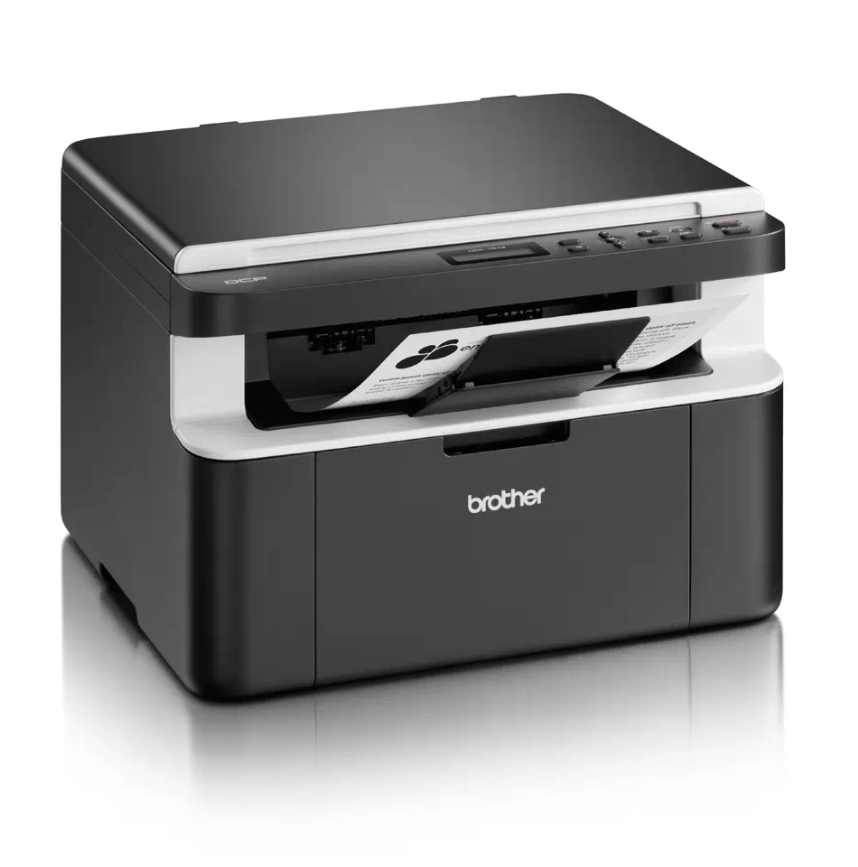
How to reset drum cartridge on Brother DCP-1510/1512
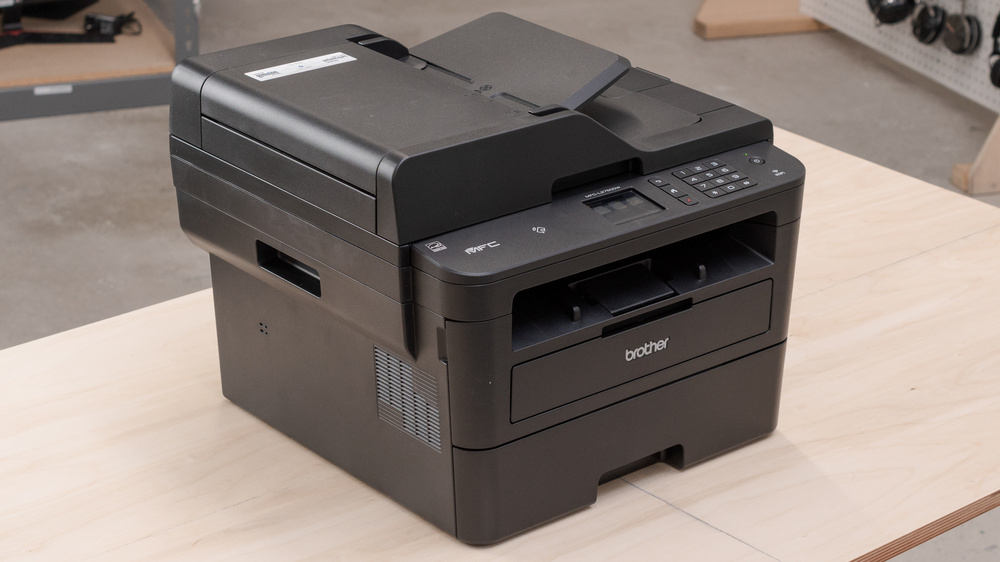
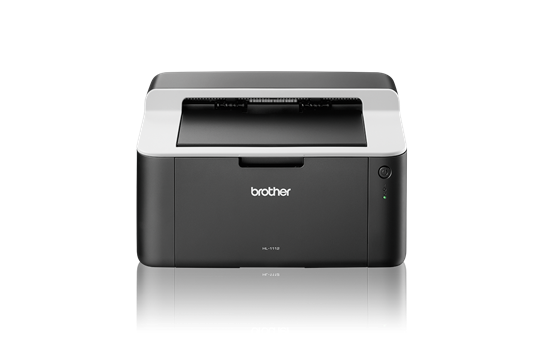
If your Brother DCP-1510 or DCP-1512 shows a “Replace Drum” or “Drum End Soon” message after you fit a new drum unit, you need to reset the drum counter. This guide covers two ways to do a Brother DCP-1510 drum reset — the standard menu method, and an alternative method if the first one does not work.
Before you start
The Brother machine has two separate consumables: the toner cartridge and the drum unit. Make sure you have replaced the drum unit (not the toner) and that the machine is powered on.
Method 1 – Standard drum counter reset
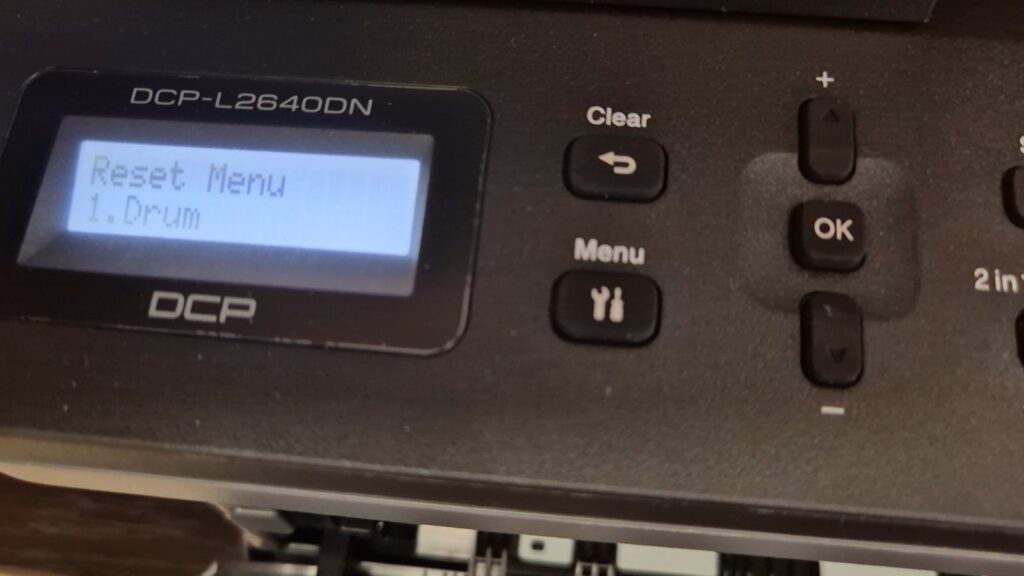
- Press Menu.
- Press the Up or Down arrow to choose Machine Info., then press OK.
- Press the Up or Down arrow to choose Reset Drum, then press and hold OK for 3 seconds.
- Press the Up arrow to reset the drum unit counter.
- Press Stop/Exit.
Method 2 – Alternative reset (if Method 1 does not work)
- Press Menu, use the arrows to browse to Machine Info. and press OK.
- Browse to Reset Drum and press and hold OK until the display shows the reset options.
- Instead of choosing an option, press Start.
- Immediately press the Up (▲) arrow repeatedly until the display shows the number 10.
- Immediately press OK — the display should say Accepted.
- Press Stop to exit the menu.
To be sure, switch the printer off and on. If you see “Printer is busy” after the reset step, switching the printer off and on usually clears it.
Frequently asked questions
Which method should I use?
Try Method 1 first — it is the standard reset after replacing the drum. Use Method 2 only if the standard menu reset does not clear the message.
Does resetting the drum also reset the toner?
No. This resets only the drum counter. The toner cartridge has its own separate reset.
How many pages does the drum last?
The drum on the DCP-1510/1512 is rated for roughly 10,000 pages, depending on usage.