


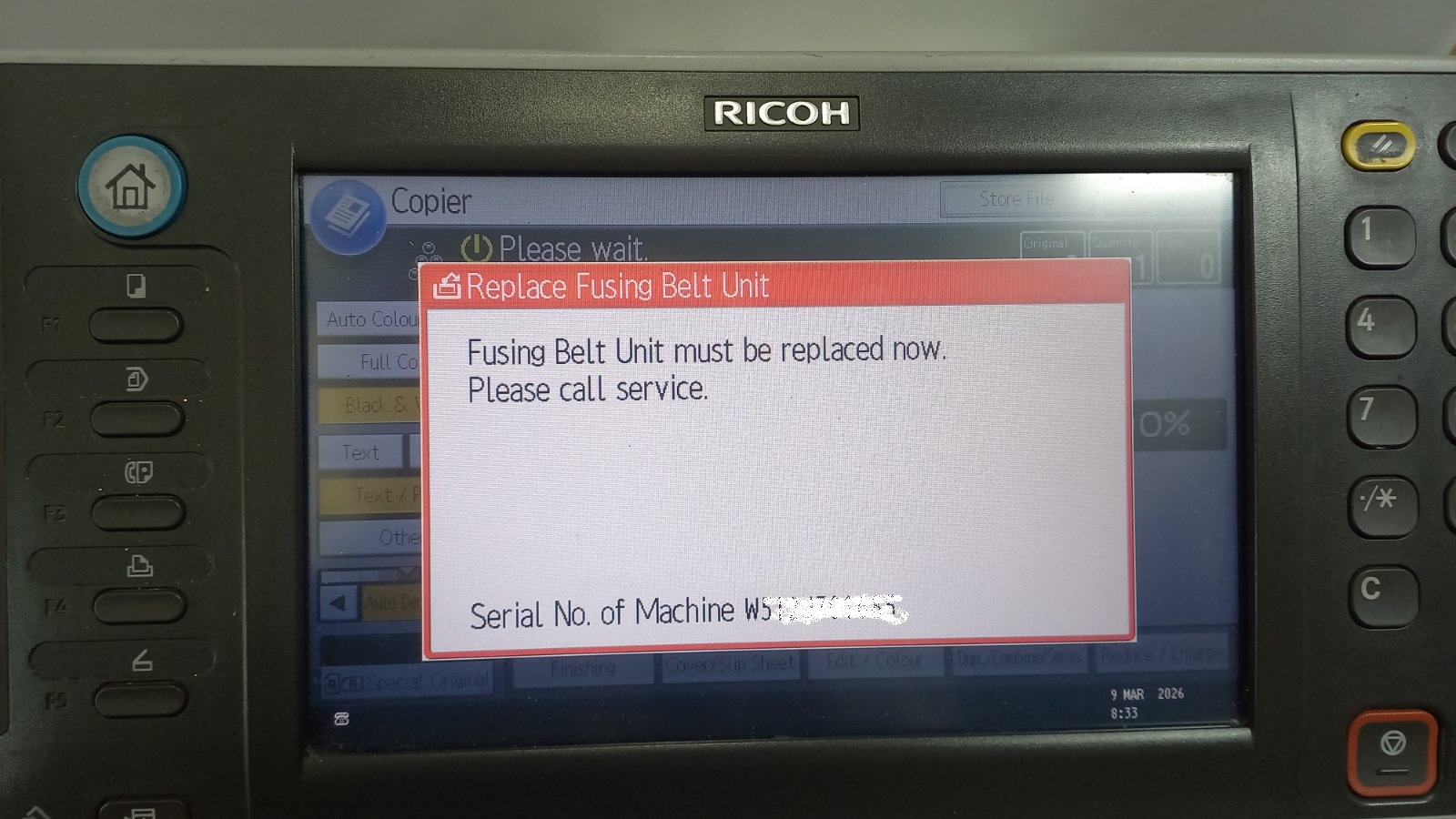
If your Ricoh copier displays the message “Replace Fusing Belt Unit”, it usually means that the fusing belt unit has reached its service counter limit. Even after replacing the unit,
If your Ricoh copier displays the message “Replace Fusing Belt Unit”, it usually means that the fusing belt unit has reached its service counter limit. Even after replacing the unit,
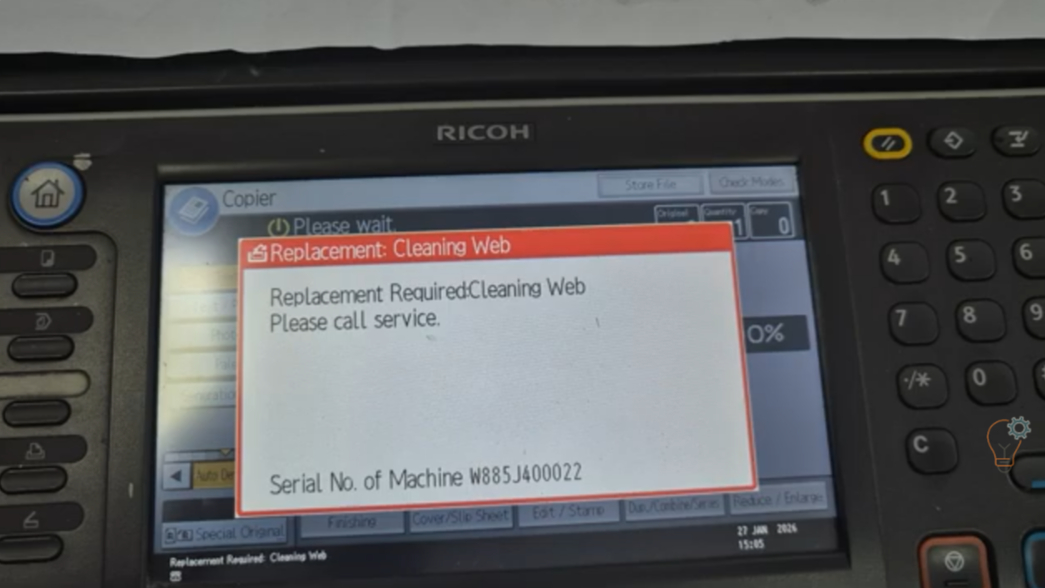
If your Ricoh Aficio MP6002SP or MP9002 displays a maintenance message related to the cleaning web, you may need to reset the counter after replacing the fusing cleaning web (teflon
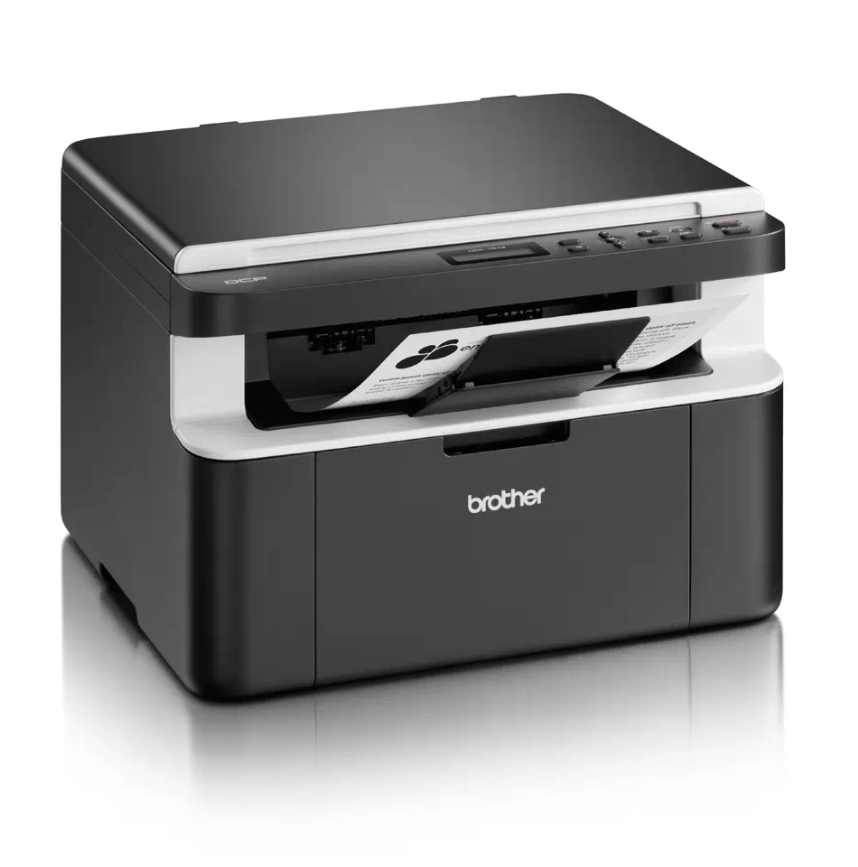
If your Brother DCP-1510 or DCP-1512 shows the “Replace Toner” message and won’t let you print or copy, you can perform a Brother DCP-1510 toner reset to clear the message
If your Brother DCP-1510 or DCP-1512 shows a “Replace Drum” or “Drum End Soon” message after you fit a new drum unit, you need to reset the drum counter. This
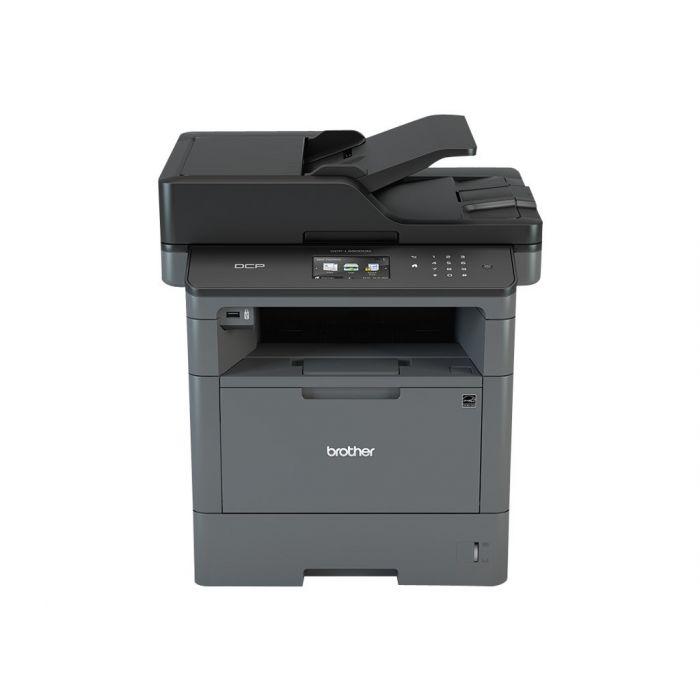
When you change the toner on the Brother DCP-L5500DN or DCP-L5850DW and the machine keeps showing “Change the toner cartridge” or “Install toner”, you need to run a hidden reset
After you replace the drum unit on the Brother MFC-L5500, the printer keeps showing a drum warning until you reset the drum counter. This Brother MFC-L5500 drum reset guide shows
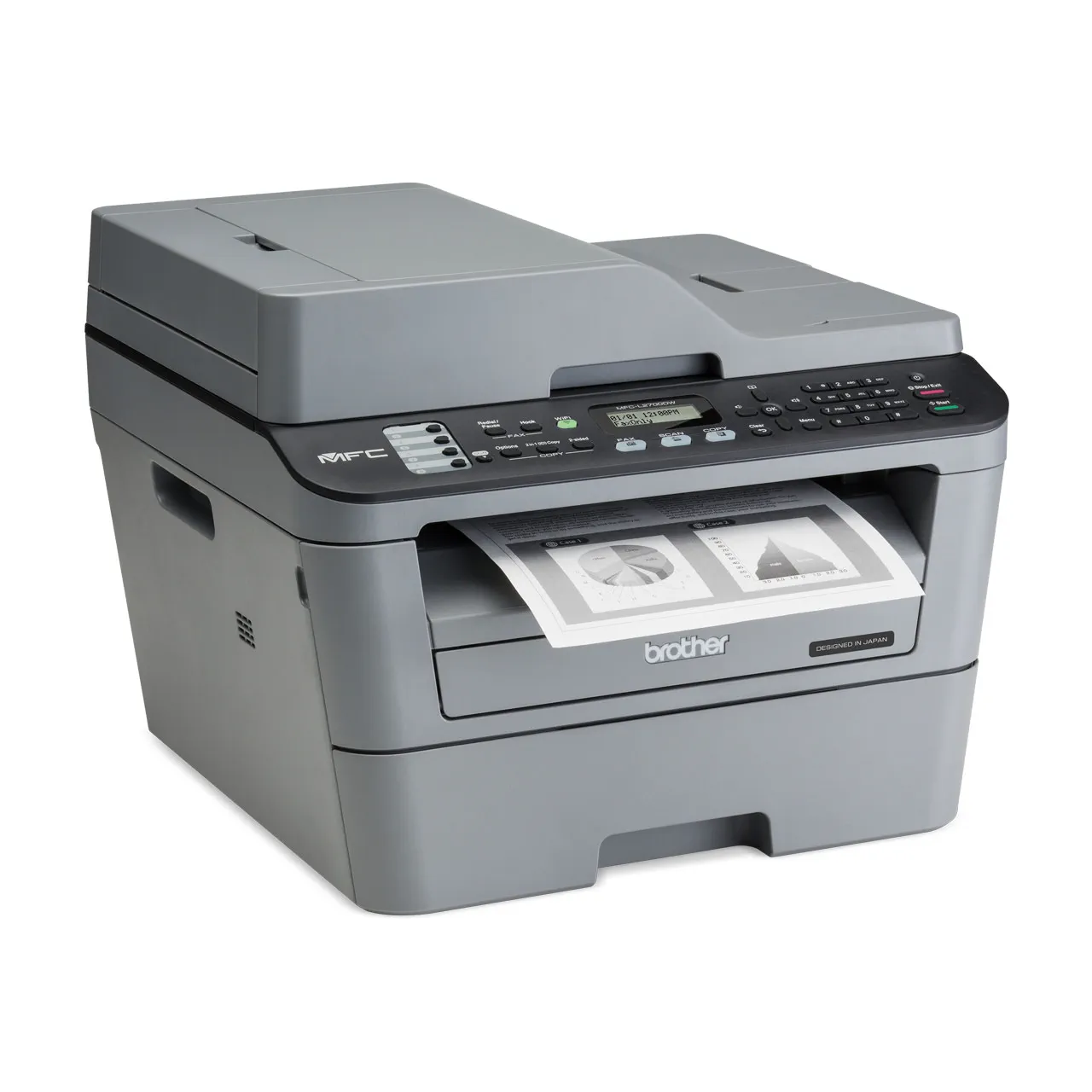
If your Brother MFC-L2700DW keeps asking you to replace the drum unit or toner even after you installed a new one, you need to reset the counter. This guide covers
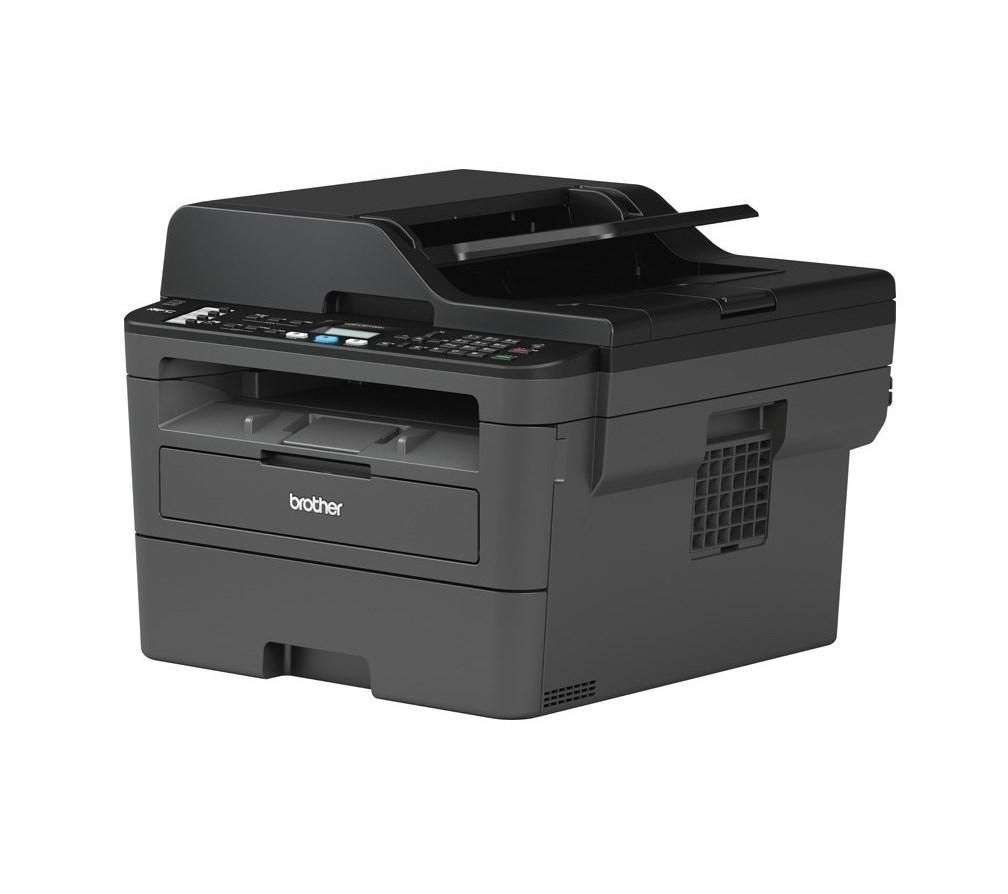
After you replace the drum unit on the Brother DCP-L2510D or MFC-L2712DW, the printer shows a drum warning until you reset the drum counter. This Brother DCP-L2510D drum reset guide