

Now Reading: How to Reset Toner Cartridge on Brother DCP-1510 / DCP-1512
-
01
How to Reset Toner Cartridge on Brother DCP-1510 / DCP-1512

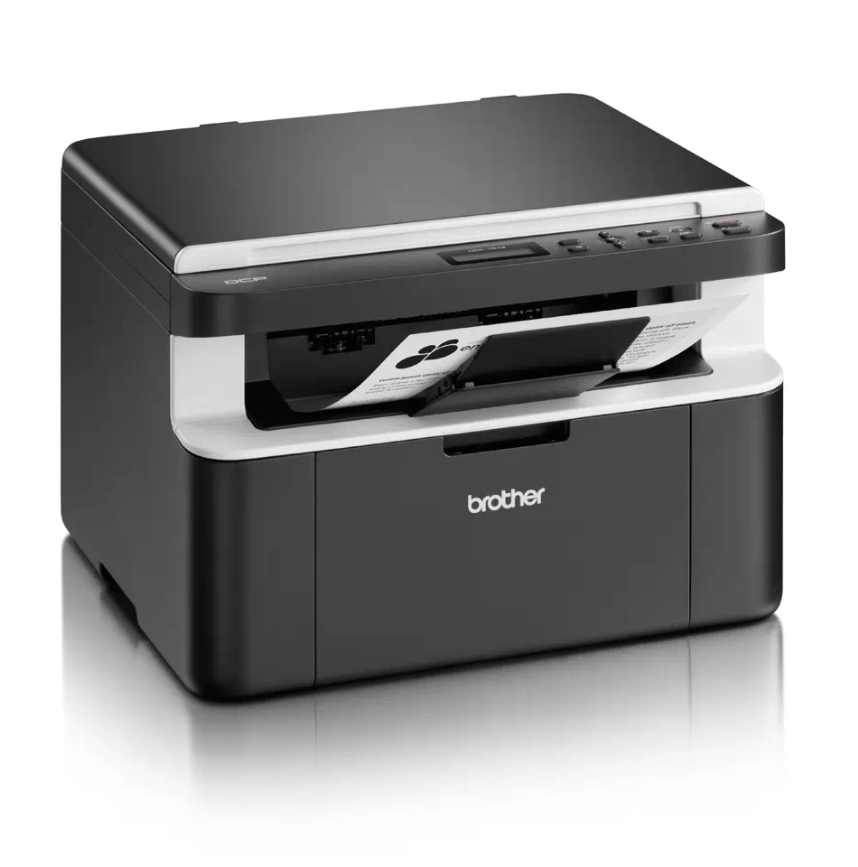
How to Reset Toner Cartridge on Brother DCP-1510 / DCP-1512
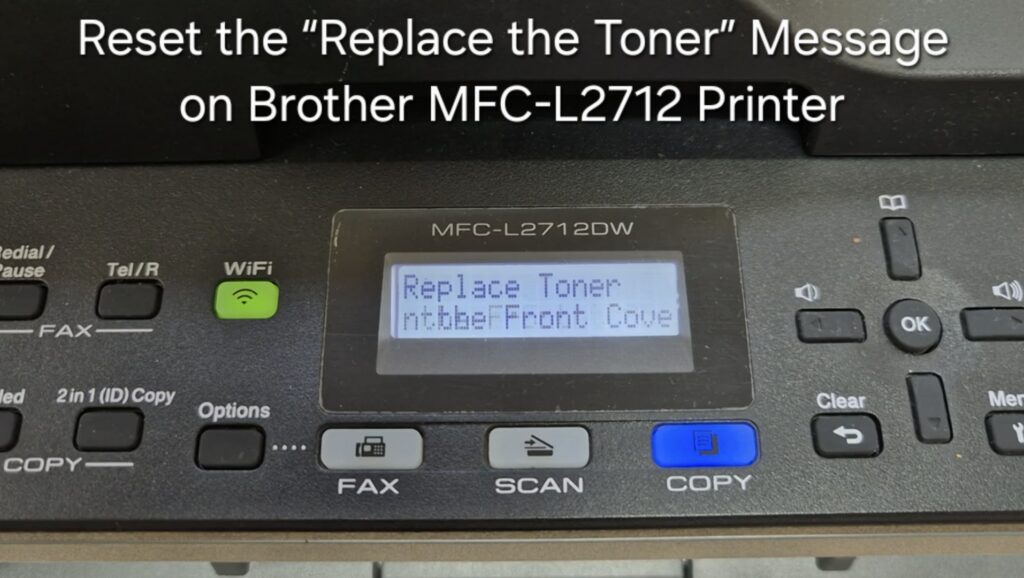
If your Brother DCP-1510 or DCP-1512 shows the “Replace Toner” message and won’t let you print or copy, you can perform a Brother DCP-1510 toner reset to clear the message and keep printing — even when the toner is low. This resets the counter only; it does not refill the cartridge.
Brother DCP-1510 / DCP-1512 toner reset instructions
- Press the Menu button on your Brother printer.
- Scroll to 1. General Setup and press OK.
- Scroll down to 4. Replace Toner and press OK.
- Use the arrow key to select Replace Toner Continue and press OK.
Important: do not select “Replace Toner Stop” — it will prevent printing.
Why this works
Brother printers often show the “Replace Toner” message before the cartridge is completely empty. This reset lets you keep printing until the toner is truly empty, saving time and money. Order a replacement cartridge soon so you are not caught without toner.
Frequently asked questions
Does this refill the toner?
No. It only resets the counter so printing continues. Replace the cartridge once prints become faded.
What if I picked “Replace Toner Stop” by mistake?
Repeat the steps and choose Replace Toner Continue instead.
Does this also reset the drum?
No. This clears only the toner message. For a drum warning, use the drum reset guide linked below.
Related guides
Leave a reply
You must be logged in to post a comment.
Pingback: How to reset drum cartridge on Brother DCP-1510/1512 | Print Copy Tech
Pingback: How to reset drum cartridge on Brother DCP-1510/1512 - PrintFixLab