


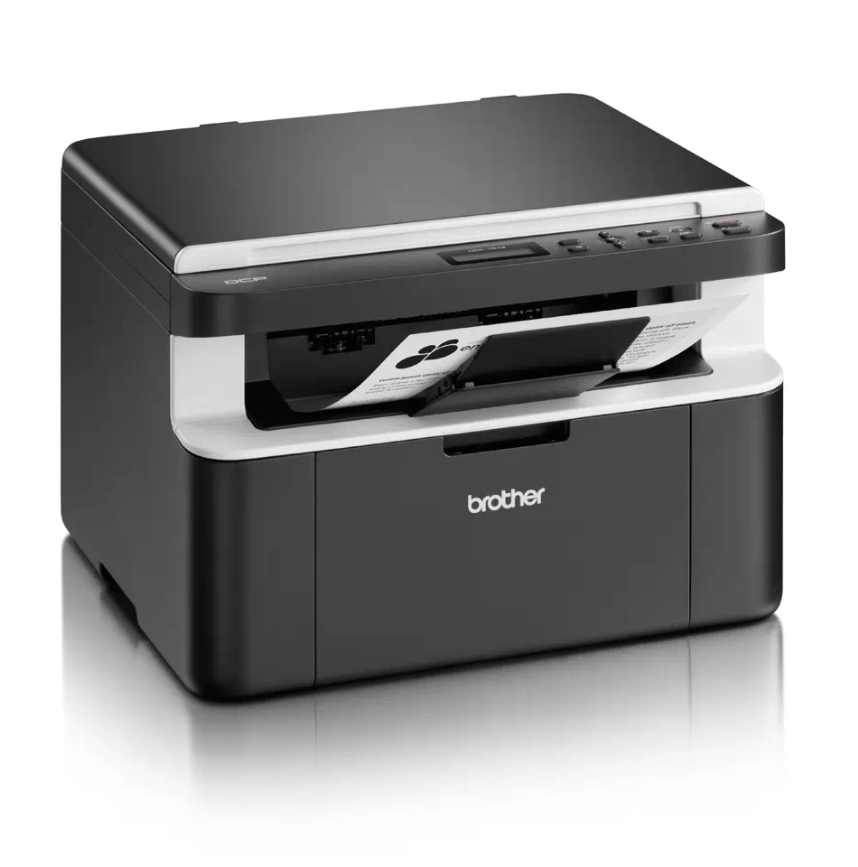
If your Brother DCP-1510 or DCP-1512 shows the “Replace Toner” message and won’t let you print or copy, you can perform a Brother DCP-1510 toner reset to clear the message
If your Brother DCP-1510 or DCP-1512 shows the “Replace Toner” message and won’t let you print or copy, you can perform a Brother DCP-1510 toner reset to clear the message
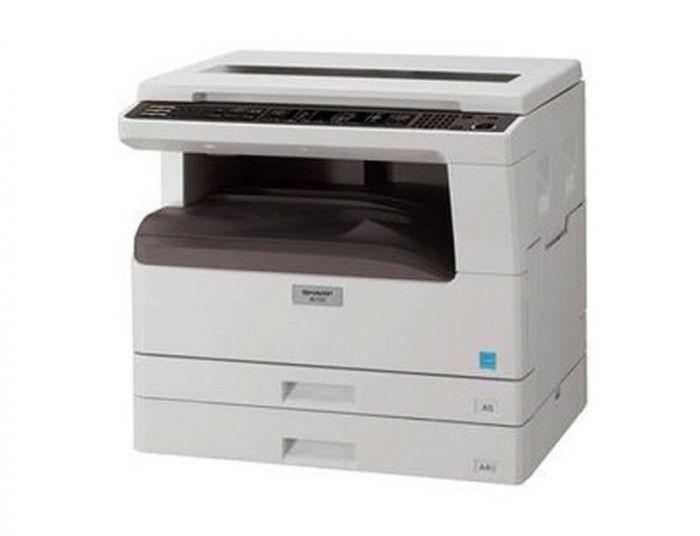
If you want to check the remaining toner life on the Sharp AR-5516, AR-5518, AR-5520, AR-6020 or AR-6023, the copier can show the toner level as a percentage using a
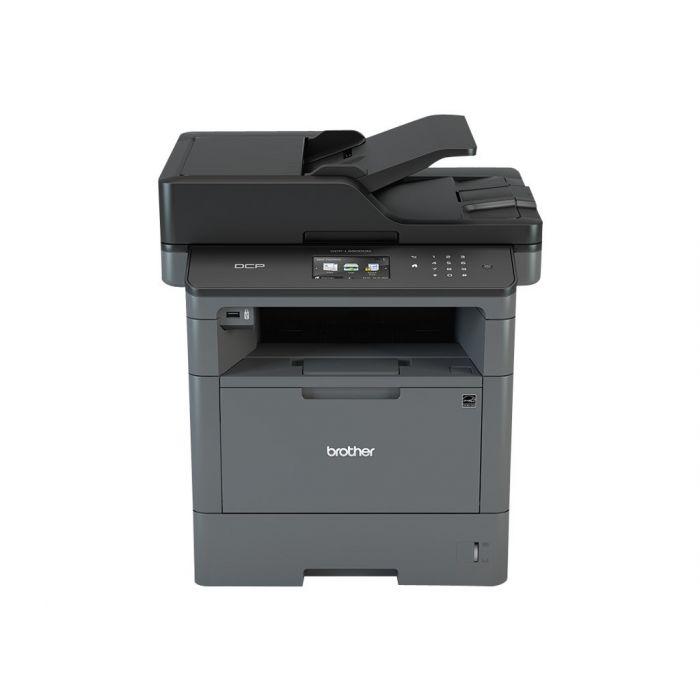
When you change the toner on the Brother DCP-L5500DN or DCP-L5850DW and the machine keeps showing “Change the toner cartridge” or “Install toner”, you need to run a hidden reset
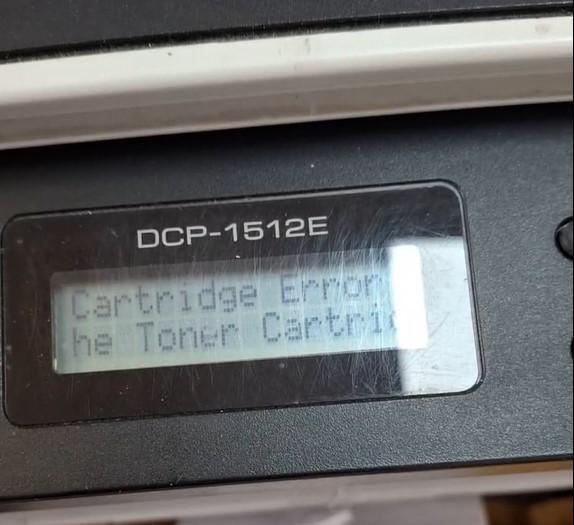
If your Brother DCP-1510 or DCP-1512 shows “Cartridge Error. Put the Toner Cartridge back in” after fitting a new toner, the machine has not detected the new cartridge. This guide