


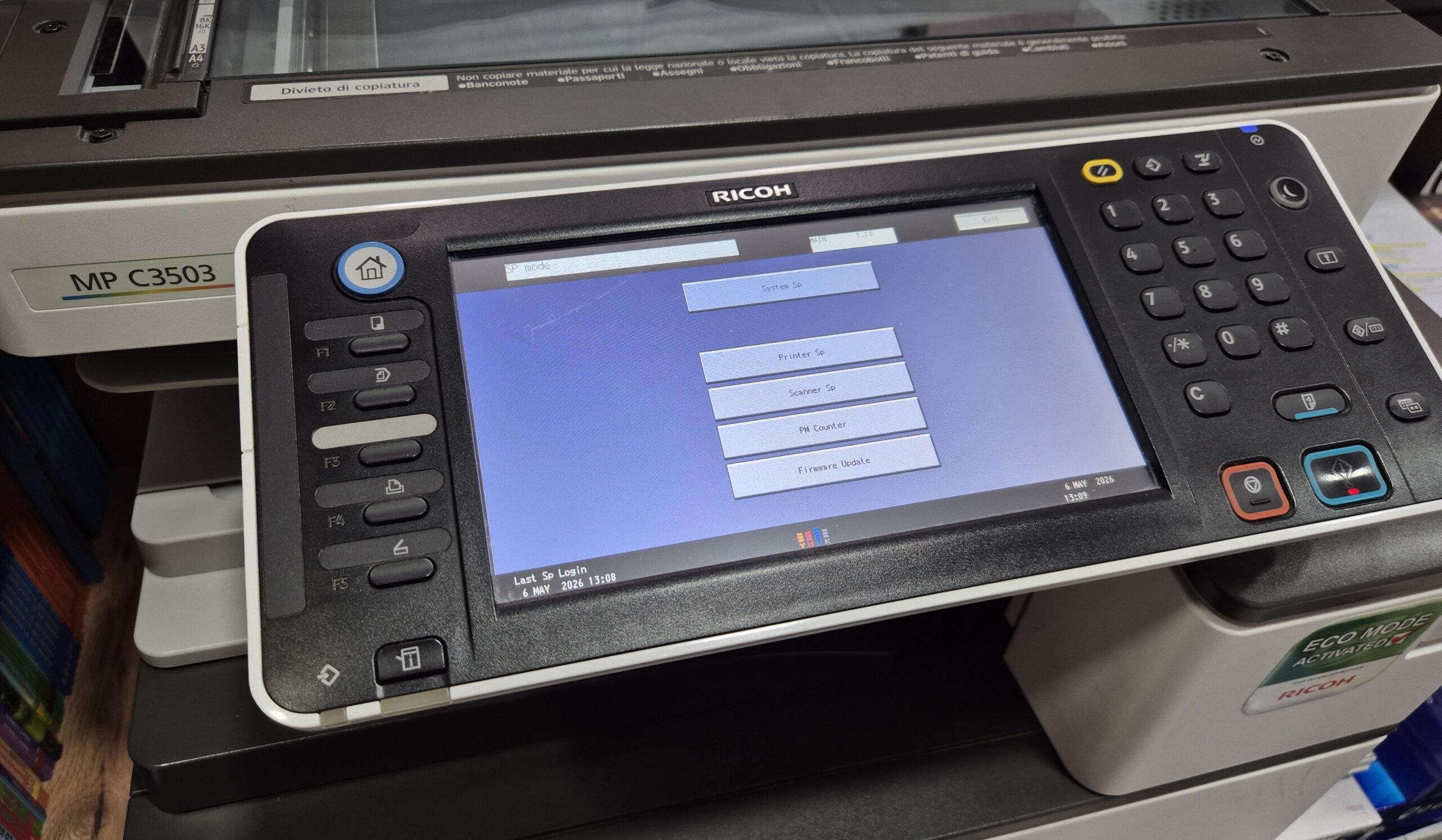
Learn how to enter Service Mode (SP Mode) on the Ricoh MPC3503 copier quickly and safely. This step-by-step guide shows the exact key combination used by technicians. The procedure is
Advanced printer and copier tasks — the settings and menus that are not in the basic setup. This section covers Service Mode (SP Mode), the hidden technician menu used to reset counters and clear errors, and System Settings for device-level options like USB access, language, paper size and toner save. These guides cover machines from Sharp, Ricoh, Brother, Canon and Konica Minolta. Browse the Service Mode and System Settings guides to find the exact procedure for your model. These functions are intended for technicians and advanced users.
Learn how to enter Service Mode (SP Mode) on the Ricoh MPC3503 copier quickly and safely. This step-by-step guide shows the exact key combination used by technicians. The procedure is
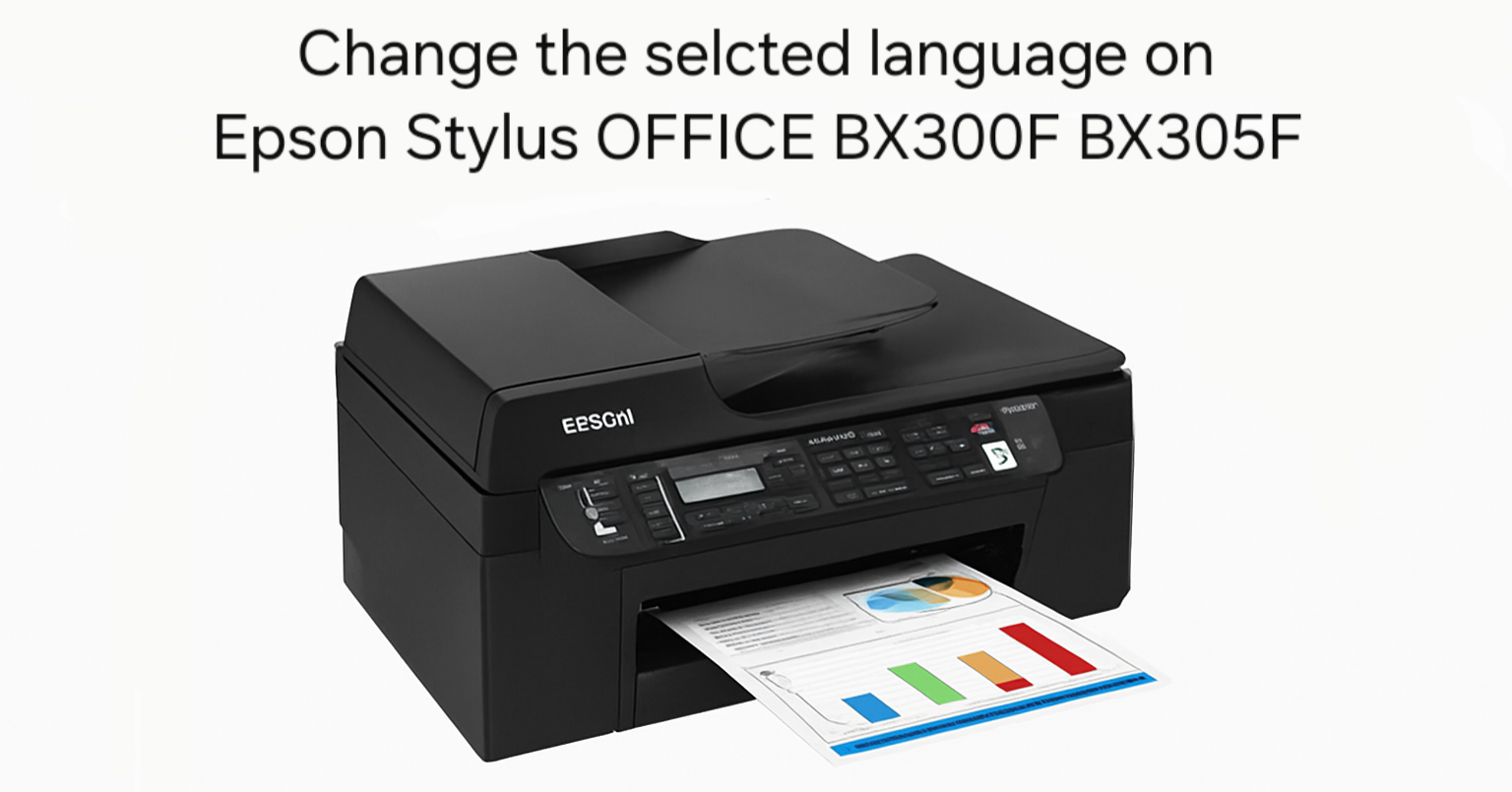
If you’ve recently purchased a second-hand Epson Stylus OFFICE BX300F or BX305F printer and found it set to a language you don’t understand, don’t worry – you’re not alone. Many
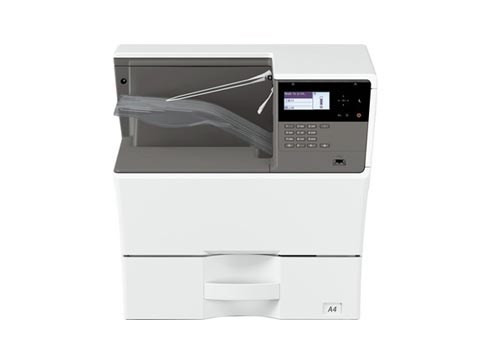
By default the USB port is disabled on these Sharp models. To enable the USB port on the Sharp MX-B350P, AR-B352PT, MX-B450P and AR-B452PT, you enter simulation mode and switch
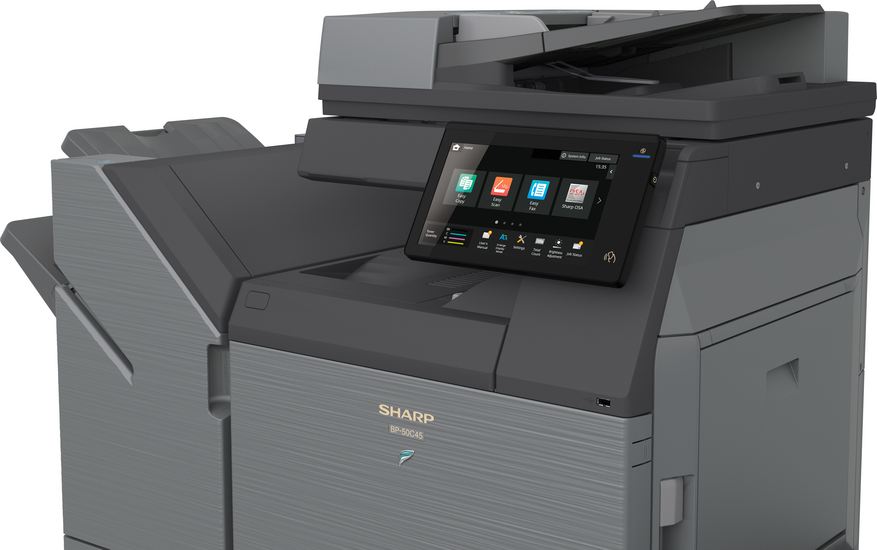
By default the USB port (Type B) is disabled on this model. To enable the USB port on the Sharp BP-50C26, you enter simulation (service) mode and switch it on.
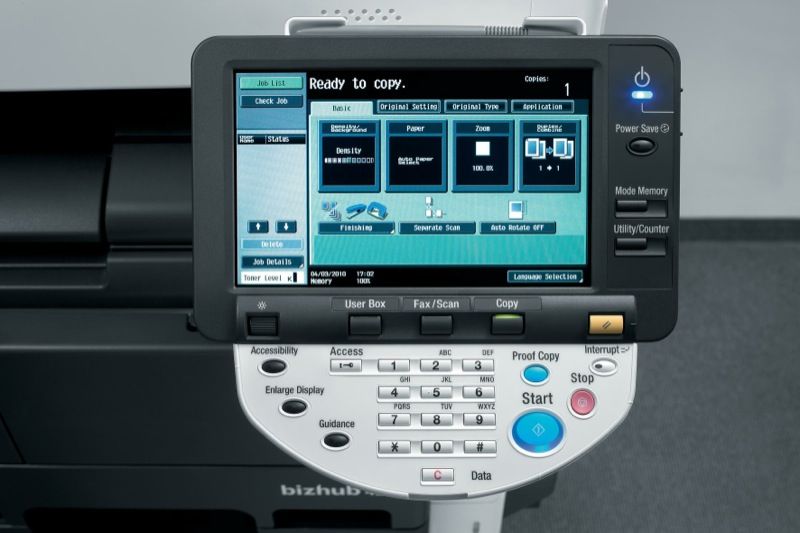
If you need to read the meter or copy count on the Konica Minolta bizhub 423, 363, 283 or 223, it only takes a couple of taps on the control
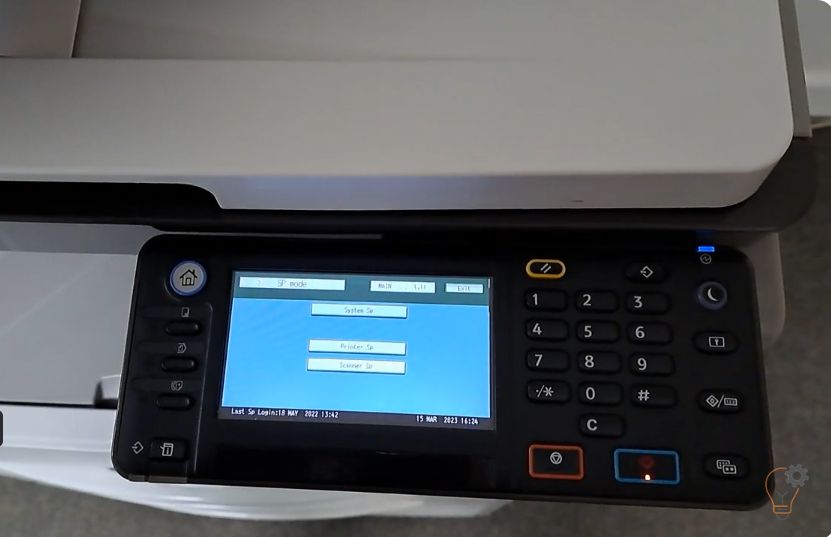
To enter Service (SP) Mode on the Ricoh MP 2501SP, you use a short key sequence on the control panel. This guide shows the exact Ricoh MP 2501SP service mode
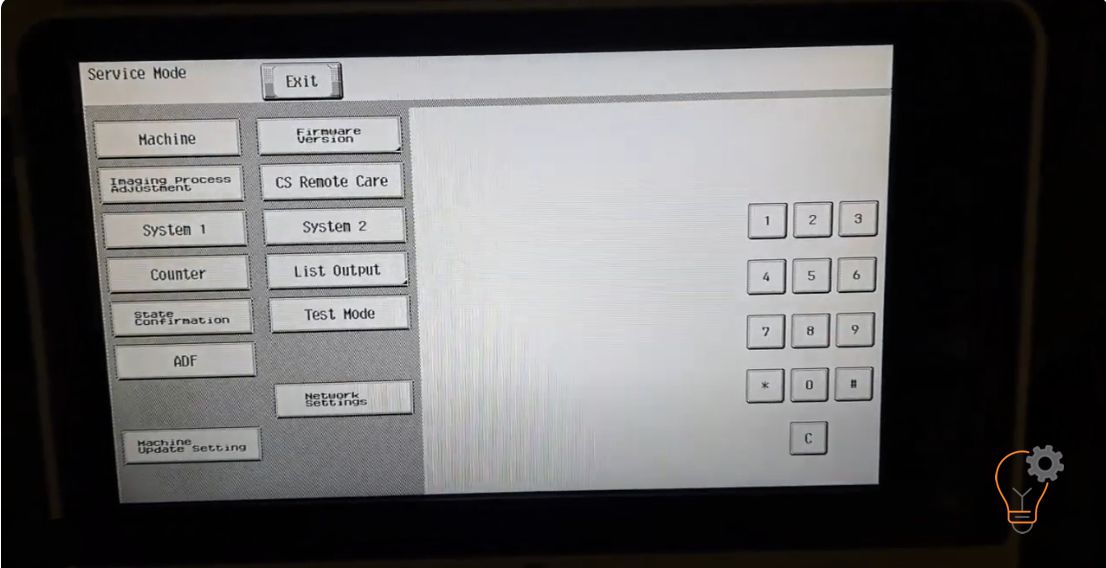
If you want to enter in an Service Mode on Konica Minolta bizhub C224e models for many reasons… Maybe to clear some error counter, to reset the machine or clear
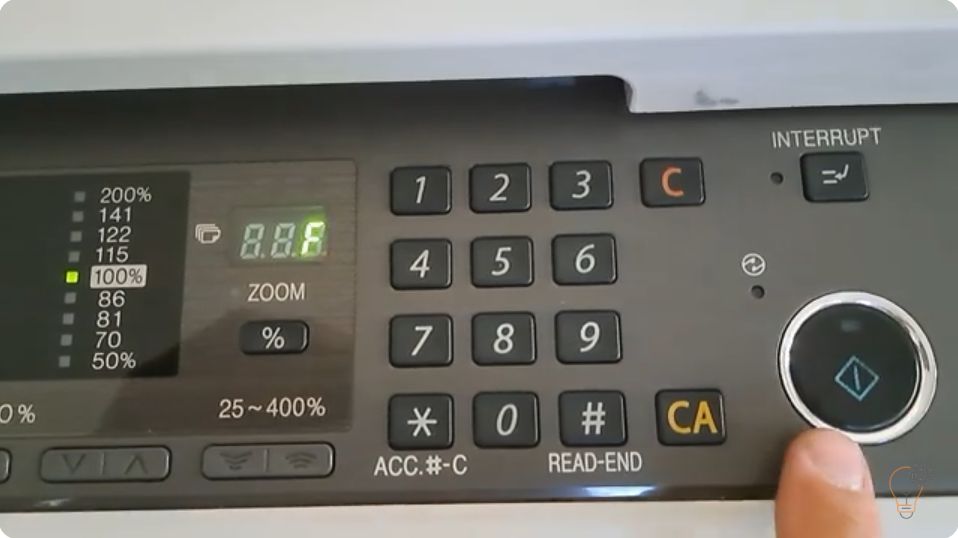
When a Sharp copier reports a fault it first shows only the first two characters of the code (for example H2 or F2). To diagnose the problem you need the
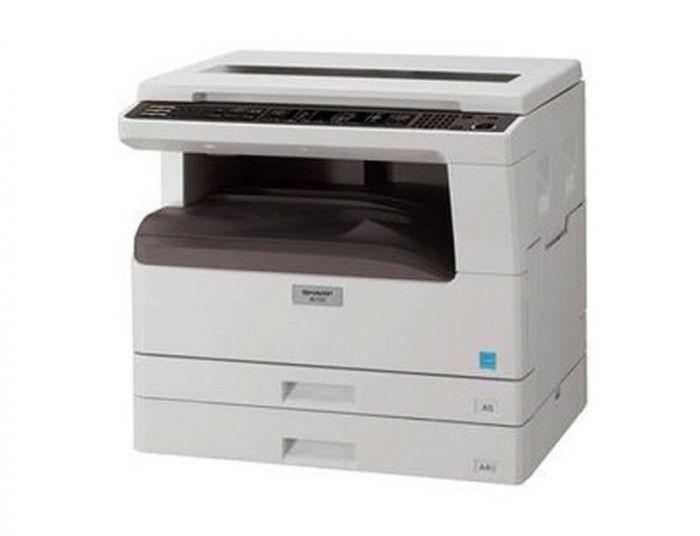
If you want to check the remaining toner life on the Sharp AR-5516, AR-5518, AR-5520, AR-6020 or AR-6023, the copier can show the toner level as a percentage using a
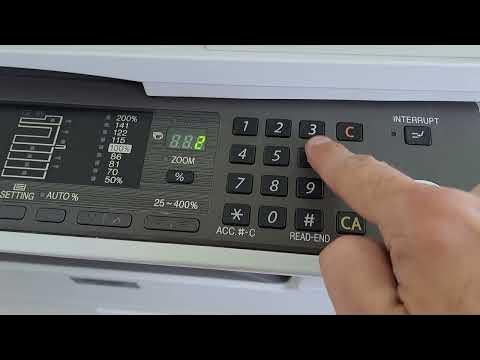
To reduce toner consumption you can turn on toner save mode on the Sharp AR-5516 / AR-5520 series. It is enabled through the machine’s simulation (service) mode using the key