


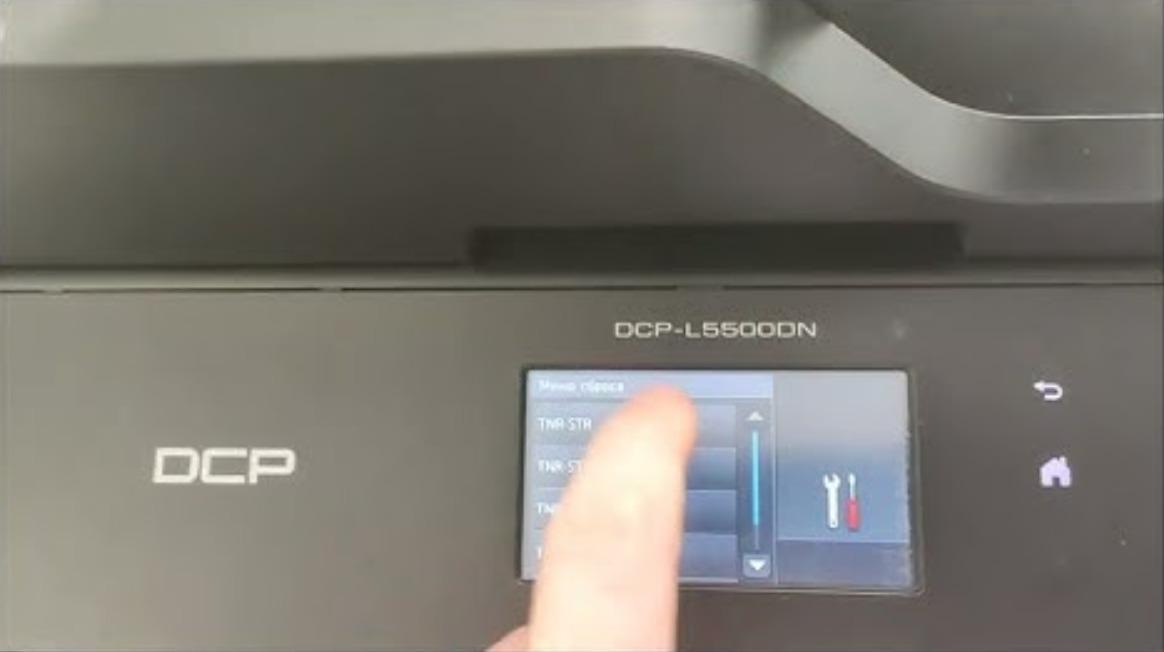
Toner Save mode lightens the print density so the machine uses less toner and the cartridge lasts longer. Here is how to turn Toner Save mode on or off on
Advanced printer and copier tasks — the settings and menus that are not in the basic setup. This section covers Service Mode (SP Mode), the hidden technician menu used to reset counters and clear errors, and System Settings for device-level options like USB access, language, paper size and toner save. These guides cover machines from Sharp, Ricoh, Brother, Canon and Konica Minolta. Browse the Service Mode and System Settings guides to find the exact procedure for your model. These functions are intended for technicians and advanced users.
Toner Save mode lightens the print density so the machine uses less toner and the cartridge lasts longer. Here is how to turn Toner Save mode on or off on
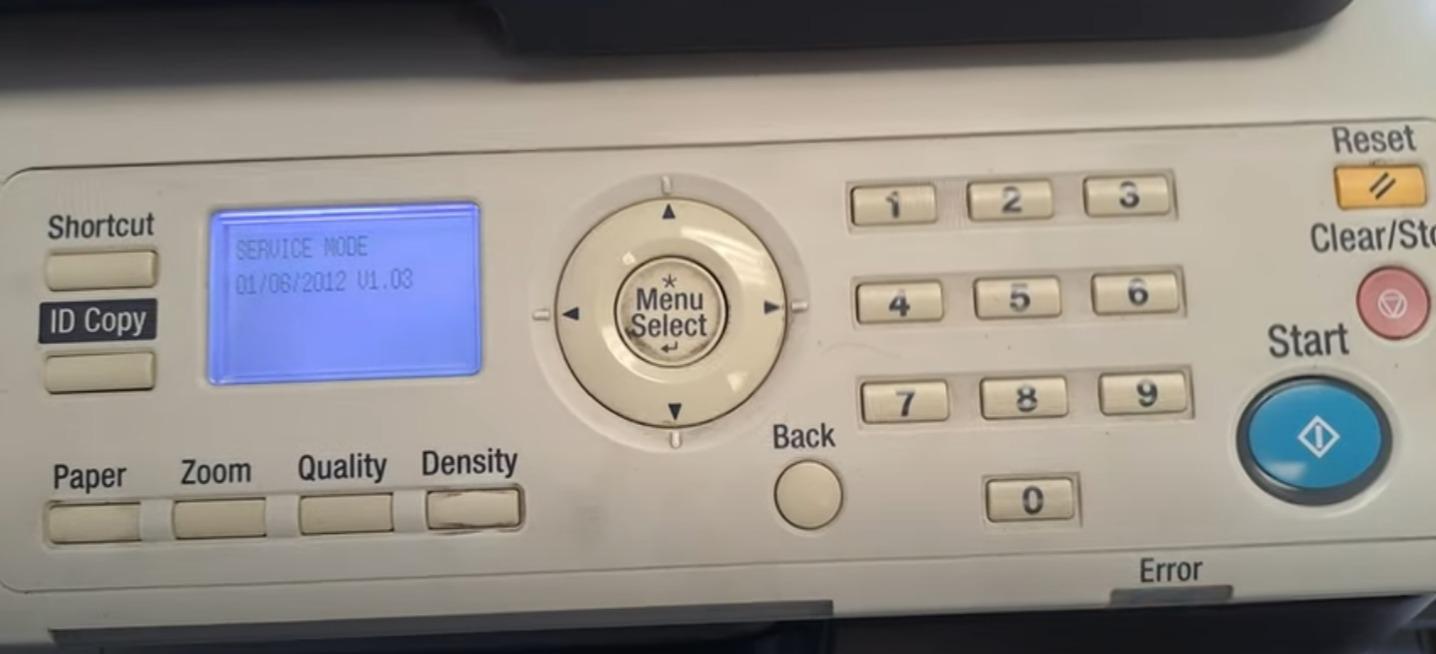
If you want to enter in an service mode on Konica Minolta bizhub 165 or bizhub 185 for many reasons… Maybe to clear some error counter, to reset the machine
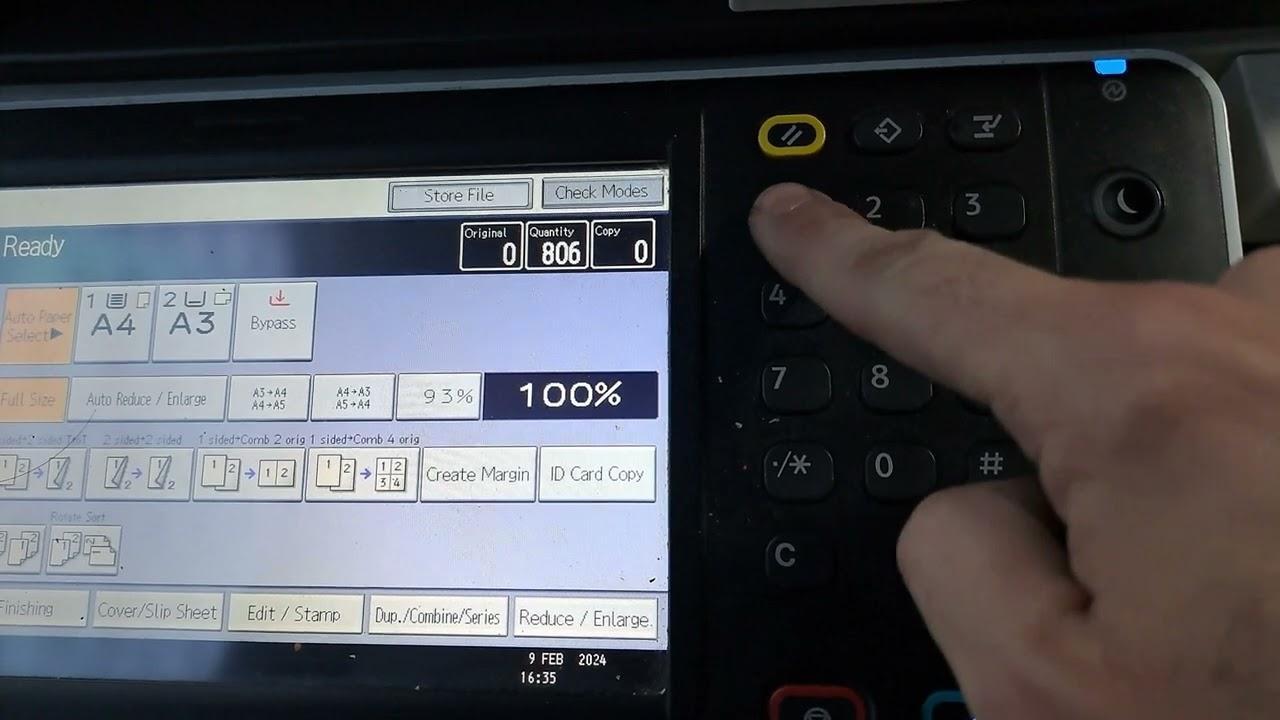
If you need to enter Service Program Mode (SP Mode) on the Ricoh MP2553SP, 3053, 3053SP, 3353 or 3353SP, use the key sequence below. This is the standard Ricoh MP