


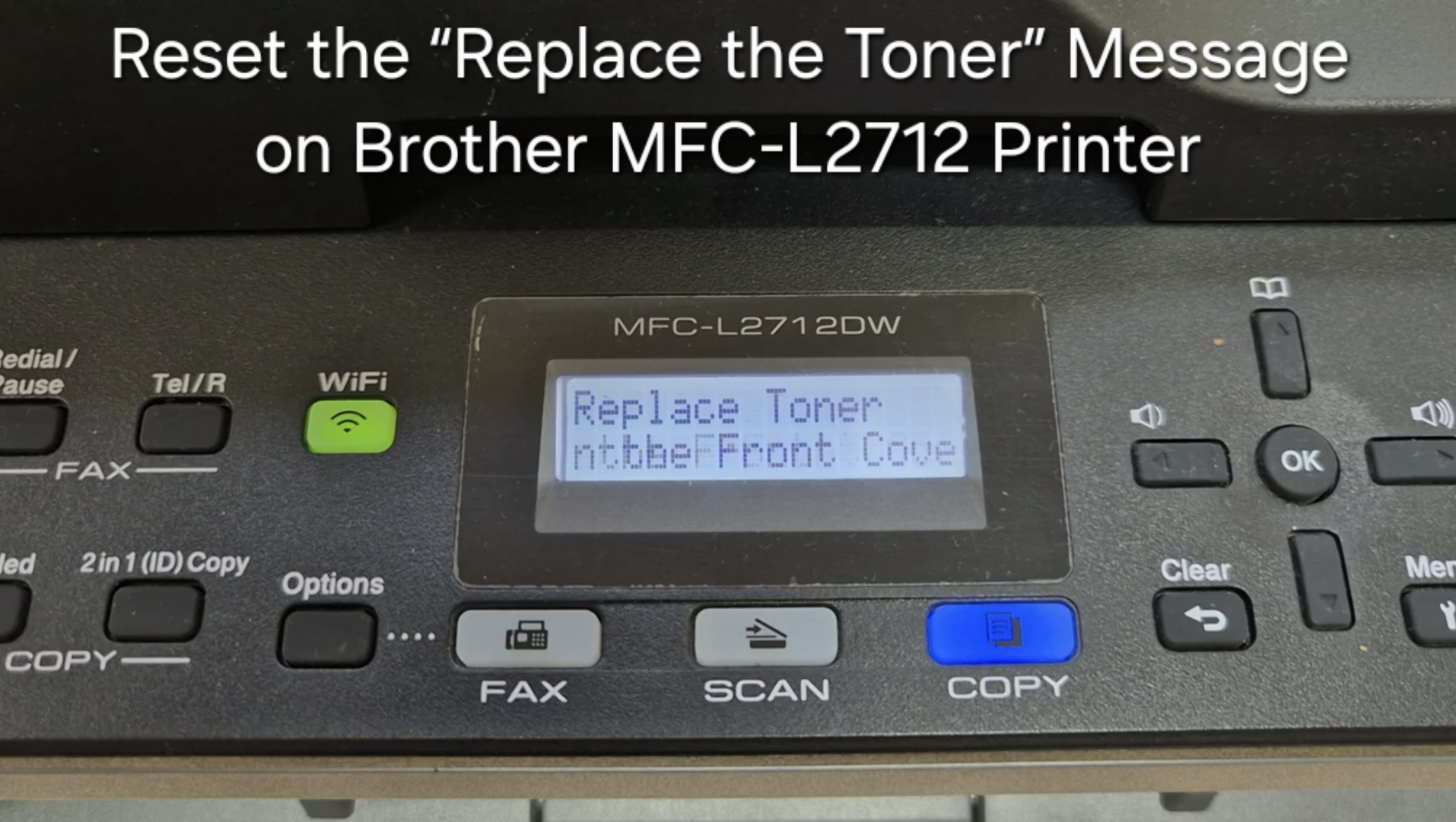
If your Brother MFC-L2712 displays the “Replace the Toner” message, you can often clear it by resetting the toner counter. Follow the steps below to perform a manual reset. This
When a printer or copier shows a “Replace Toner”, “Toner Low” or “Install Toner” message, you can often reset the toner counter and keep printing — even after fitting a refilled or third-party cartridge. This category gathers step-by-step toner reset guides with the exact menu path or key sequence for each model, so you can clear the message in under a minute. Popular guides include the Brother MFC-L2712 toner reset, the Brother DCP-1510/1512 toner reset, and the hidden reset for the Brother DCP-L5500DN/L5850DW. Resetting only clears the counter, so replace the cartridge once prints become faded.
If your Brother MFC-L2712 displays the “Replace the Toner” message, you can often clear it by resetting the toner counter. Follow the steps below to perform a manual reset. This
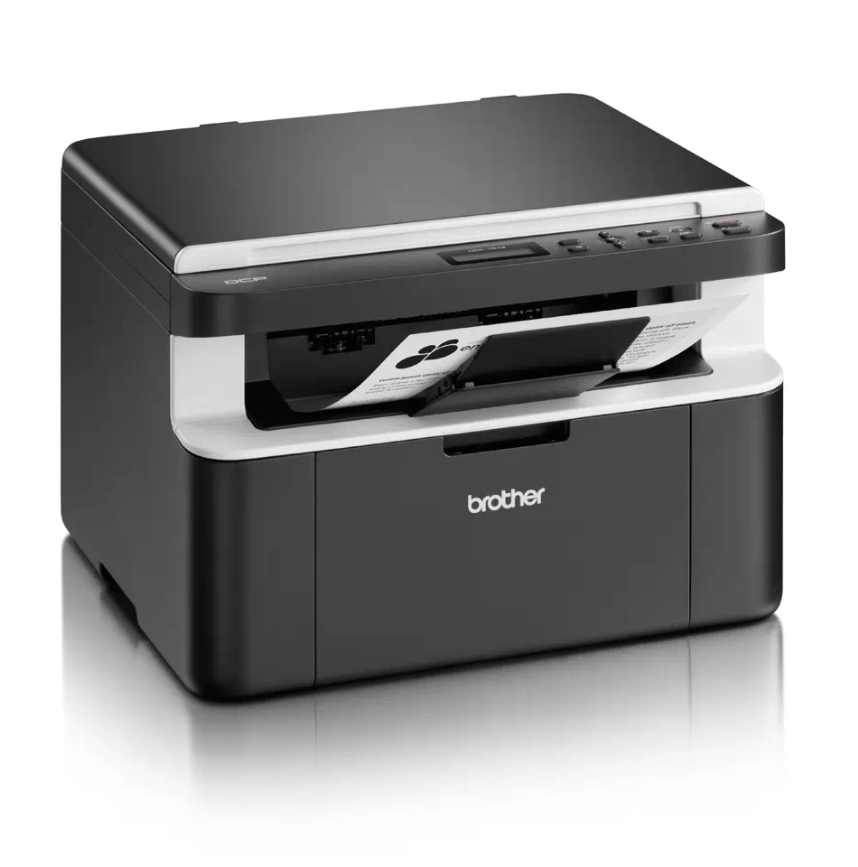
If your Brother DCP-1510 or DCP-1512 shows the “Replace Toner” message and won’t let you print or copy, you can perform a Brother DCP-1510 toner reset to clear the message
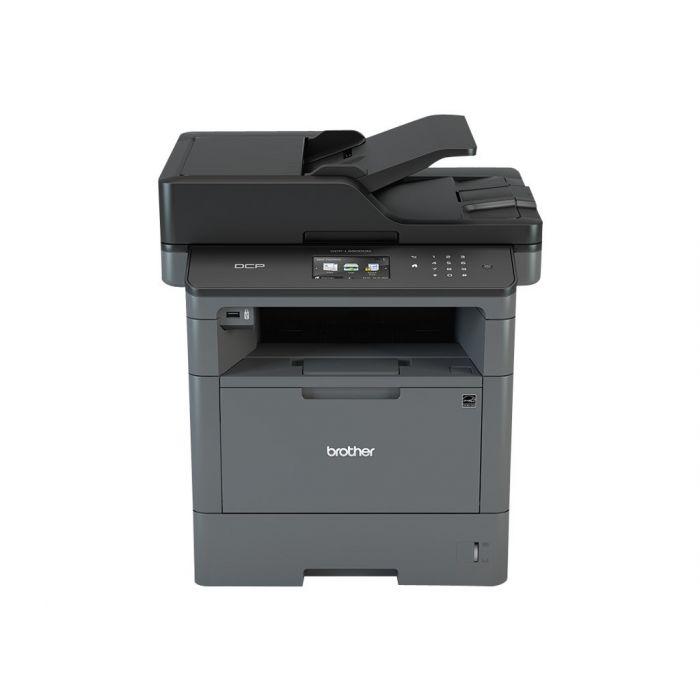
When you change the toner on the Brother DCP-L5500DN or DCP-L5850DW and the machine keeps showing “Change the toner cartridge” or “Install toner”, you need to run a hidden reset
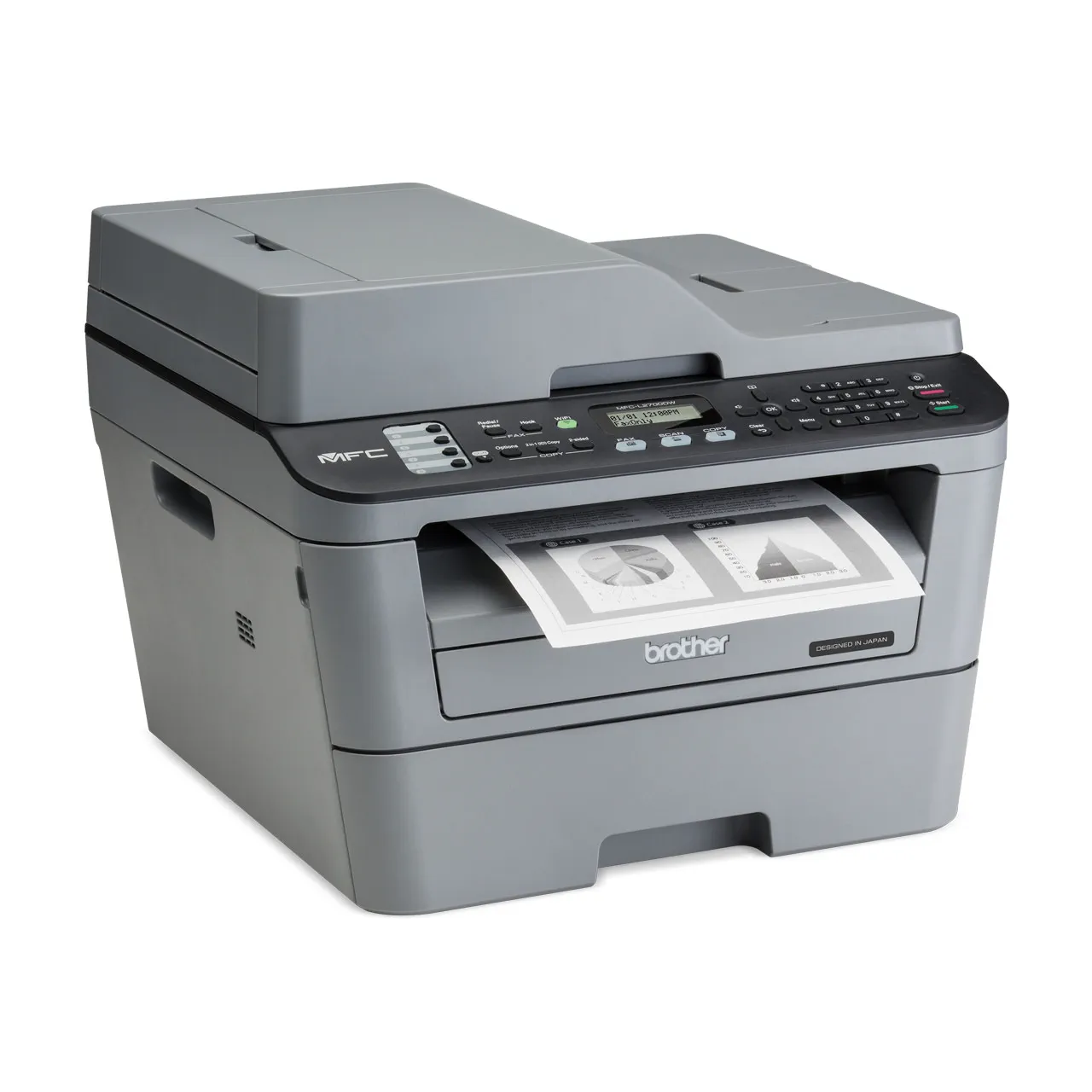
If your Brother MFC-L2700DW keeps asking you to replace the drum unit or toner even after you installed a new one, you need to reset the counter. This guide covers
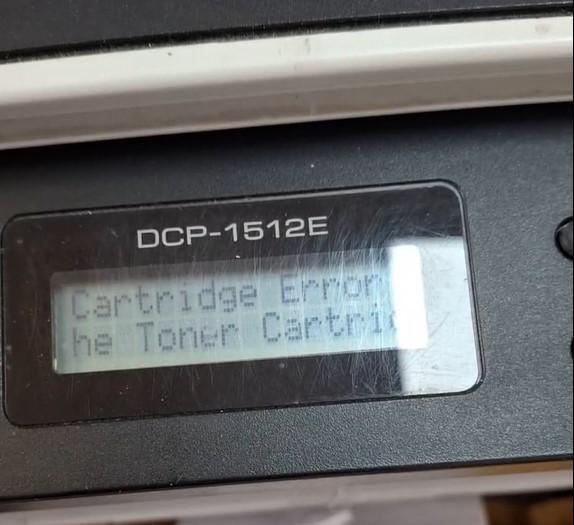
If your Brother DCP-1510 or DCP-1512 shows “Cartridge Error. Put the Toner Cartridge back in” after fitting a new toner, the machine has not detected the new cartridge. This guide