


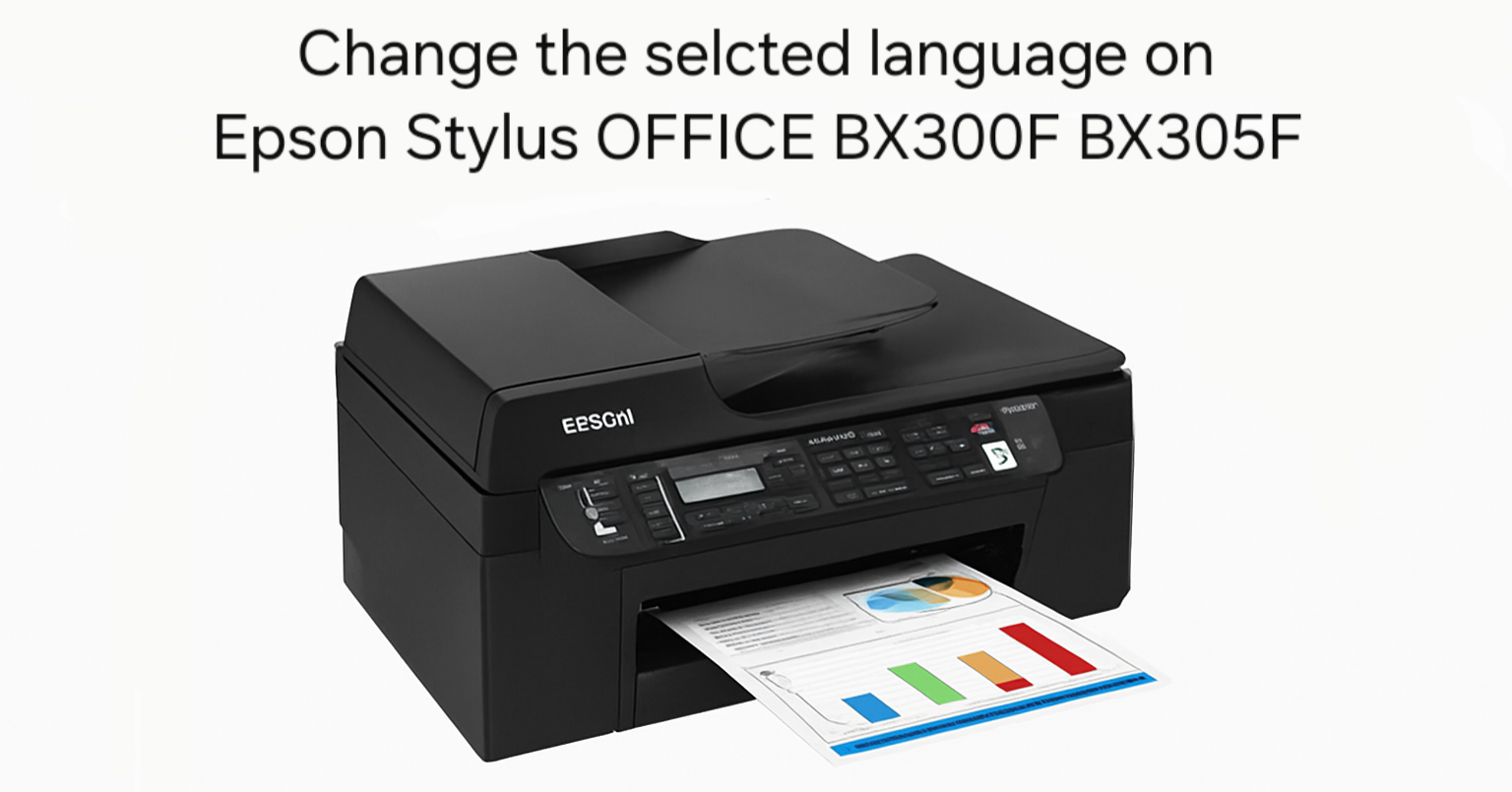
If you’ve recently purchased a second-hand Epson Stylus OFFICE BX300F or BX305F printer and found it set to a language you don’t understand, don’t worry – you’re not alone. Many
If you’ve recently purchased a second-hand Epson Stylus OFFICE BX300F or BX305F printer and found it set to a language you don’t understand, don’t worry – you’re not alone. Many
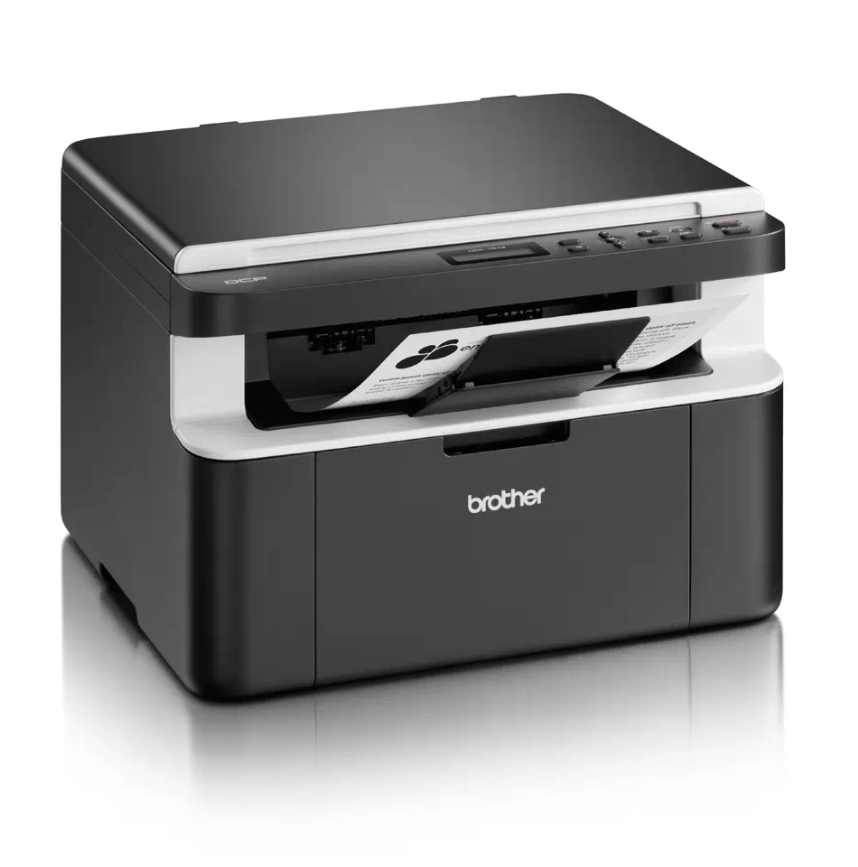
If your Brother DCP-1510 or DCP-1512 shows the “Replace Toner” message and won’t let you print or copy, you can perform a Brother DCP-1510 toner reset to clear the message
If your Brother DCP-1510 or DCP-1512 shows a “Replace Drum” or “Drum End Soon” message after you fit a new drum unit, you need to reset the drum counter. This
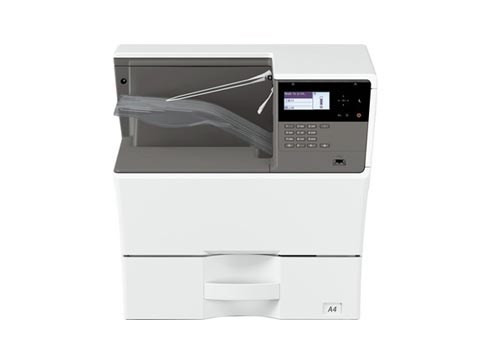
By default the USB port is disabled on these Sharp models. To enable the USB port on the Sharp MX-B350P, AR-B352PT, MX-B450P and AR-B452PT, you enter simulation mode and switch
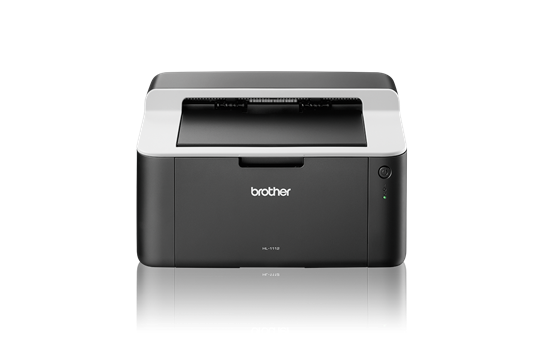
When the Brother HL-1110 reaches about 10,000 pages it stops the drum unit and shows a “Replace Drum” message. A Brother HL-1110 drum reset sets the drum counter back to
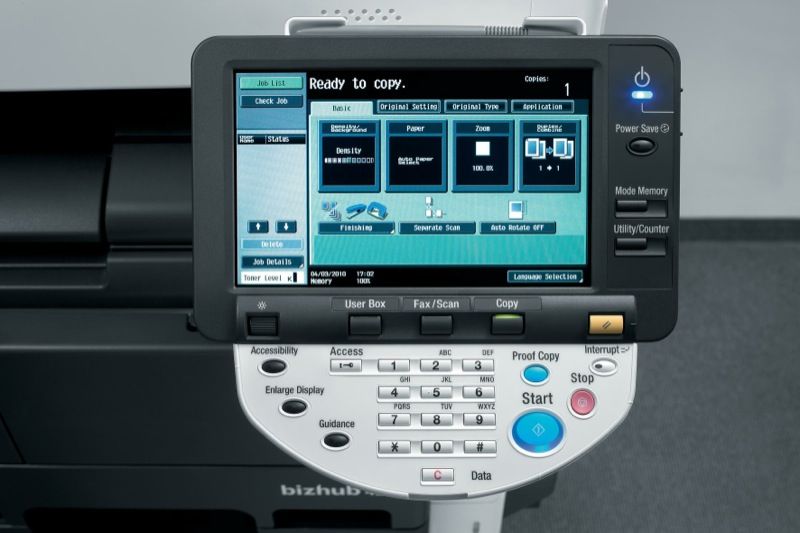
If you need to read the meter or copy count on the Konica Minolta bizhub 423, 363, 283 or 223, it only takes a couple of taps on the control
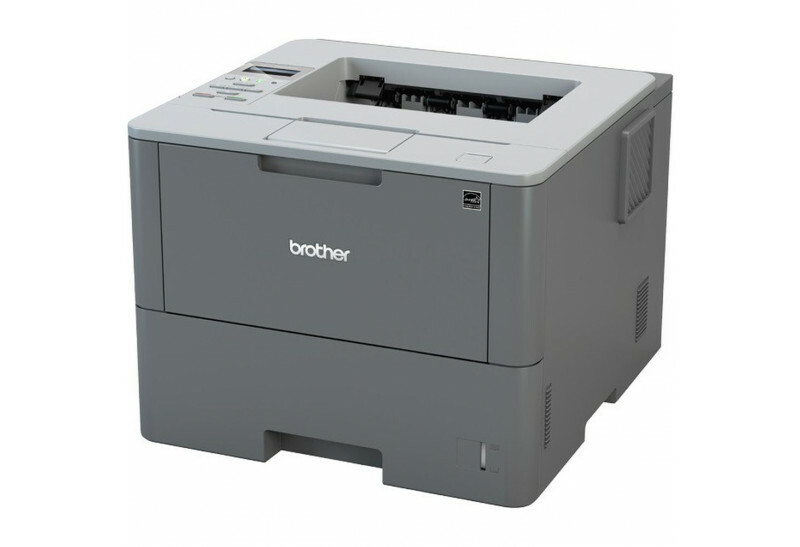
After you replace the drum unit on the Brother HL-L6250DW, the printer keeps showing a drum warning until you reset the drum counter. This Brother HL-L6250DW drum reset guide shows
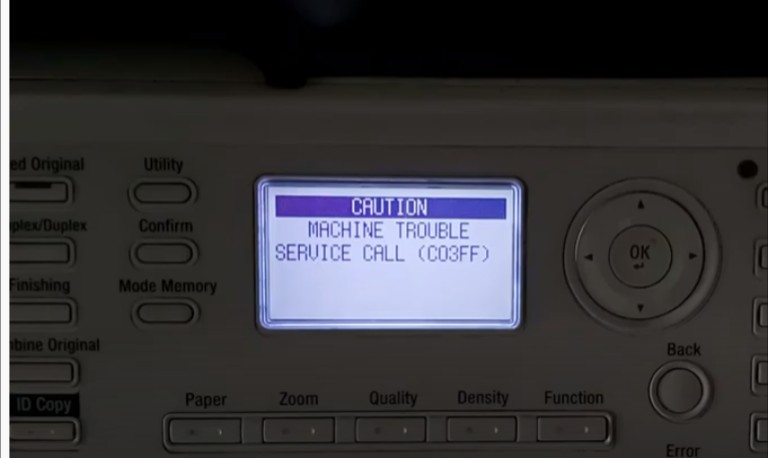
SERVICE CALL (C03FF) is the code for an inappropriate or improper model setting code on the machine. The machine model type and the model type set in circuit board are
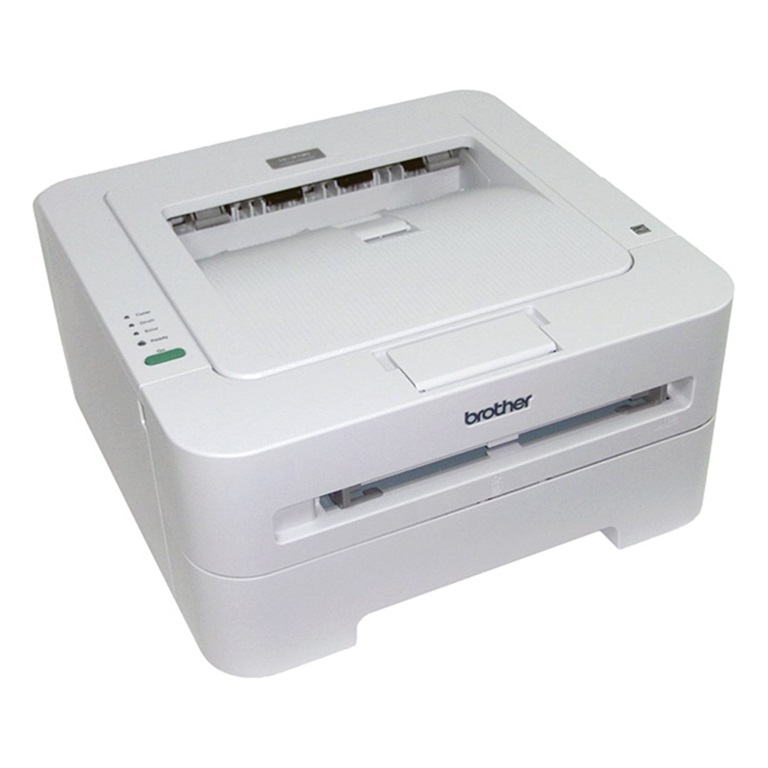
Printing a test page is the quickest way to check print quality and confirm the hardware works on the Brother HL-2130 — no computer required. Here is how to print
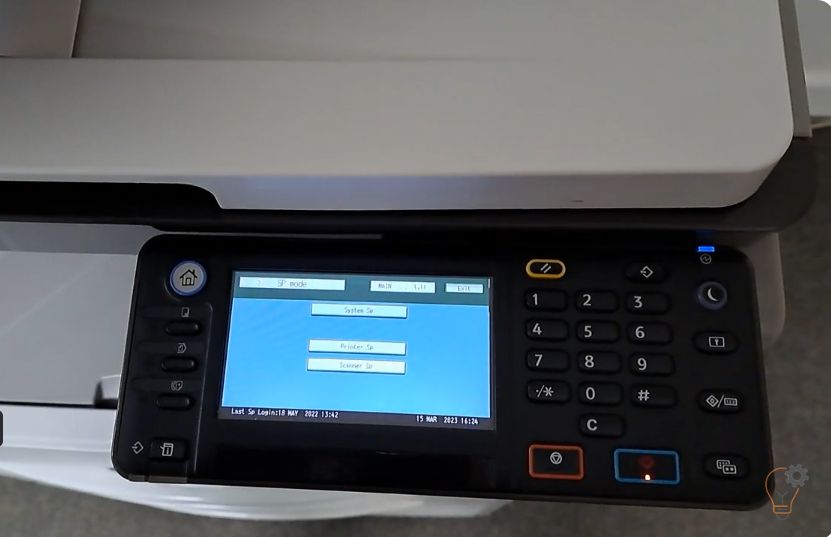
To enter Service (SP) Mode on the Ricoh MP 2501SP, you use a short key sequence on the control panel. This guide shows the exact Ricoh MP 2501SP service mode