Now Reading: How to reset drum counter on Brother HL-L6250DW
-
01
How to reset drum counter on Brother HL-L6250DW

How to reset drum counter on Brother HL-L6250DW
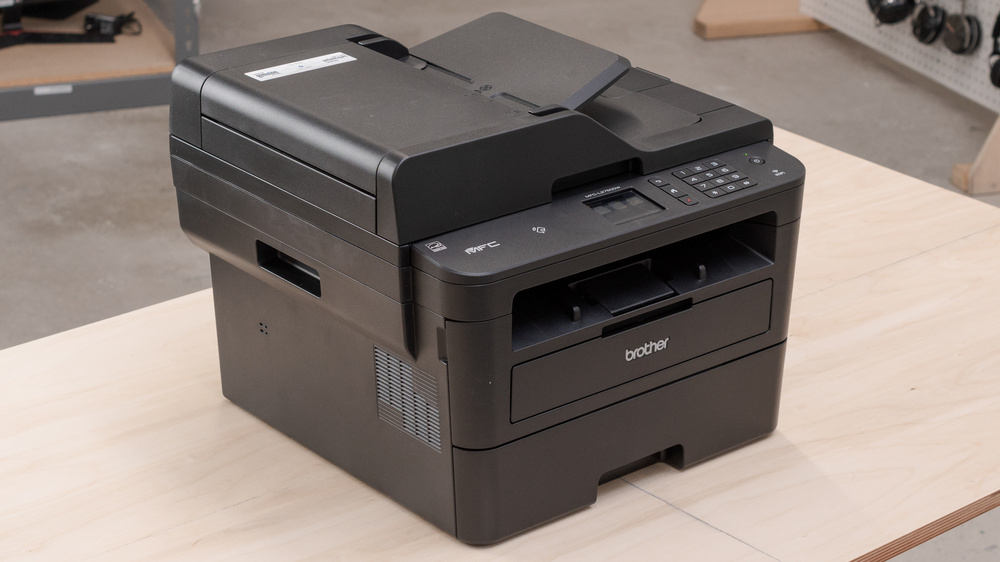
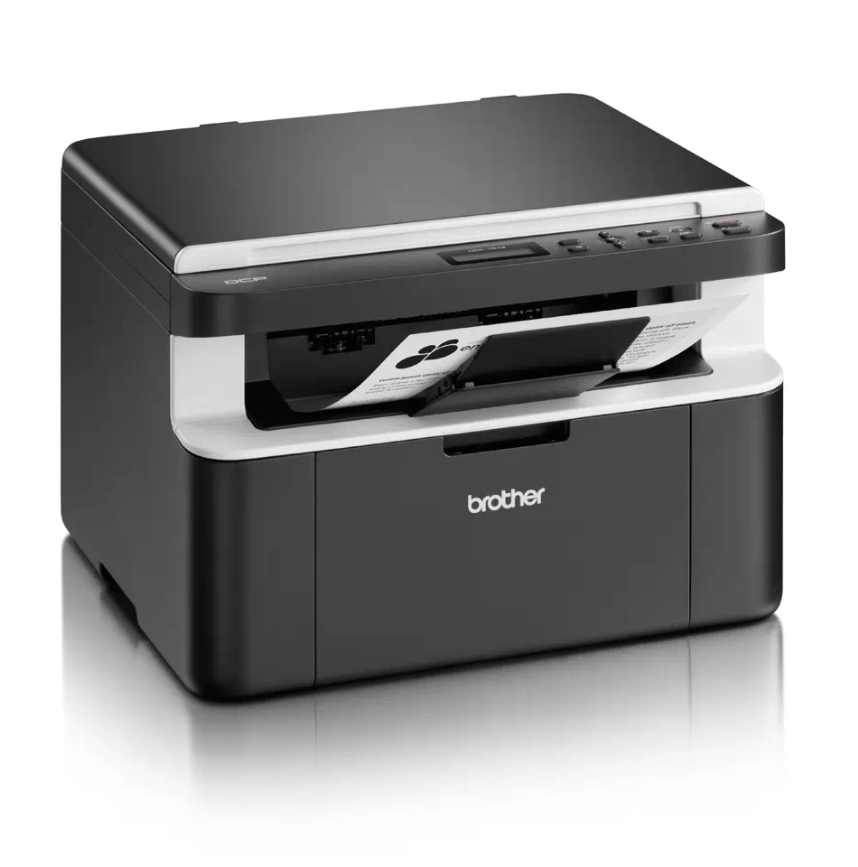
After you replace the drum unit on the Brother HL-L6250DW, the printer keeps showing a drum warning until you reset the drum counter. This Brother HL-L6250DW drum reset guide shows the exact key sequence in a few seconds.
Compatible models
The same procedure also works on the Brother HL-L5100DN, HL-L5200DW and HL-L6200DW.
How to reset the drum counter on the Brother HL-L6250DW
- Make sure the machine is turned on.
- Open the front cover.
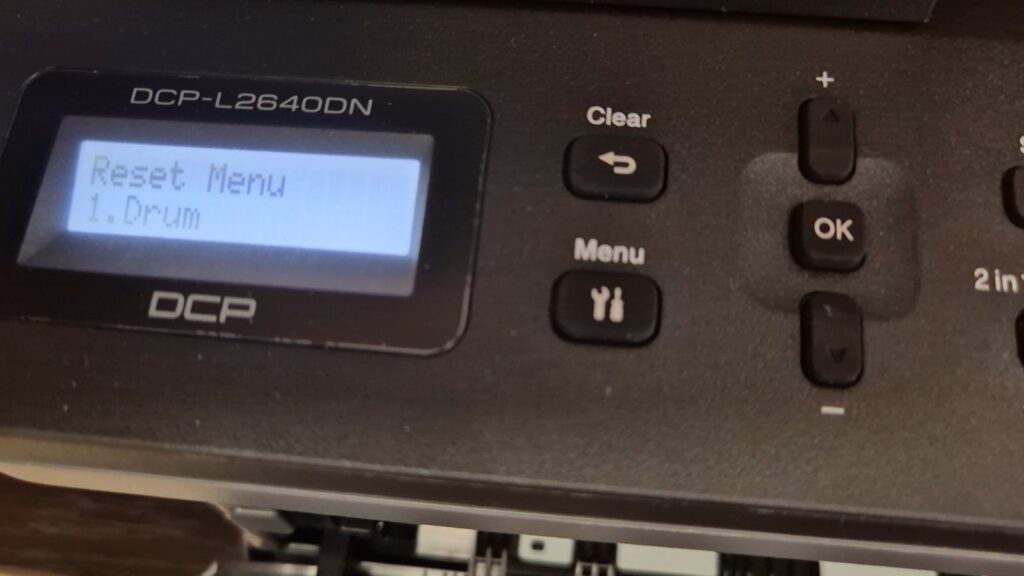
- Press and hold OK for about two seconds until Drum Unit appears, then press OK.
- Press the Up arrow key to reset the drum counter.
- Close the front cover. The drum warning clears and the printer is ready.
Troubleshooting
If Drum Unit does not appear, make sure you are holding the OK button with the front cover open. If the drum warning returns shortly after resetting, the drum unit may be genuinely worn and need replacing.
Frequently asked questions
Does resetting the drum improve print quality?
No. The reset only clears the counter. Streaks, spots or faded print usually mean the drum unit still needs replacing.
Is this the same as resetting the toner?
No. This resets only the drum counter, not the toner cartridge.
How many pages does the drum last?
The drum unit is rated for roughly 30,000–50,000 pages on this HL-L series, depending on usage.