Now Reading: Brother MFC-L2750DW Drum Reset – Step-by-Step Guide
-
01
Brother MFC-L2750DW Drum Reset – Step-by-Step Guide

Brother MFC-L2750DW Drum Reset – Step-by-Step Guide
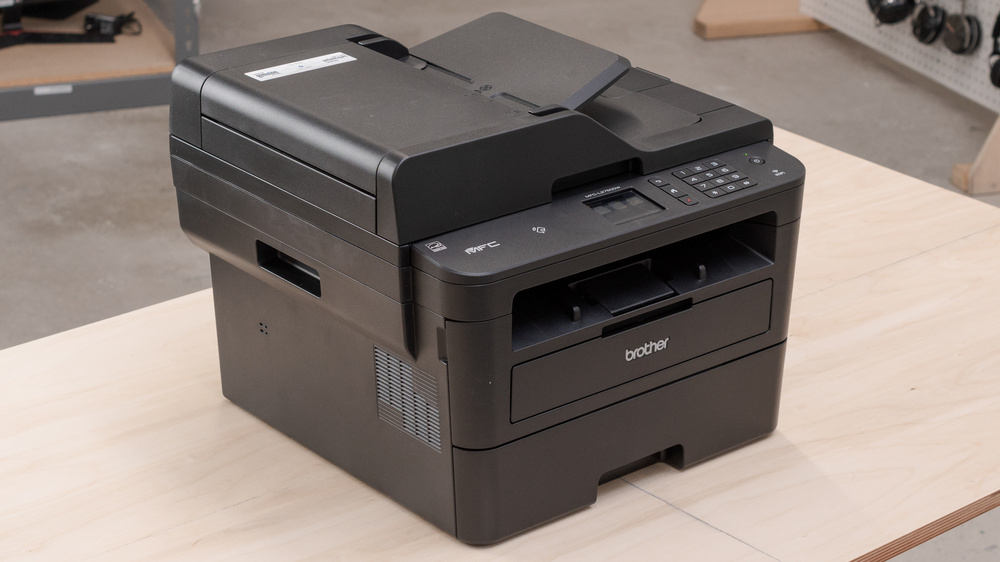
After you replace the drum unit on the Brother MFC-L2750DW, the printer keeps showing a drum warning until you reset the drum counter manually. This step-by-step guide shows the exact button sequence to perform a Brother MFC-L2750DW drum reset in under a minute — no tools or service menu required.
When do you need to reset the drum?
Reset the drum counter after installing a new or reconditioned drum unit, or when the display shows “Replace Drum” or “Drum !”. Resetting tells the printer the drum life is full again so the warning clears. It does not clean or repair the drum — it only resets the counter.
How to reset the drum counter on the Brother MFC-L2750DW
- Make sure the printer is powered on and the front cover is closed.
- Press the Cancel (X) button.
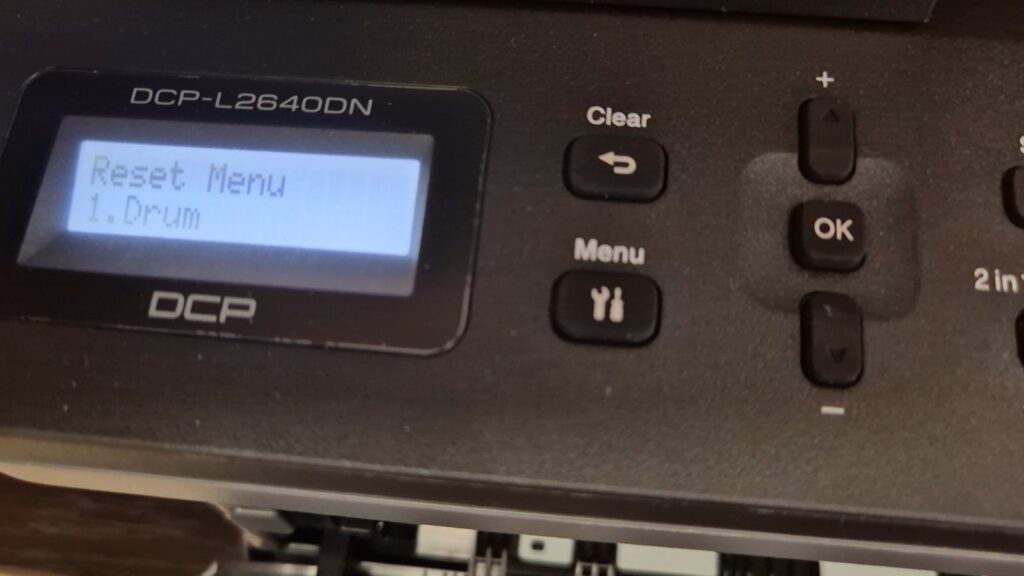
- Press and hold the Toner icon for about 5 seconds, until the Drum Reset menu appears.
- Select Reset Drum.
- Select Yes to confirm.
- The drum counter is reset and the warning disappears — your printer is ready.
Watch the video
You can watch the full procedure in this short video for better understanding:
Troubleshooting
If the Drum Reset option does not appear, make sure you are holding the Toner icon and not the Cancel button, and that the front cover is fully closed. If the drum warning returns shortly after resetting, the drum unit may be genuinely worn and need replacing.
Frequently asked questions
Does resetting the drum fix print-quality problems?
No. The reset only clears the counter. If you see streaks, spots or faded print, the drum unit itself may still need to be replaced.
Is the drum reset the same as the toner reset?
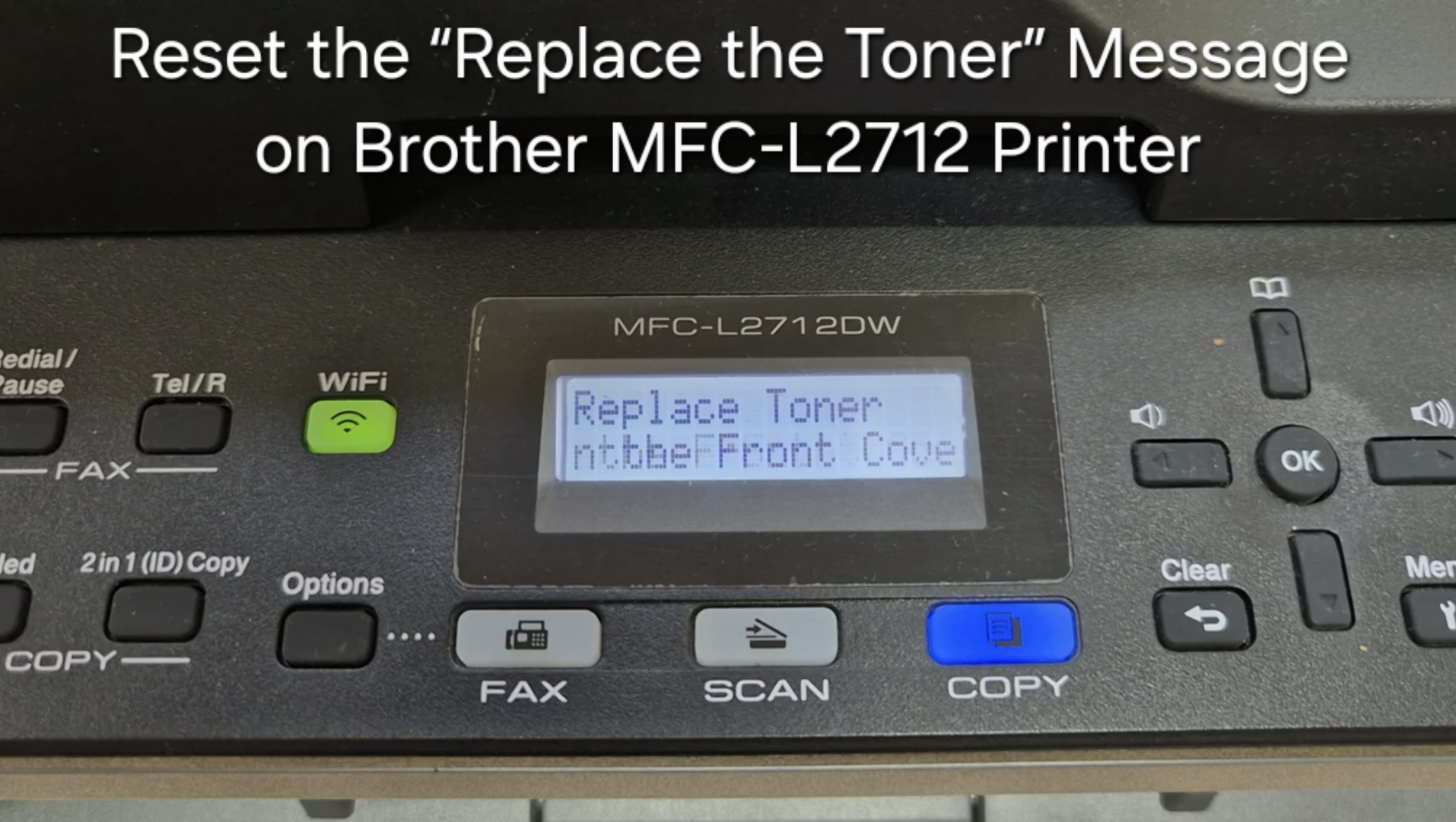
No. The toner reset clears the toner message, while the drum reset clears the drum counter. See our Brother toner reset guide for that procedure.
How often do I need to reset the drum?
Only when you replace the drum unit — roughly every 12,000–15,000 pages, depending on how you use the printer.
Related guides
- Drum reset for Brother DCP-L2510D / MFC-L2712DW
- Reset drum or toner on Brother MFC-L2700DW
- All Brother & copier drum reset guides
For more printer and copier fixes, watch this and more on the Print Copy Fix YouTube channel.