


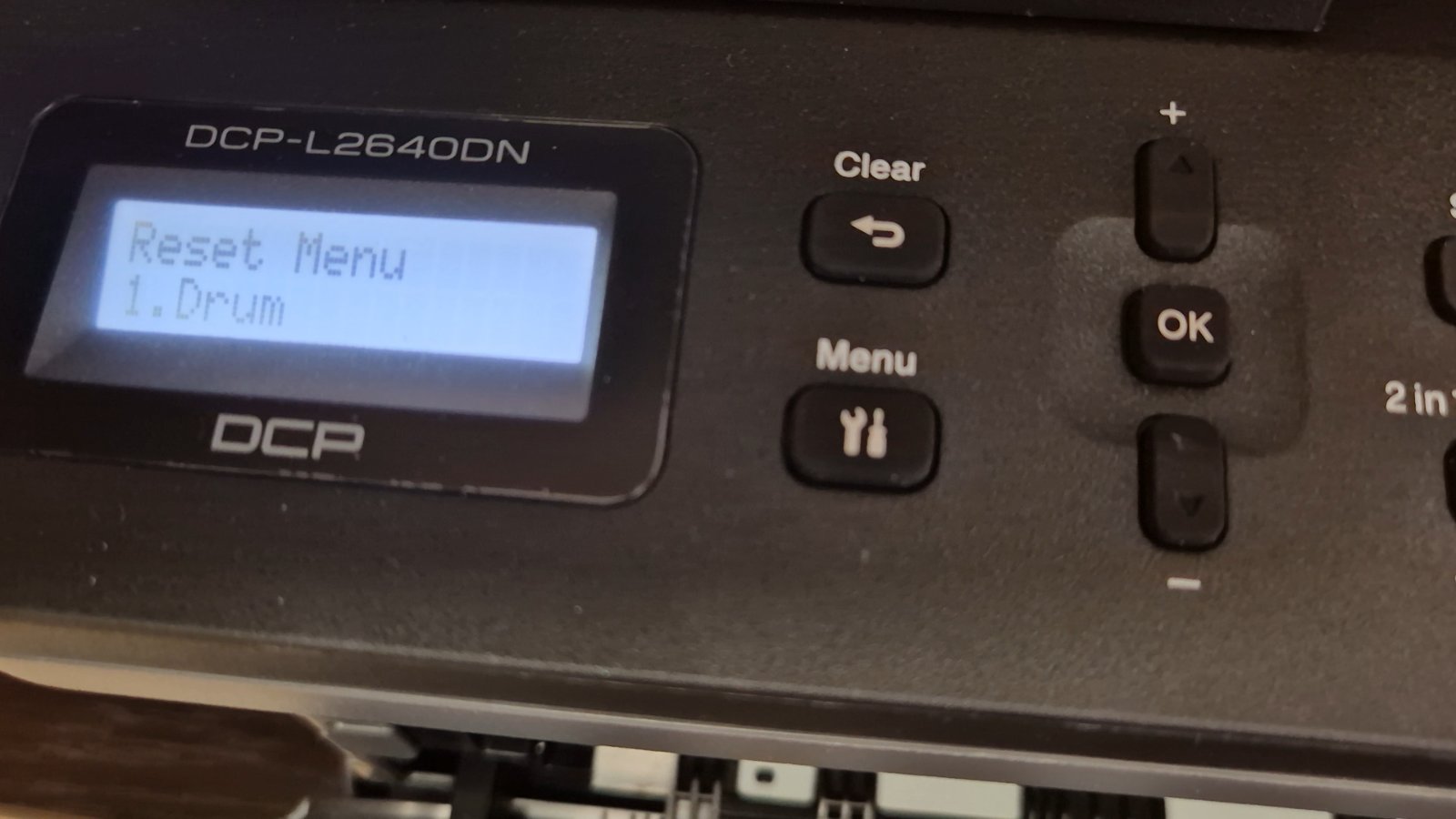
If you are using the Brother DCP-L2640DN printer and you see a message related to the drum unit, such as “Replace Drum” or “Drum End Soon”, it doesn’t always mean
If you are using the Brother DCP-L2640DN printer and you see a message related to the drum unit, such as “Replace Drum” or “Drum End Soon”, it doesn’t always mean
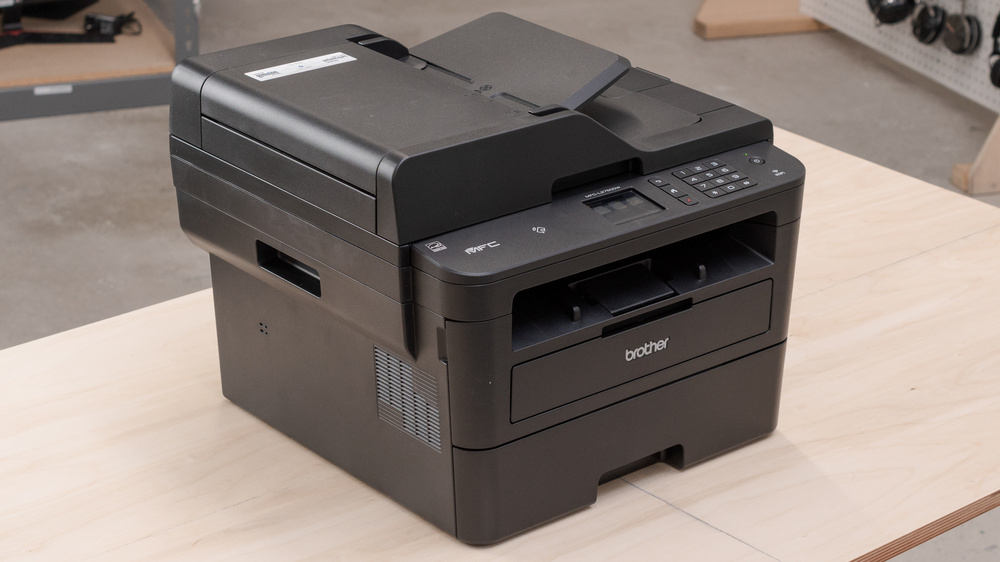
After you replace the drum unit on the Brother MFC-L2750DW, the printer keeps showing a drum warning until you reset the drum counter manually. This step-by-step guide shows the exact