Now Reading: Reset drum counter on BROTHER HL-1112 HL-1118 HL-1111 HL-1110 HL-1212 HL-1210
-
01
Reset drum counter on BROTHER HL-1112 HL-1118 HL-1111 HL-1110 HL-1212 HL-1210

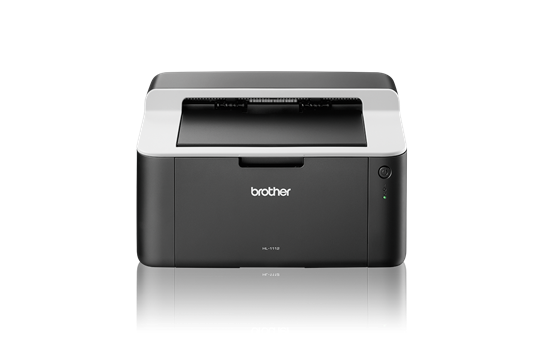
Reset drum counter on BROTHER HL-1112 HL-1118 HL-1111 HL-1110 HL-1212 HL-1210
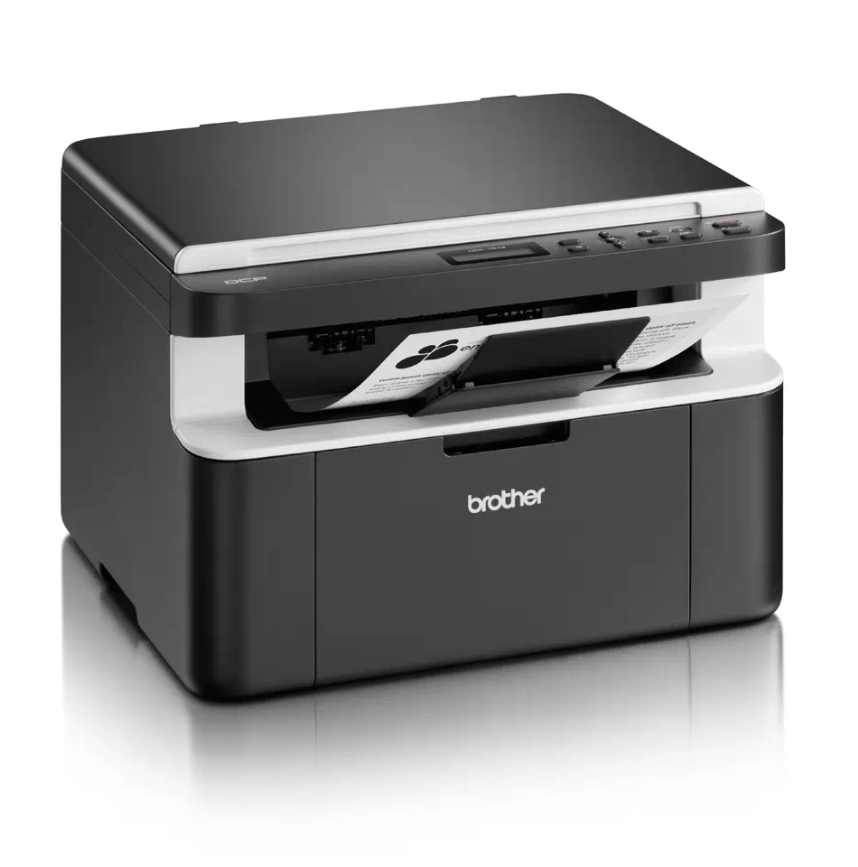
When the Brother HL-1110 reaches about 10,000 pages it stops the drum unit and shows a “Replace Drum” message. A Brother HL-1110 drum reset sets the drum counter back to zero so you can keep printing after replacing (or while re-using) the drum unit. The same steps also work on the HL-1111, HL-1112, HL-1118, HL-1210 and HL-1212.
How to reset the drum counter on the Brother HL-1110
- Make sure the machine is turned on.
- Open the cover.
- Press the power button 4 times.
- Close the cover.
- The drum counter is now reset and the printer is ready.
Watch the video
You can watch the full procedure in this short video for better understanding:
Troubleshooting
If the message does not clear, make sure you press the power button exactly four times with the cover open, then close the cover. If Replace Drum returns quickly, the drum unit is likely worn and should be replaced.
Frequently asked questions
Can I keep using the old drum after resetting?
You can, but print quality gradually drops as the drum wears. Reset is best used right after fitting a new or good-condition drum.
Is this the same as resetting the toner?
No. This resets only the drum counter, not the toner.
How many pages does the drum last?
The drum on this HL-1100/1200 series is rated for about 10,000 pages.