


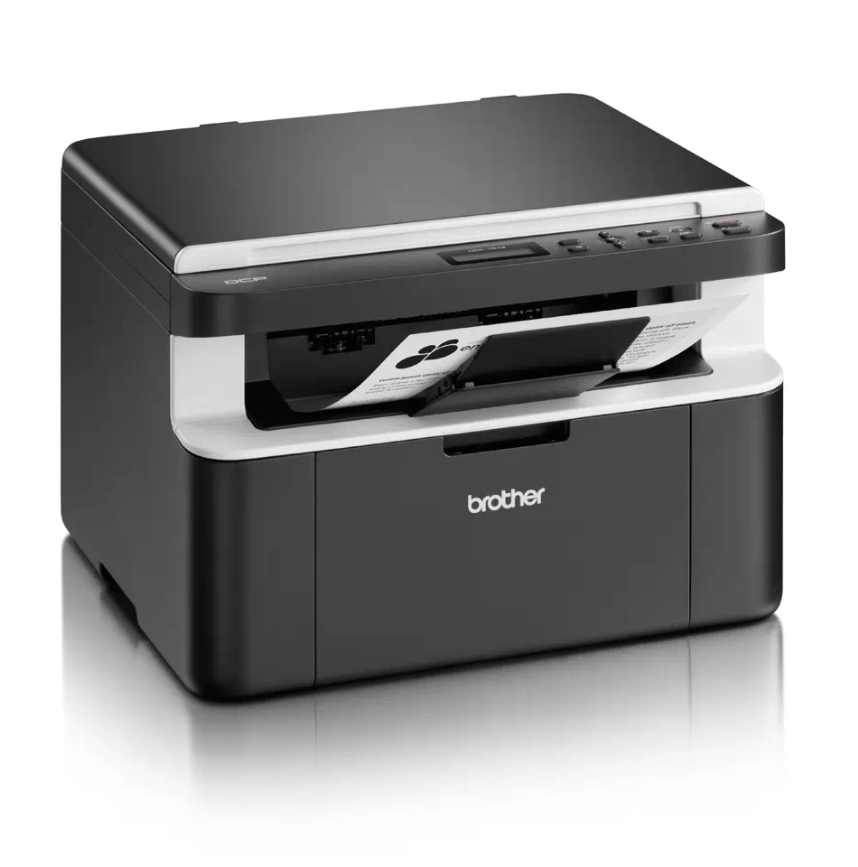
If your Brother DCP-1510 or DCP-1512 shows a “Replace Drum” or “Drum End Soon” message after you fit a new drum unit, you need to reset the drum counter. This
If your Brother DCP-1510 or DCP-1512 shows a “Replace Drum” or “Drum End Soon” message after you fit a new drum unit, you need to reset the drum counter. This
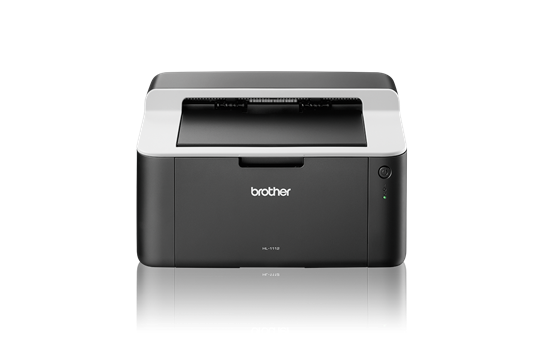
When the Brother HL-1110 reaches about 10,000 pages it stops the drum unit and shows a “Replace Drum” message. A Brother HL-1110 drum reset sets the drum counter back to
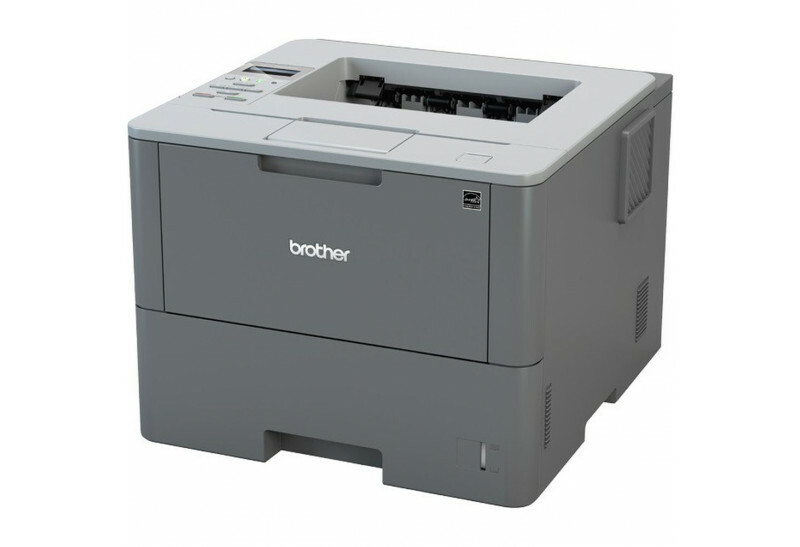
After you replace the drum unit on the Brother HL-L6250DW, the printer keeps showing a drum warning until you reset the drum counter. This Brother HL-L6250DW drum reset guide shows
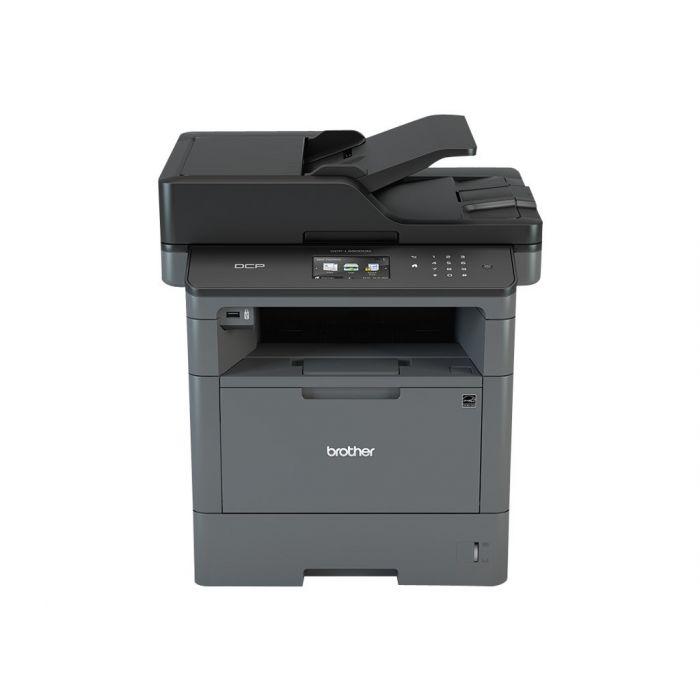
After you replace the drum unit on the Brother MFC-L5500, the printer keeps showing a drum warning until you reset the drum counter. This Brother MFC-L5500 drum reset guide shows
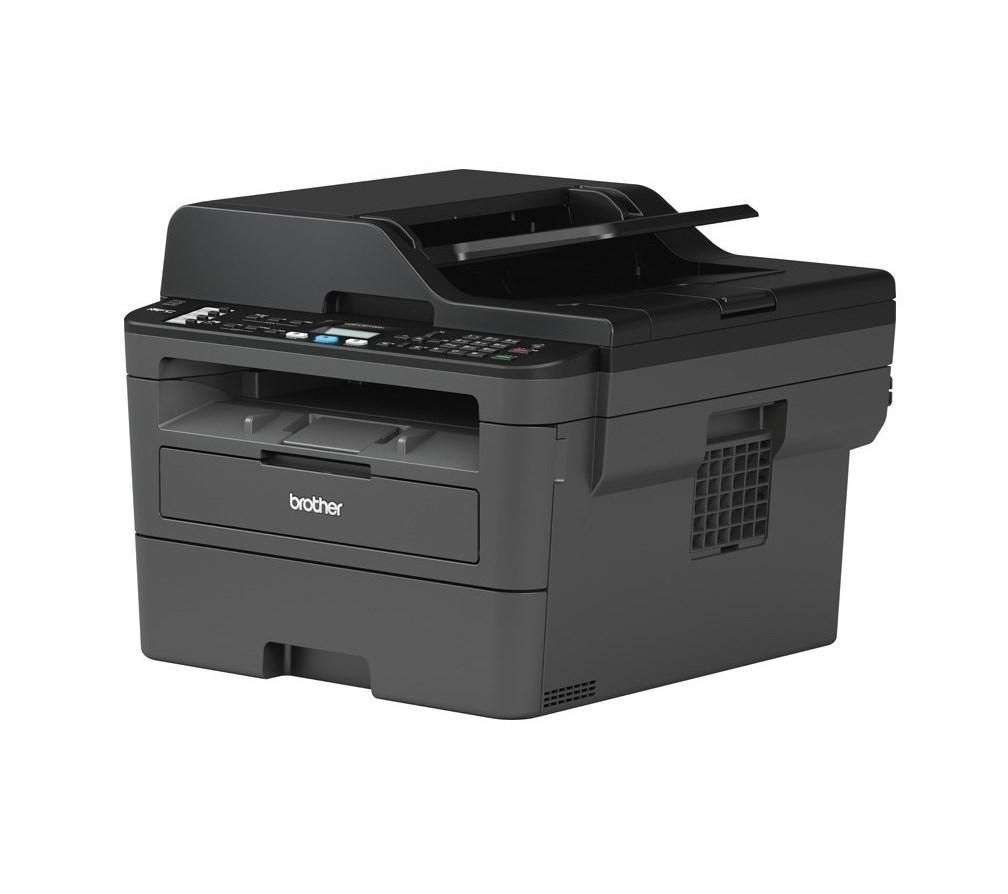
After you replace the drum unit on the Brother DCP-L2510D or MFC-L2712DW, the printer shows a drum warning until you reset the drum counter. This Brother DCP-L2510D drum reset guide