


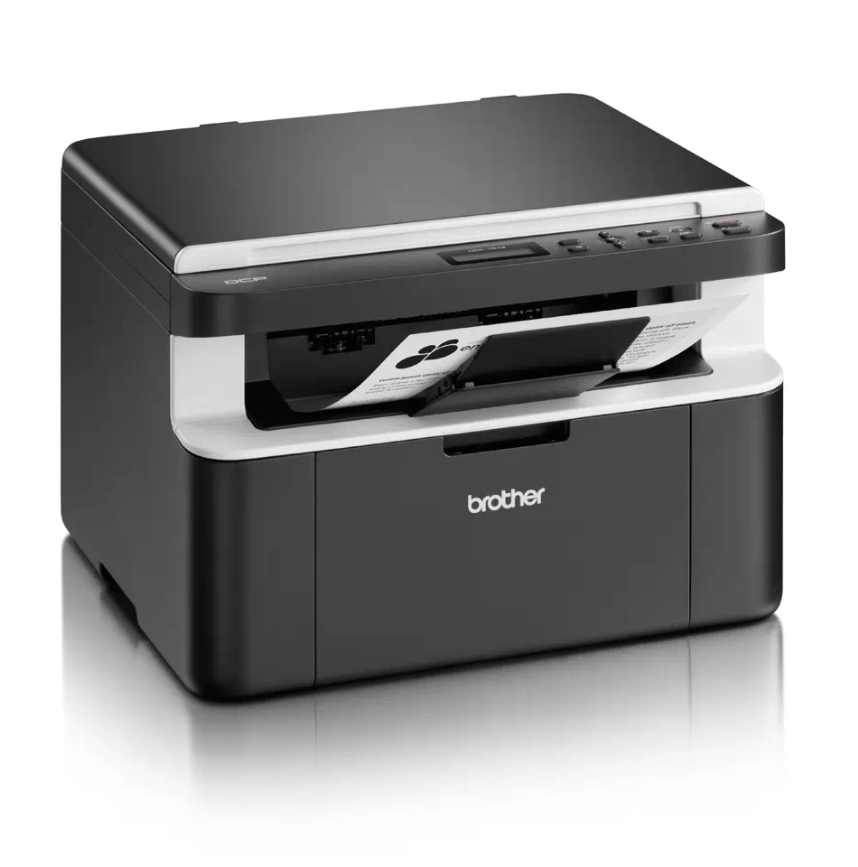
If your Brother DCP-1510 or DCP-1512 shows the “Replace Toner” message and won’t let you print or copy, you can perform a Brother DCP-1510 toner reset to clear the message
If your Brother DCP-1510 or DCP-1512 shows the “Replace Toner” message and won’t let you print or copy, you can perform a Brother DCP-1510 toner reset to clear the message
If your Brother DCP-1510 or DCP-1512 shows a “Replace Drum” or “Drum End Soon” message after you fit a new drum unit, you need to reset the drum counter. This
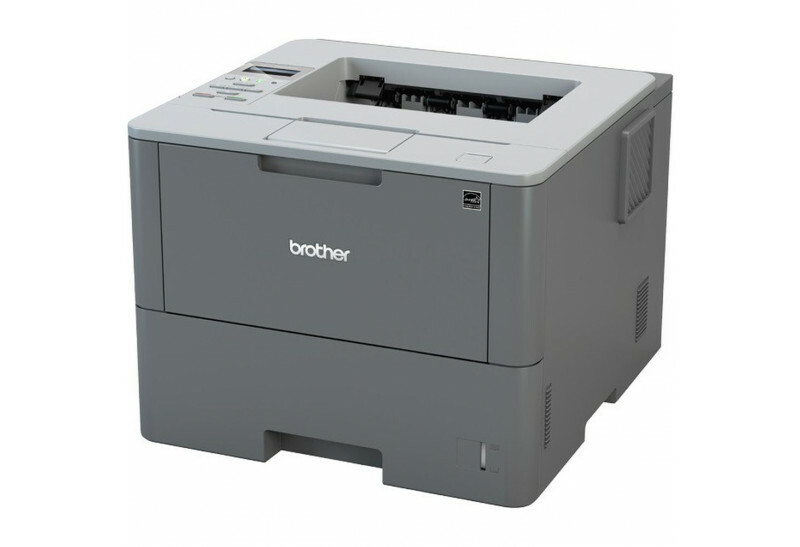
After you replace the drum unit on the Brother HL-L6250DW, the printer keeps showing a drum warning until you reset the drum counter. This Brother HL-L6250DW drum reset guide shows
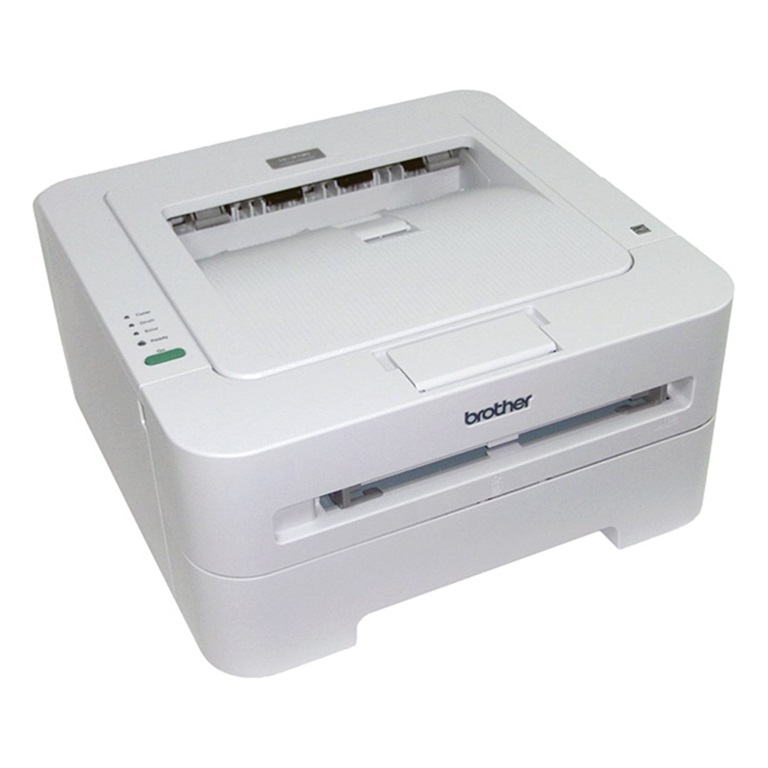
Printing a test page is the quickest way to check print quality and confirm the hardware works on the Brother HL-2130 — no computer required. Here is how to print
Toner Save mode lightens the print density so the machine uses less toner and the cartridge lasts longer. Here is how to turn Toner Save mode on or off on
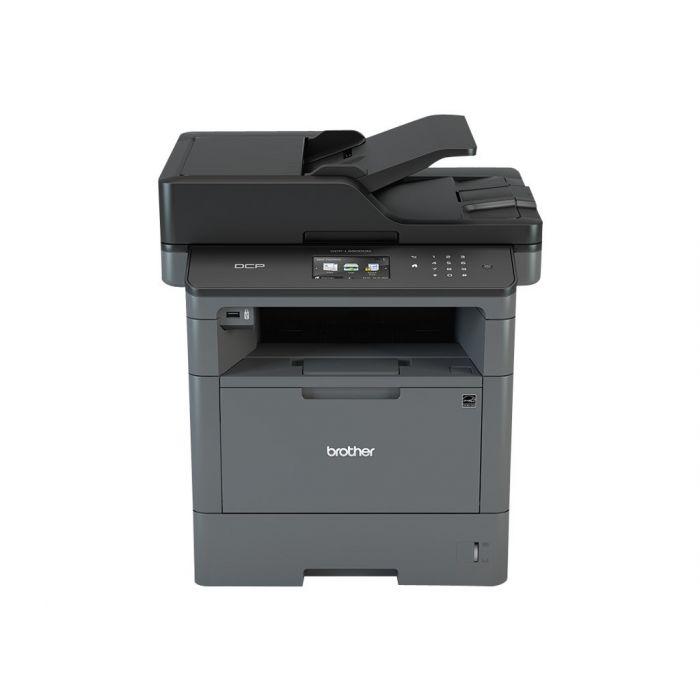
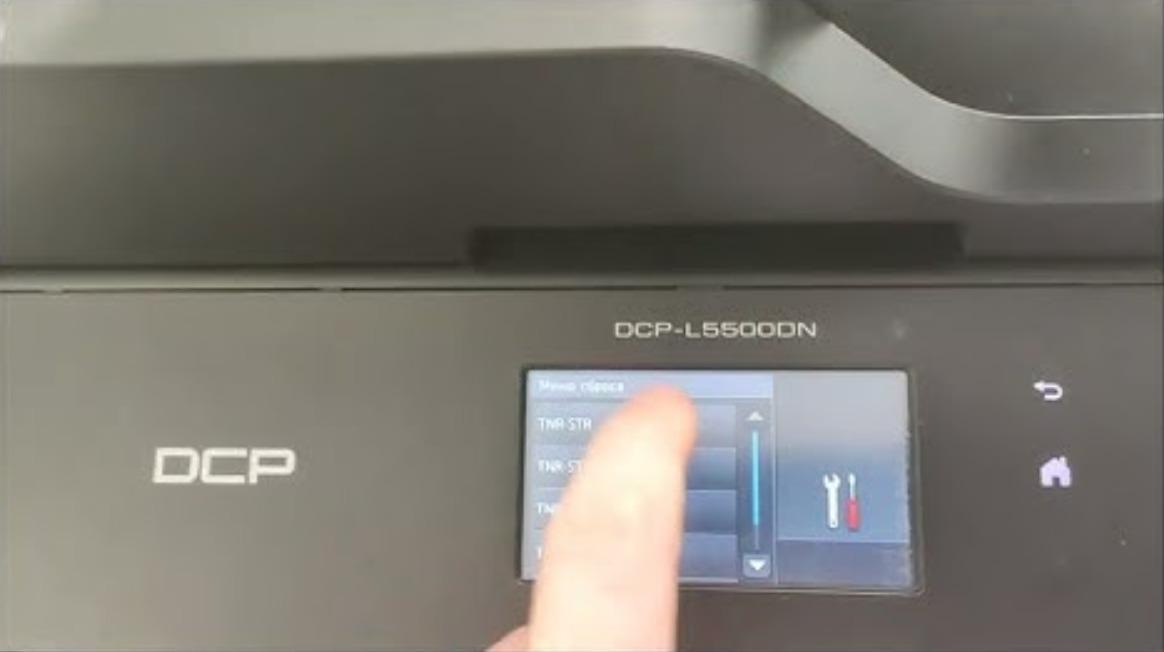
When you change the toner on the Brother DCP-L5500DN or DCP-L5850DW and the machine keeps showing “Change the toner cartridge” or “Install toner”, you need to run a hidden reset
After you replace the drum unit on the Brother MFC-L5500, the printer keeps showing a drum warning until you reset the drum counter. This Brother MFC-L5500 drum reset guide shows
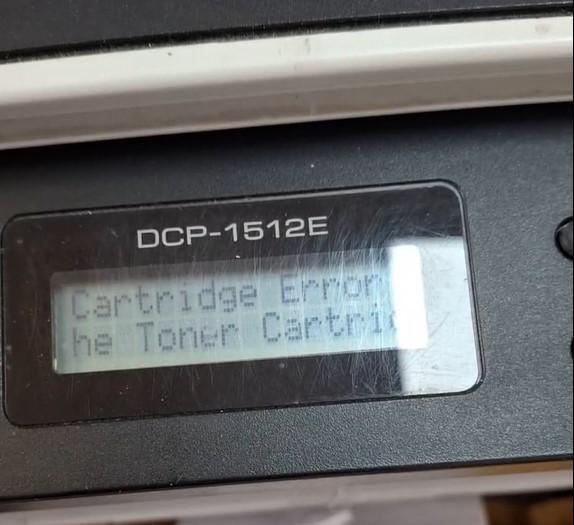
If your Brother DCP-1510 or DCP-1512 shows “Cartridge Error. Put the Toner Cartridge back in” after fitting a new toner, the machine has not detected the new cartridge. This guide
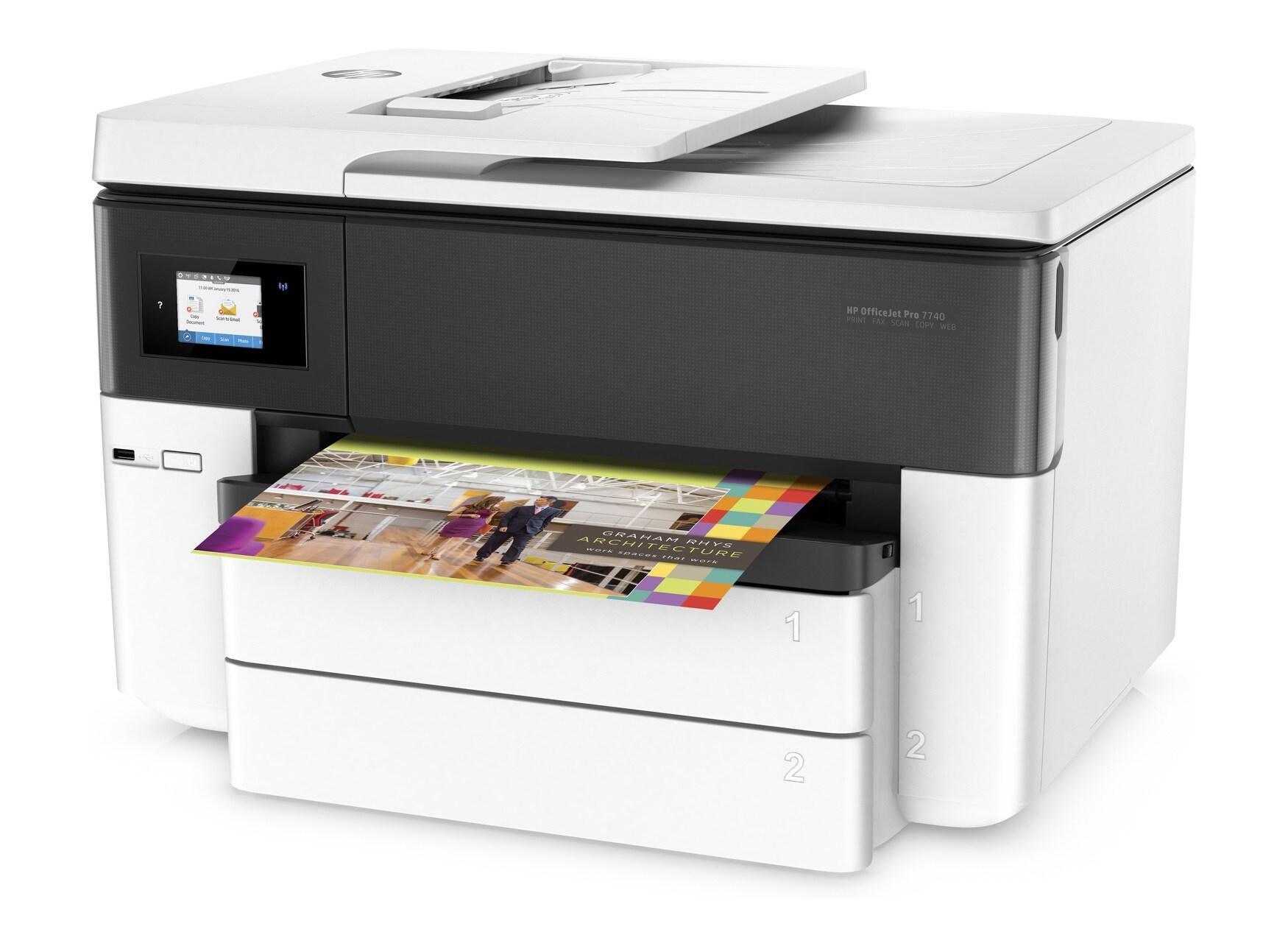
Since 2016, HP has included dynamic security in their firmware update, designed to limit third-party ink cartridges’ use. As per HP, dynamic security-enabled printers are only meant to function with
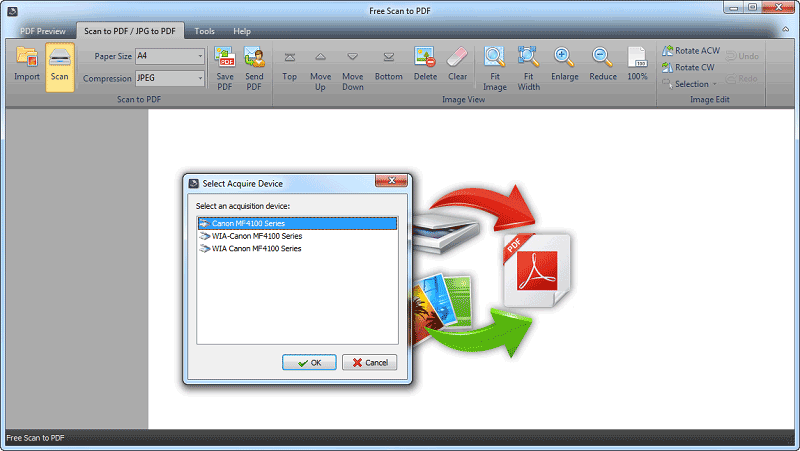
Advanced Scan to PDF is a simple, ease of use, good, clean, without ads, and without activations scaning program? Scan your documents to PDF format from your multifunctional device. Here is Advanced