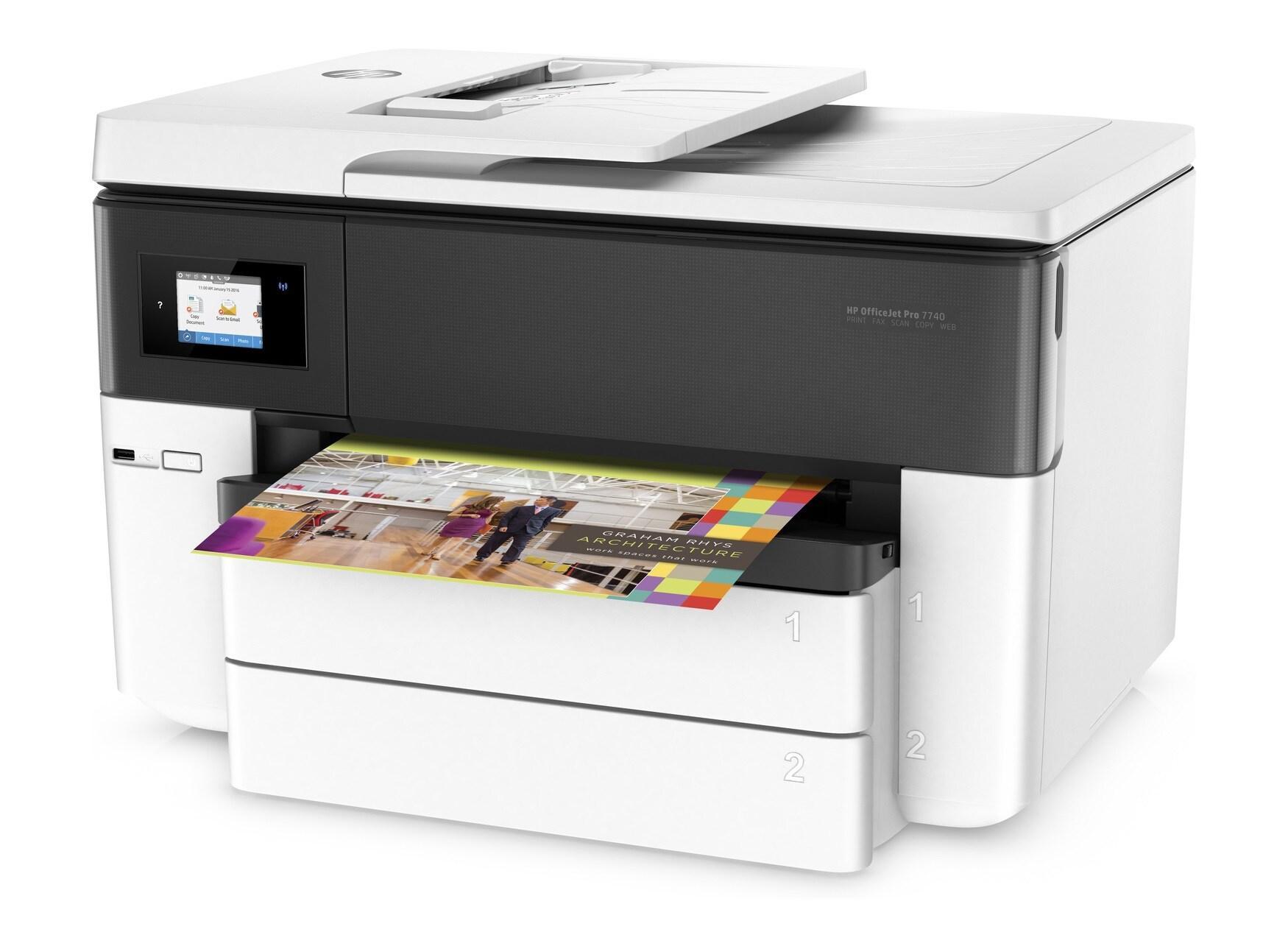
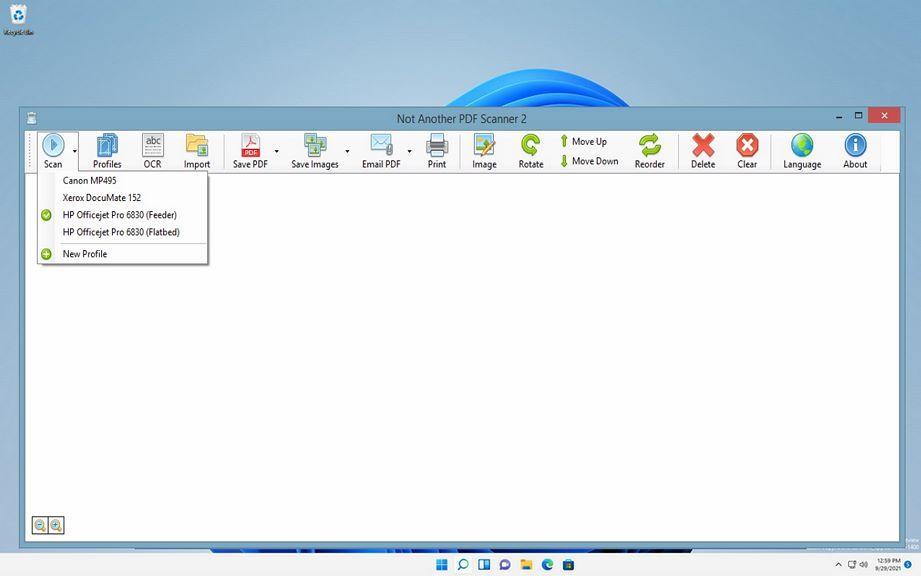
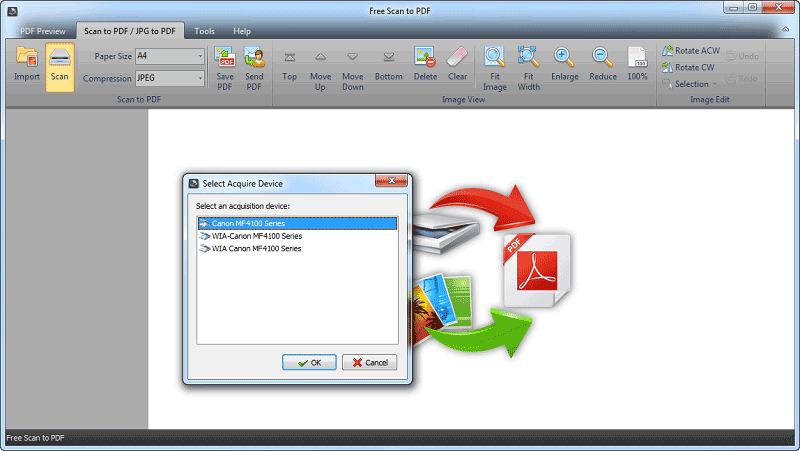
Advanced Scan to PDF is a small, free scanning program that saves documents from your scanner or multifunction copier straight to a PDF file, without ads or activation.
What it is useful for
- Scanning paper documents to PDF from a USB-connected scanner or multifunction printer.
- Combining several scanned pages into one PDF file.
- Offices that need a simple scan-to-PDF tool instead of the full manufacturer software package.
How to scan to PDF
- Install the printer or scanner driver for your machine first, so the scanner is visible in Windows.
- Download and install Advanced Scan to PDF using the button below.
- Open the program, select your scanner, place the document on the glass or in the document feeder and start the scan.
- Save the result as a PDF file.
If the scanner does not appear in the program, check that the driver is installed and that the machine is connected and switched on. For a more advanced free alternative with OCR and document feeder support, see NAPS2 – free scan to PDF.
Download
Free downloadFree download: Advanced Scan to PDFGet itRelated guides
- Downgrade HP OfficeJet Pro 7740 Printer Firmware
- Scan to PDF – NAPS2 – Free Download
- Change the paper tray’s size setting on SHARP AR-5618/5620
- Best Printers for Poster Printing: Top Picks for Stunning Results in 2025
Browse all Software & Drivers guides.