Now Reading: Clear error code E000001 on CANON IR2520/2525/2530
-
01
Clear error code E000001 on CANON IR2520/2525/2530

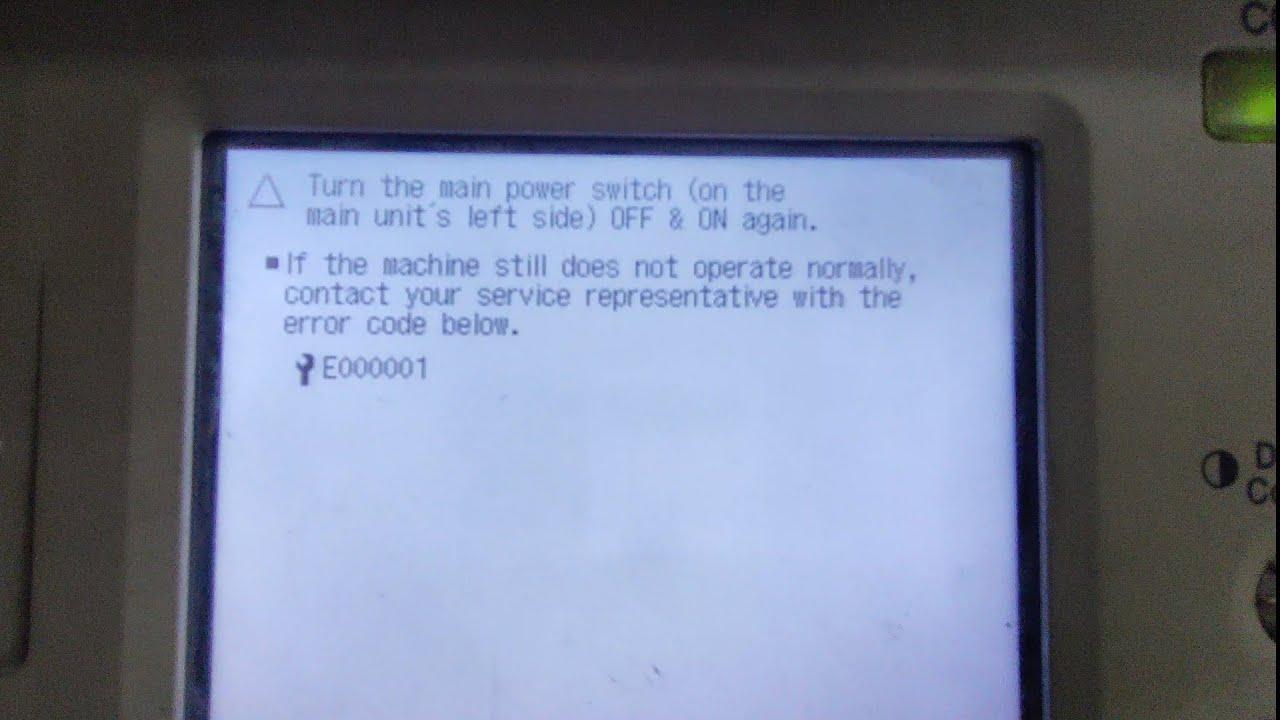
Clear error code E000001 on CANON IR2520/2525/2530
The Canon error code E000001 on the imageRUNNER iR2520 / iR2525 / iR2530 is a fusing (fixing) unit fault. This guide explains the common causes and how to reset the Canon E000001 error.
Common causes of E000001
- The fuser unit was pulled out while the machine power switch was still on.
- Not enough thermal grease on the fusing film.
- Loose or faulty fuser connectors — check that all connectors are seated properly.
How to reset the E000001 error
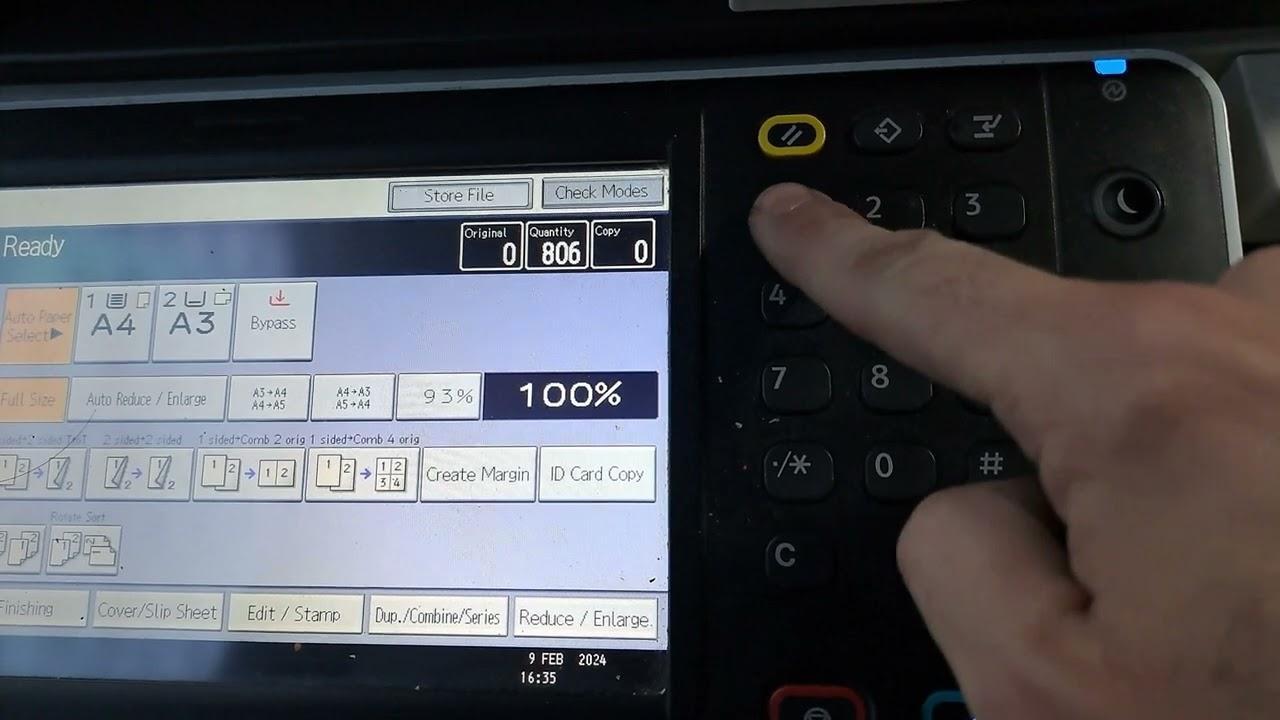
After you have checked and corrected the causes above, the error must be cleared in the machine’s service mode. Watch the video below for the exact reset steps on the iR2520 / 2525 / 2530:
Important: only reset the code after fixing the underlying fusing fault. Resetting on its own will not repair a genuine hardware problem, and the error will return.
Frequently asked questions
What does E000001 mean on a Canon iR?
It is a fixing/fuser temperature fault. The machine detects a problem in the fusing unit and stops with E000001.
Can I just reset the code?
You can, but if the fuser fault is real (grease, film or connectors) the code will come back. Fix the cause first, then reset.
Which models does this apply to?
The Canon imageRUNNER iR2520, iR2525 and iR2530.