


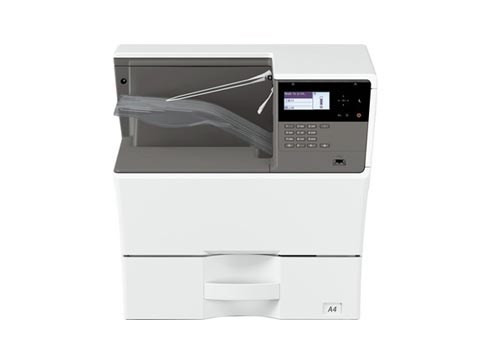
By default the USB port is disabled on these Sharp models. To enable the USB port on the Sharp MX-B350P, AR-B352PT, MX-B450P and AR-B452PT, you enter simulation mode and switch
By default the USB port is disabled on these Sharp models. To enable the USB port on the Sharp MX-B350P, AR-B352PT, MX-B450P and AR-B452PT, you enter simulation mode and switch
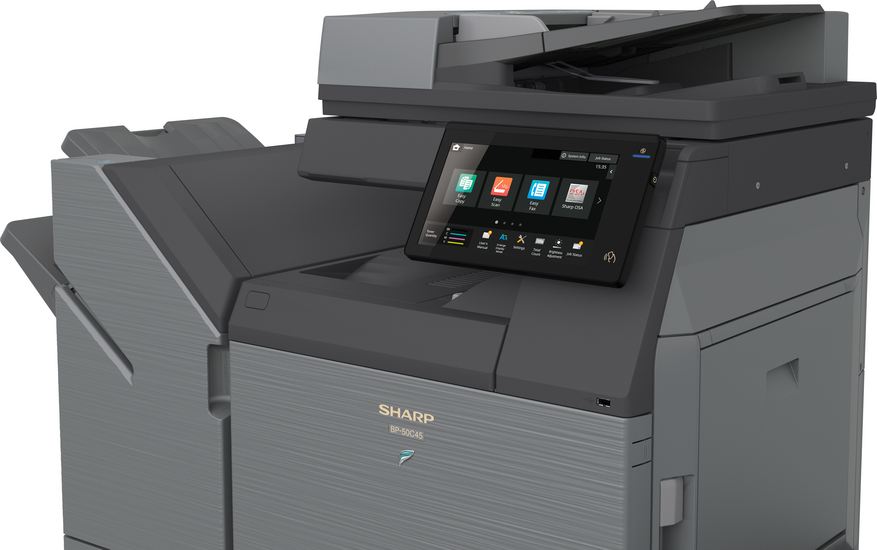
By default the USB port (Type B) is disabled on this model. To enable the USB port on the Sharp BP-50C26, you enter simulation (service) mode and switch it on.
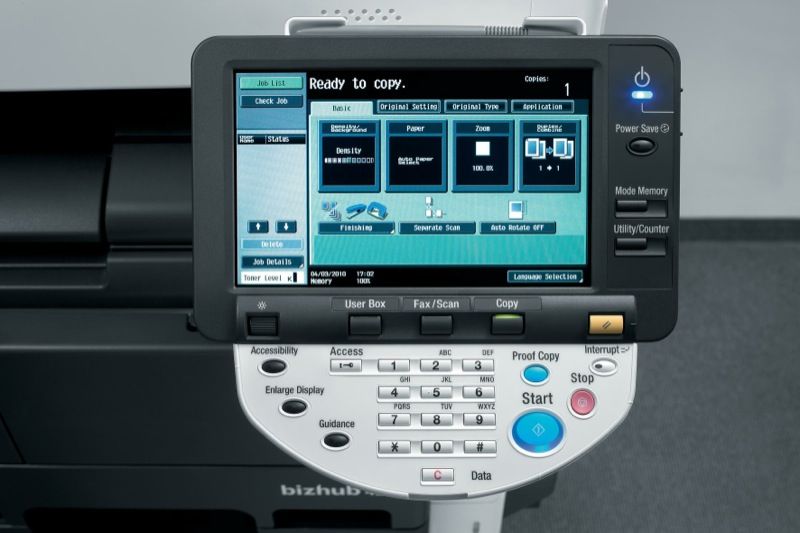
If you need to read the meter or copy count on the Konica Minolta bizhub 423, 363, 283 or 223, it only takes a couple of taps on the control
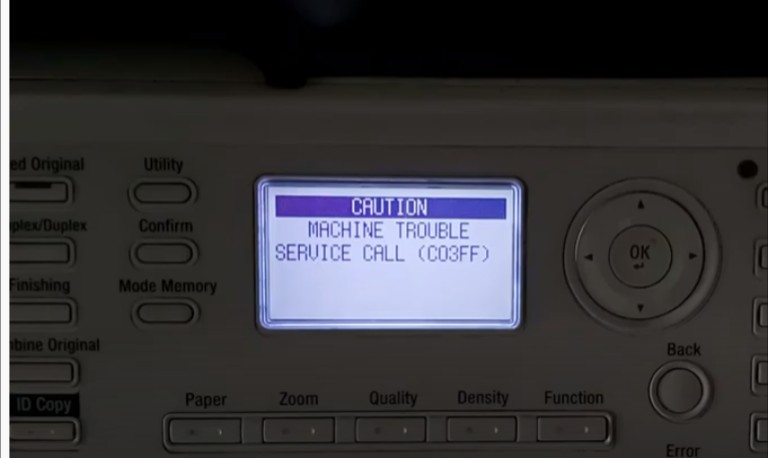
SERVICE CALL (C03FF) is the code for an inappropriate or improper model setting code on the machine. The machine model type and the model type set in circuit board are
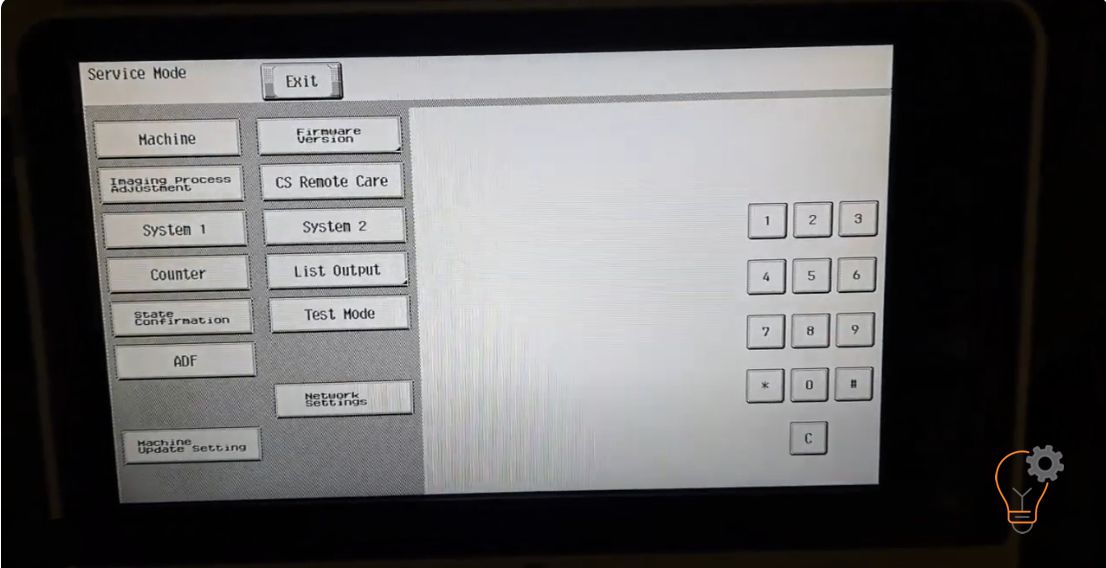
If you want to enter in an Service Mode on Konica Minolta bizhub C224e models for many reasons… Maybe to clear some error counter, to reset the machine or clear
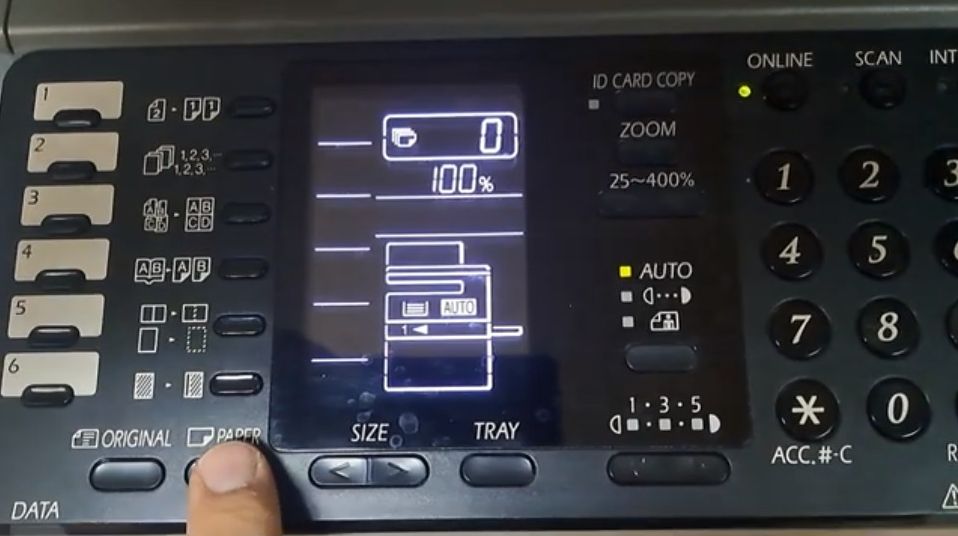
Changing the paper size on the Sharp AR-6020 is needed when you load a different size into Tray 1 or the bypass (manual) tray, so the copier stops asking for
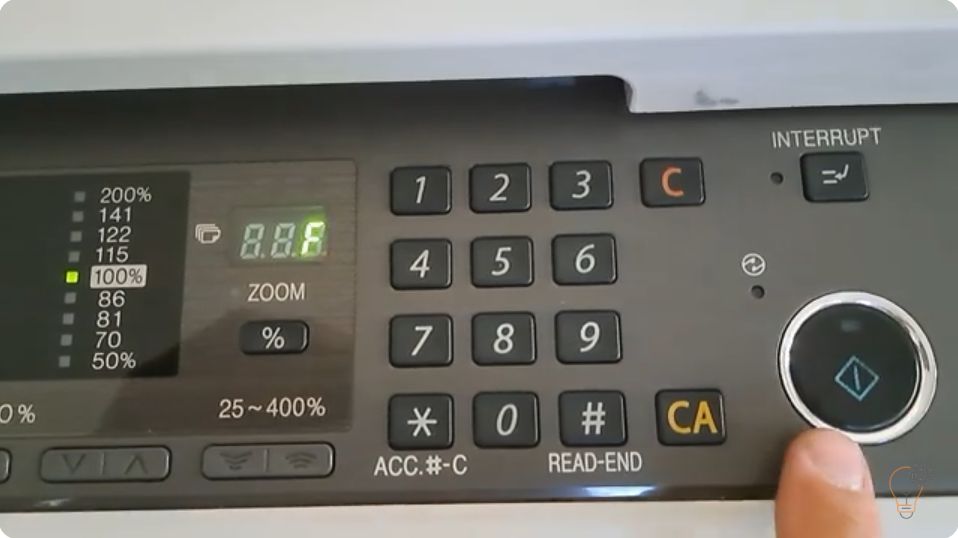
When a Sharp copier reports a fault it first shows only the first two characters of the code (for example H2 or F2). To diagnose the problem you need the
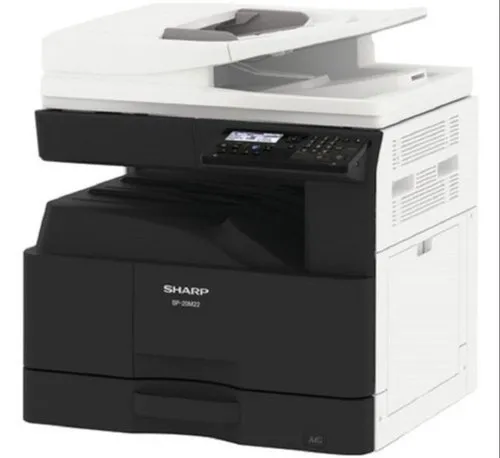
By default the USB port (Type B) is disabled on these models. To enable the USB port on the Sharp BP-20M22, BP-20M24, BP-20M28 and BP-20M31, you enter simulation (service) mode
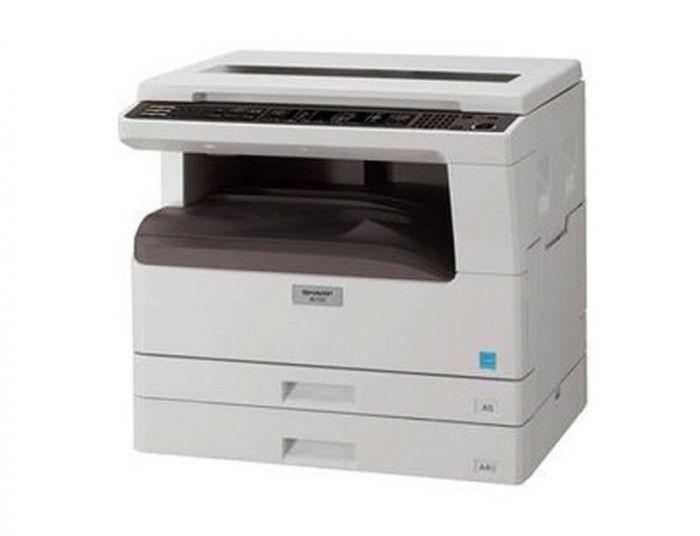
If you want to check the remaining toner life on the Sharp AR-5516, AR-5518, AR-5520, AR-6020 or AR-6023, the copier can show the toner level as a percentage using a
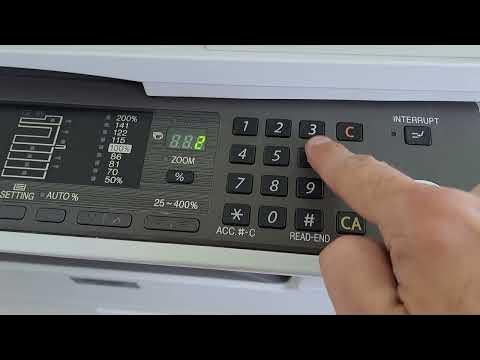
To reduce toner consumption you can turn on toner save mode on the Sharp AR-5516 / AR-5520 series. It is enabled through the machine’s simulation (service) mode using the key