


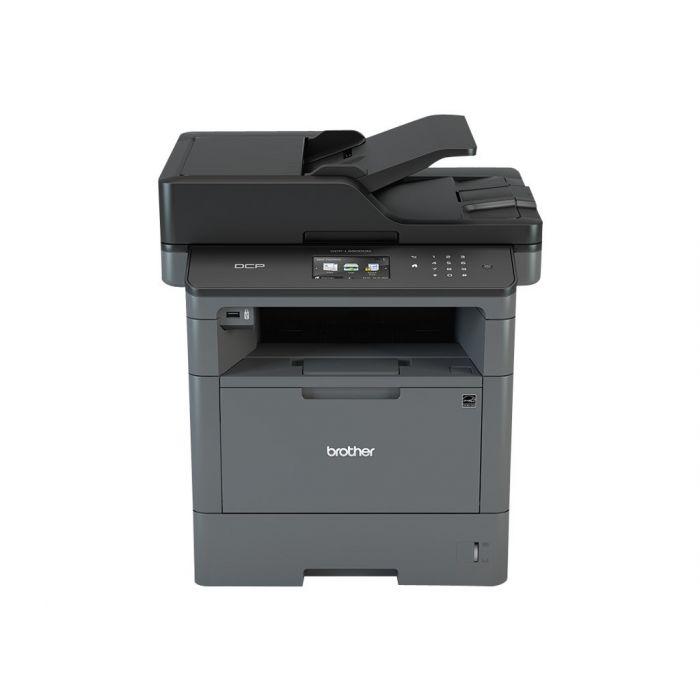
After you replace the drum unit on the Brother MFC-L5500, the printer keeps showing a drum warning until you reset the drum counter. This Brother MFC-L5500 drum reset guide shows
Printers and copiers use internal counters to track toner, drum and maintenance-part usage — and they keep showing a warning until you reset the matching counter after a replacement. This section brings together all of our reset guides in one place, organised by type. Browse the Toner Reset guides to clear “Replace Toner” messages, the Drum Reset guides for “Replace Drum” warnings, and the Maintenance Reset guides for fusing and cleaning-web counters. Each guide gives the exact key sequence for a specific printer or copier model.
After you replace the drum unit on the Brother MFC-L5500, the printer keeps showing a drum warning until you reset the drum counter. This Brother MFC-L5500 drum reset guide shows
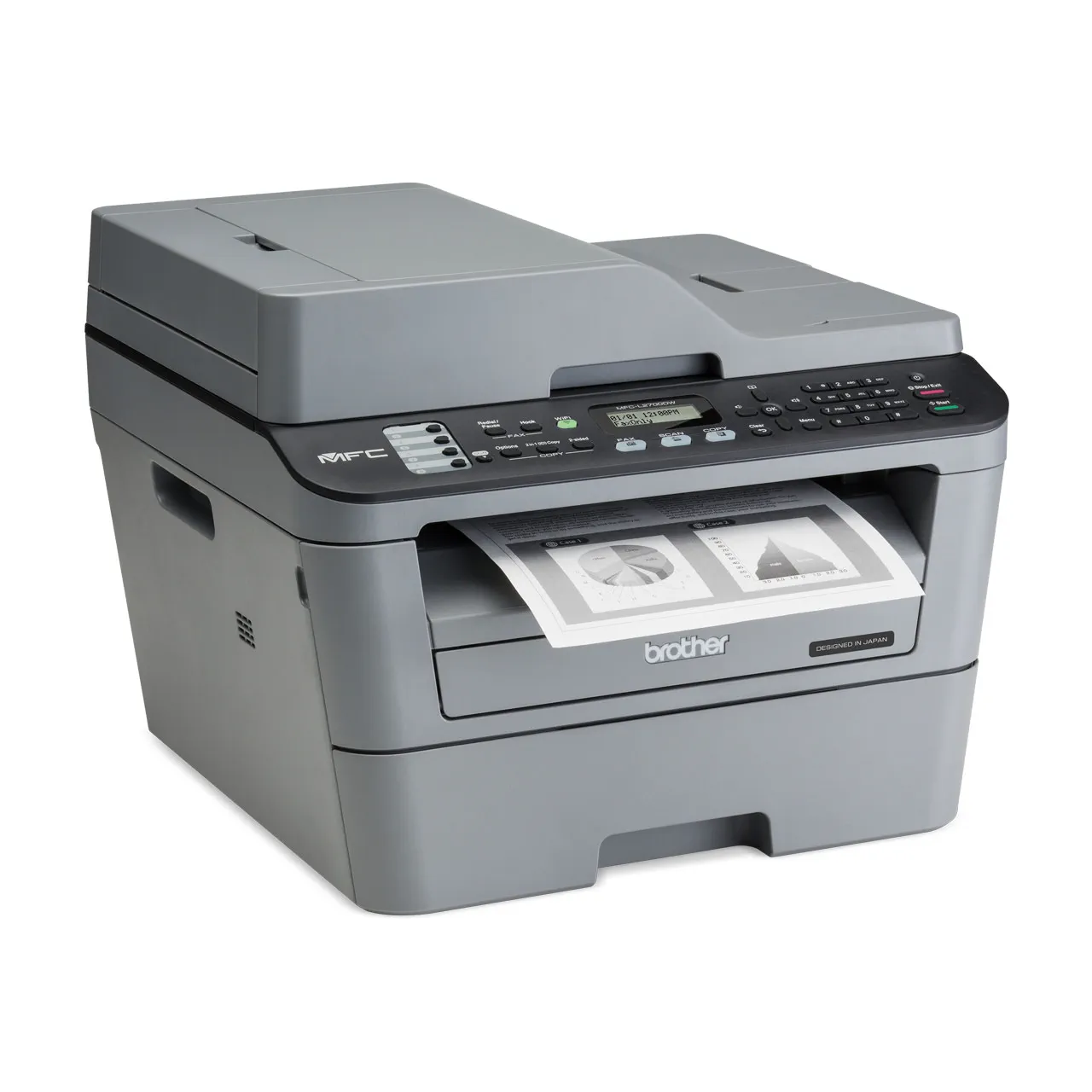
If your Brother MFC-L2700DW keeps asking you to replace the drum unit or toner even after you installed a new one, you need to reset the counter. This guide covers
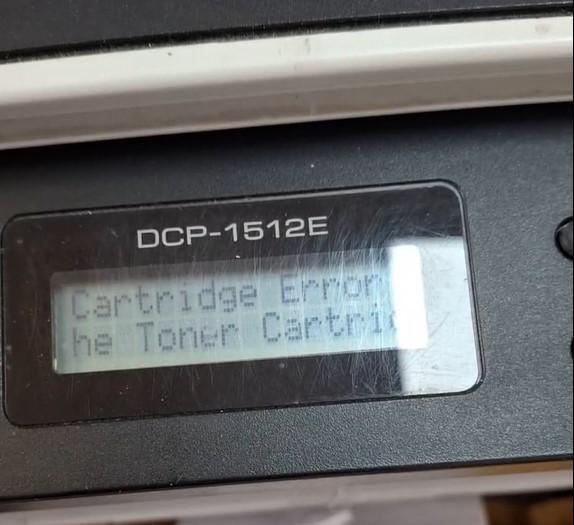
If your Brother DCP-1510 or DCP-1512 shows “Cartridge Error. Put the Toner Cartridge back in” after fitting a new toner, the machine has not detected the new cartridge. This guide
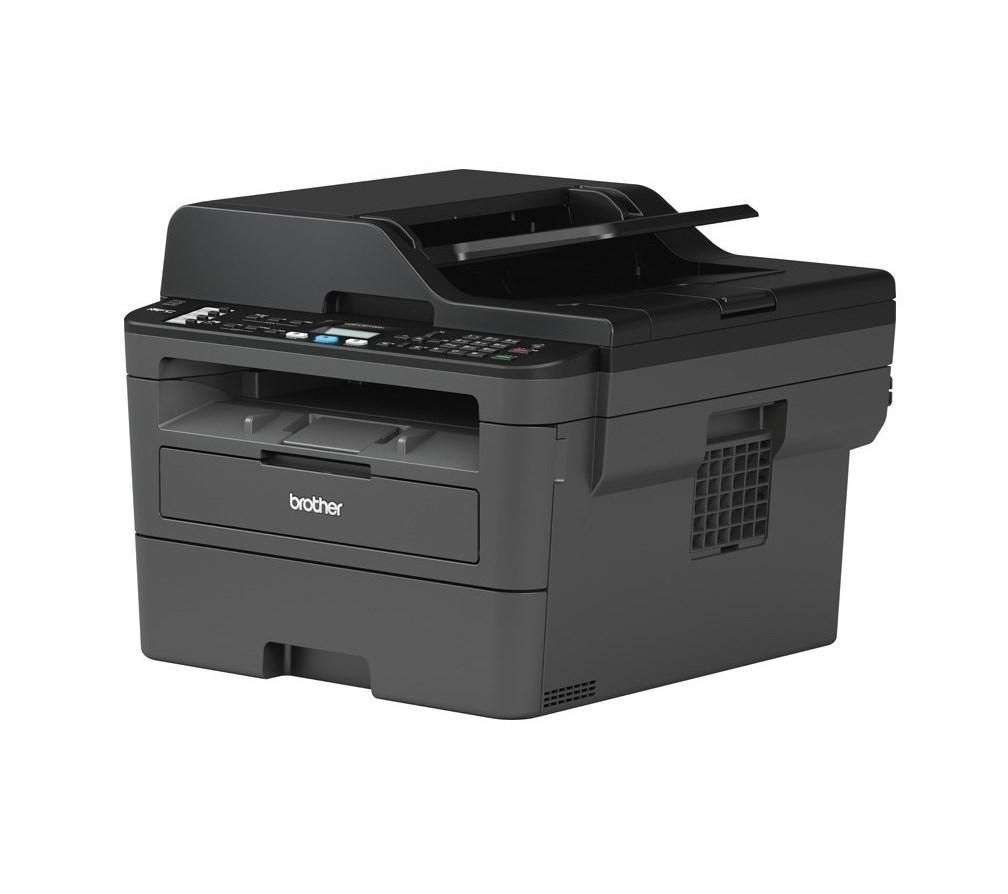
After you replace the drum unit on the Brother DCP-L2510D or MFC-L2712DW, the printer shows a drum warning until you reset the drum counter. This Brother DCP-L2510D drum reset guide