


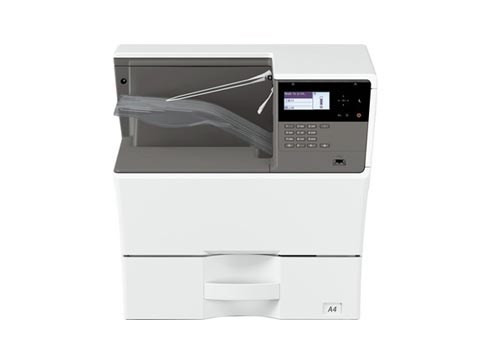
By default the USB port is disabled on these Sharp models. To enable the USB port on the Sharp MX-B350P, AR-B352PT, MX-B450P and AR-B452PT, you enter simulation mode and switch
By default the USB port is disabled on these Sharp models. To enable the USB port on the Sharp MX-B350P, AR-B352PT, MX-B450P and AR-B452PT, you enter simulation mode and switch
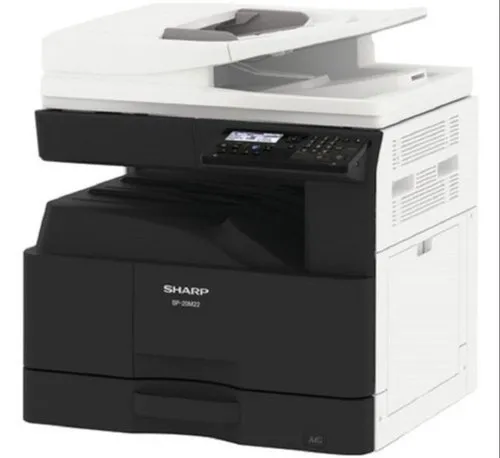
By default the USB port (Type B) is disabled on these models. To enable the USB port on the Sharp BP-20M22, BP-20M24, BP-20M28 and BP-20M31, you enter simulation (service) mode