


Sign in
Home
Reset Guides
Toner Reset
Drum Reset
Maintenance Reset
Setup & Drivers
Setup & Configuration
Software & Drivers
Testing & Maintenance
Error Code & Troubleshooting
Advanced
Service Mode (SP Mode)
System Settings
Sign in
Welcome!
Log into your account
your username
your password
Forgot your password?
Privacy Policy
Password recovery
Recover your password
your email
Search
Privacy Policy
About Us
Contact
Facebook
Instagram
Linkedin
X
Home
Reset Guides
Toner Reset
Drum Reset
Maintenance Reset
Setup & Drivers
Setup & Configuration
Software & Drivers
Testing & Maintenance
Error Code & Troubleshooting
Advanced
Service Mode (SP Mode)
System Settings
Search
Facebook
Instagram
X
Home
Reset Guides
Toner Reset
Drum Reset
Maintenance Reset
Setup & Drivers
Setup & Configuration
Software & Drivers
Testing & Maintenance
Error Code & Troubleshooting
Advanced
Service Mode (SP Mode)
System Settings
Search
Home
Tags
Tray
Tag:
tray
Service Mode (SP Mode)
Ricoh MPC3503 Service Mode (SP Mode) – How to Enter Step-by-Step
Setup & Configuration
How to Perform Touch Panel Adjustment on SHARP MX-M365, MX-565, MX-2651, MX-3050, MX-4060 & MX-3051
Maintenance Reset
How to reset “Replace Fusing Belt Unit” on Ricoh MP C3502 / MP C4502
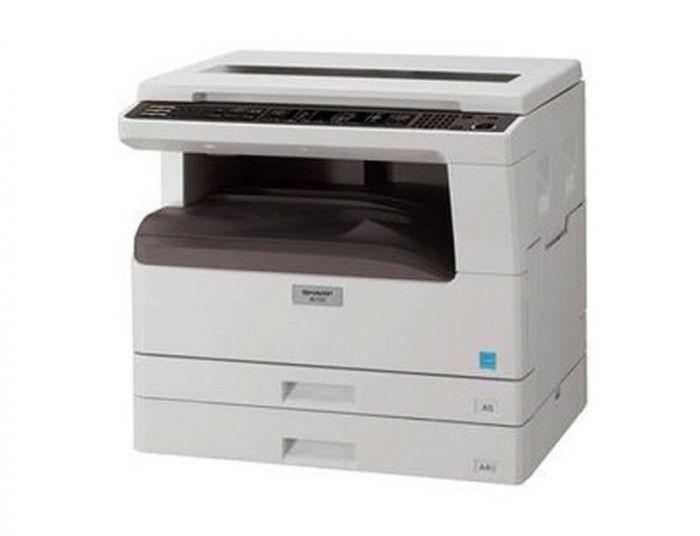
Change the paper tray’s size setting on SHARP AR-5618/5620
This guide shows how to change the paper tray size setting on the Sharp AR-5618 / AR-5620, so the copier matches the paper loaded in each tray and in the bypass tray. Follow the panel key sequence below. Hold down the key for more...
Read more