Now Reading: Ricoh MPC3503 Service Mode (SP Mode) – How to Enter Step-by-Step
-
01
Ricoh MPC3503 Service Mode (SP Mode) – How to Enter Step-by-Step

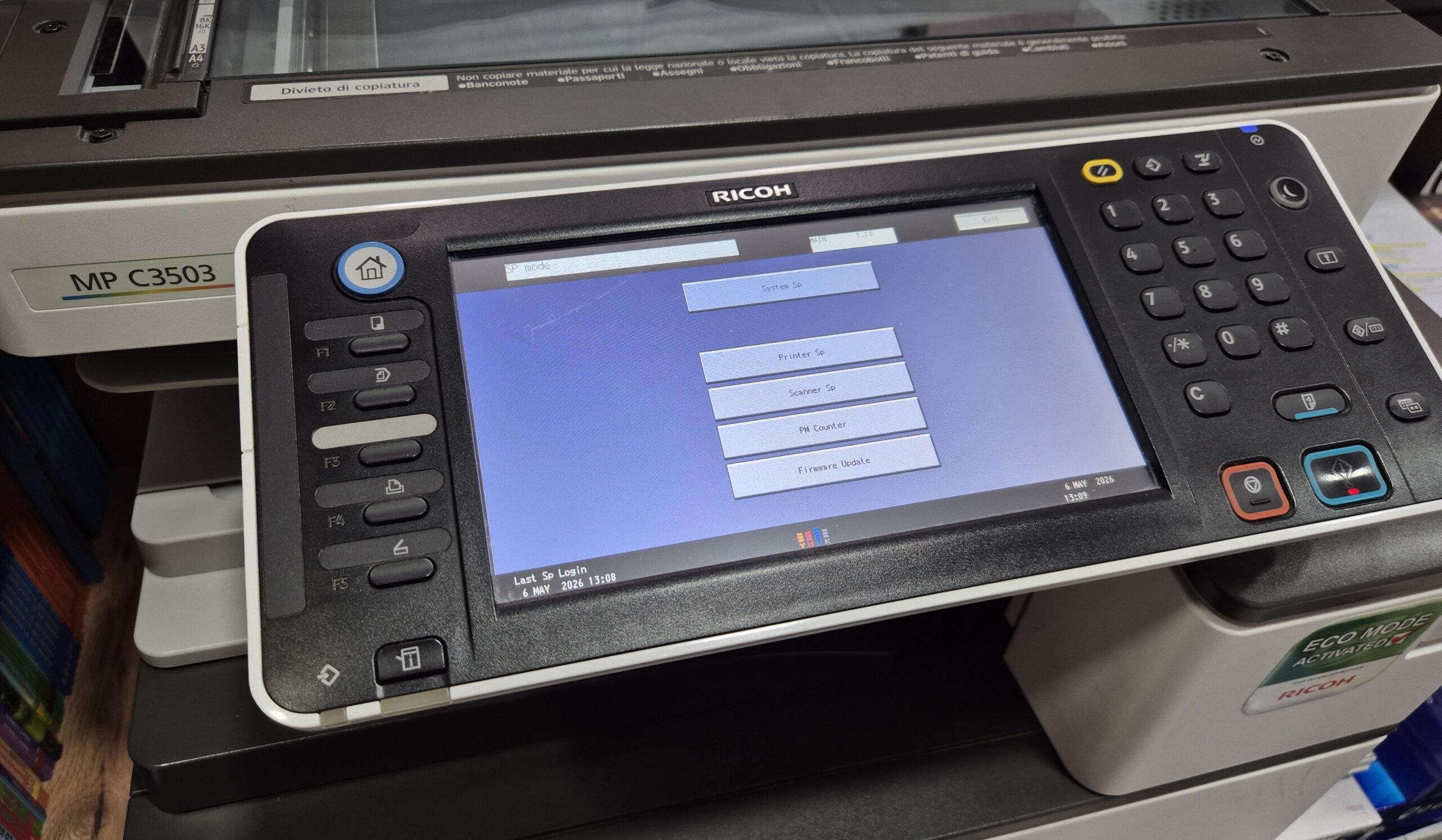
Ricoh MPC3503 Service Mode (SP Mode) – How to Enter Step-by-Step
Learn how to enter Service Mode (SP Mode) on the Ricoh MPC3503 copier quickly and safely. This step-by-step guide shows the exact key combination used by technicians. The procedure is simple: Press CA → 1 → 4 → 3 → Tap C → Hold C This method works for accessing advanced settings, resetting errors, and performing maintenance on Ricoh MPC series printers. Here is the video with step-by-step for this procedure: https://youtu.be/1wOT_fVFhZI?si=wRgpZTK-xyH79Jbq Note: Service Mode is intended for technicians. Be careful when changing settings.
Frequently asked questions
What is Service Mode (SP Mode) on the Ricoh MPC3503?
SP (Service Program) Mode is a hidden technician menu used to reset counters, clear errors and adjust machine settings on the Ricoh MPC3503.
Is it safe to enter SP Mode?
Entering is safe, but changing values can affect how the copier works. Only change settings you understand, and note the originals first.
How do I exit Service Mode?
Tap Exit on the touchscreen to leave SP Mode; if needed, turn the machine off and on to return to normal operation.