

Now Reading: Sharp L4-03 Error (Call for Service) – How to Fix
-
01
Sharp L4-03 Error (Call for Service) – How to Fix

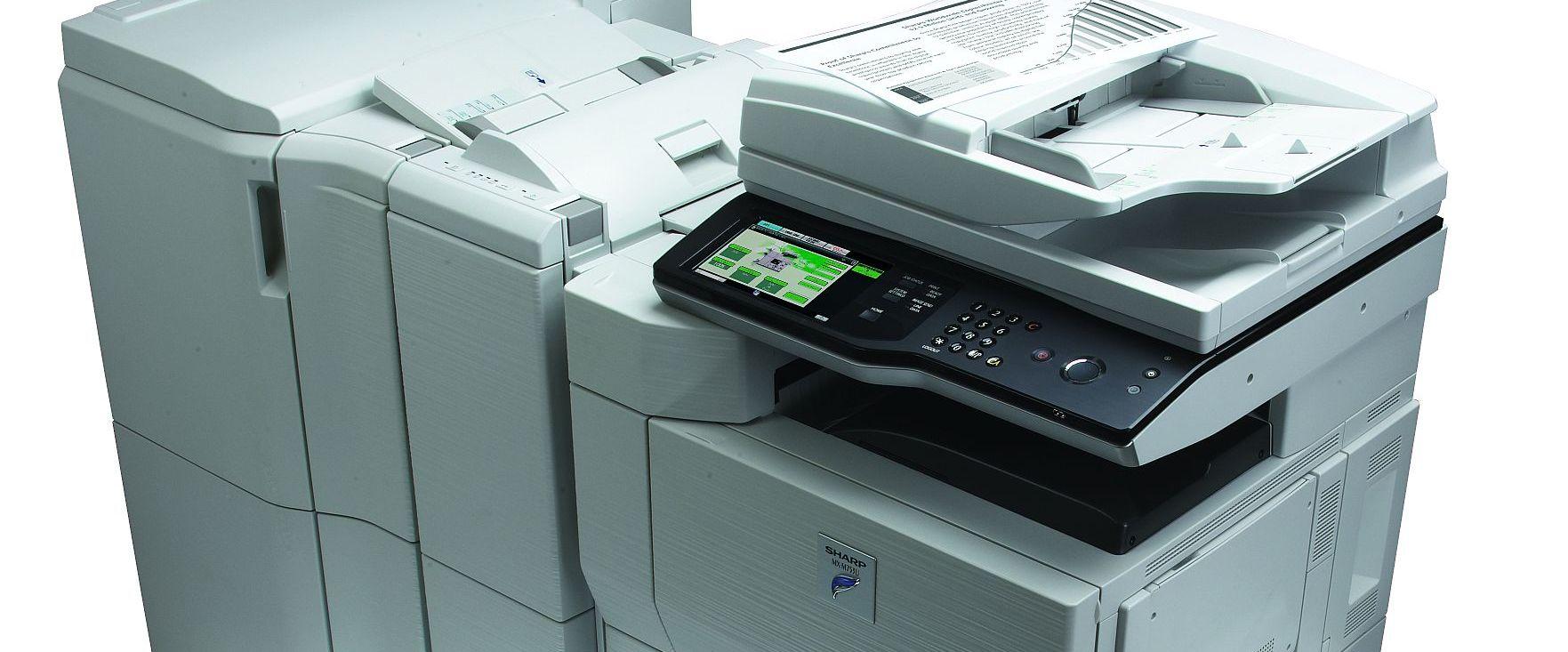
Sharp L4-03 Error (Call for Service) – How to Fix
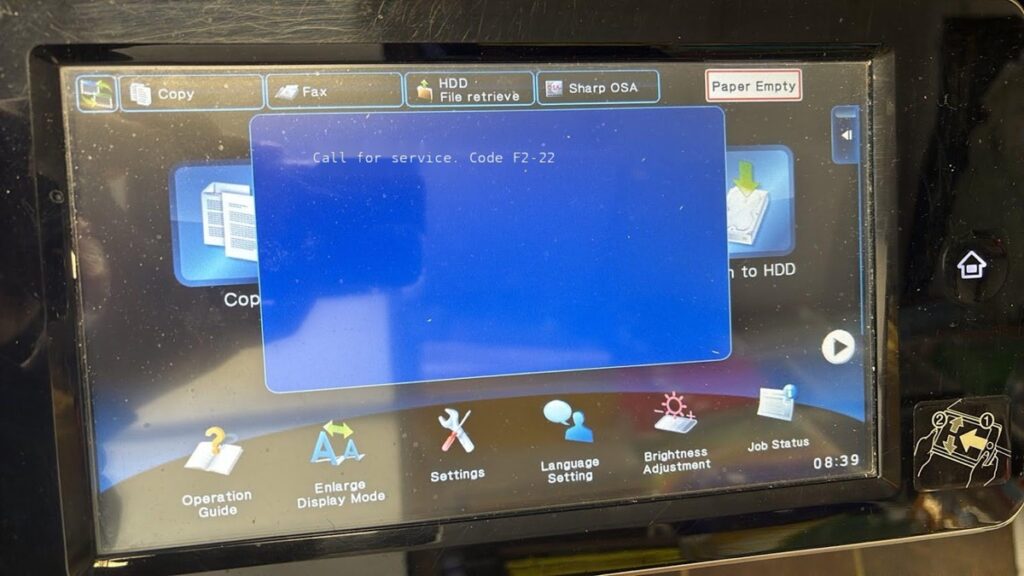
The Sharp error “Call for service L4-03” indicates a functional problem with the fusing (fuser) drive — usually a locked fusing motor. It appears on models such as the Sharp AR-M550, AR-M620, AR-M700 and the MX-M623 / MX-M753. This guide shows how to clear the Sharp L4-03 error and what to check if it returns.
Step 1 – Try a full power cycle
Sometimes L4-03 clears with a proper restart. Turn off the on/off switch on the operation panel first and let the machine complete its shutdown (wait until the panel is dark and buttons stop flashing, about 3–5 seconds). Then turn off the main power switch, wait about a minute, and power back on — main switch first, then the operation-panel switch.
Step 2 – Reset L4-03 in simulation mode
AR-M550 / AR-M620 / AR-M700
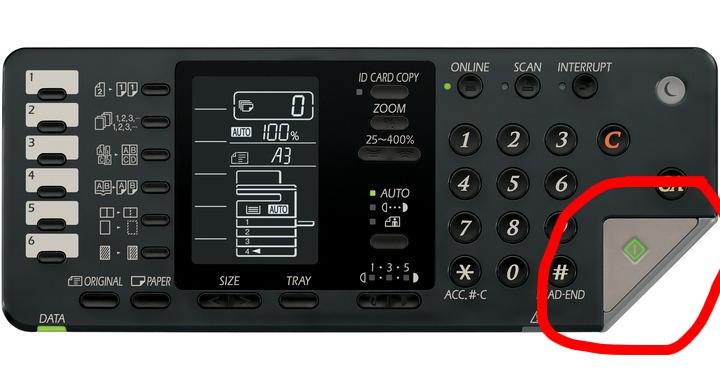
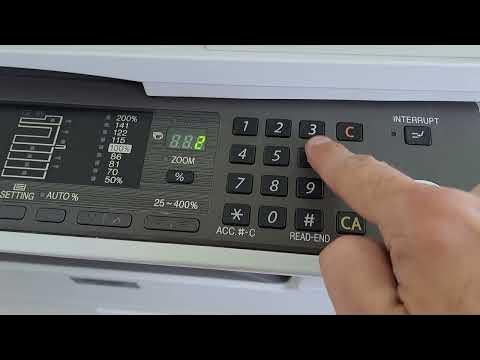
- Enter simulation mode: press # * C *.
- Type 14, press Start, then 1, press Start.
- The machine will turn off and on.
MX-M623 / MX-M753
- Enter simulation mode: press # * C *.
- Type 14, press Start.
- On the touch panel press Execute, then Yes.
- Press CA. The machine will turn off and on.
If the L4-03 code returns
If the code is still displayed after resetting, there is a real mechanical fault — the fusing motor is locked. Check and, if needed, replace:
- The lower fuser roller bearing.
- The lower pressure roller.
- On the MX-M623 / MX-M753, also the upper fuser roller bushing and the upper fuser roller gear.
If you are not comfortable working inside the fusing unit, contact your service provider and quote the L4-03 code.
Frequently asked questions
What does L4-03 mean on a Sharp copier?
It is a fusing-drive fault, typically a locked fusing motor. The machine stops and shows “Call for service L4-03”.
Can I fix L4-03 myself?
You can try the power cycle and the SIM 14 reset. If the code returns, the fuser drive needs mechanical repair, which is best done by a technician.
Which models does this cover?
The Sharp AR-M550, AR-M620, AR-M700 and MX-M623 / MX-M753.
Related guides
Leave a reply
You must be logged in to post a comment.
Pingback: Call for service L4-03 on SHARP AR-M550/620/700 and MX-M623/753 | Copiers Printers Tricks
Pingback: Call for service L4-03 on SHARP AR-M550/620/700 and MX-M623/753 | Print Copy Tech
Pingback: Call for service L4-03 on SHARP AR-M550/620/700 and MX-M623/753 - PrintFixLab