Now Reading: How to clear error C03FF on Konica Minolta bizhub 215
-
01
How to clear error C03FF on Konica Minolta bizhub 215

How to clear error C03FF on Konica Minolta bizhub 215
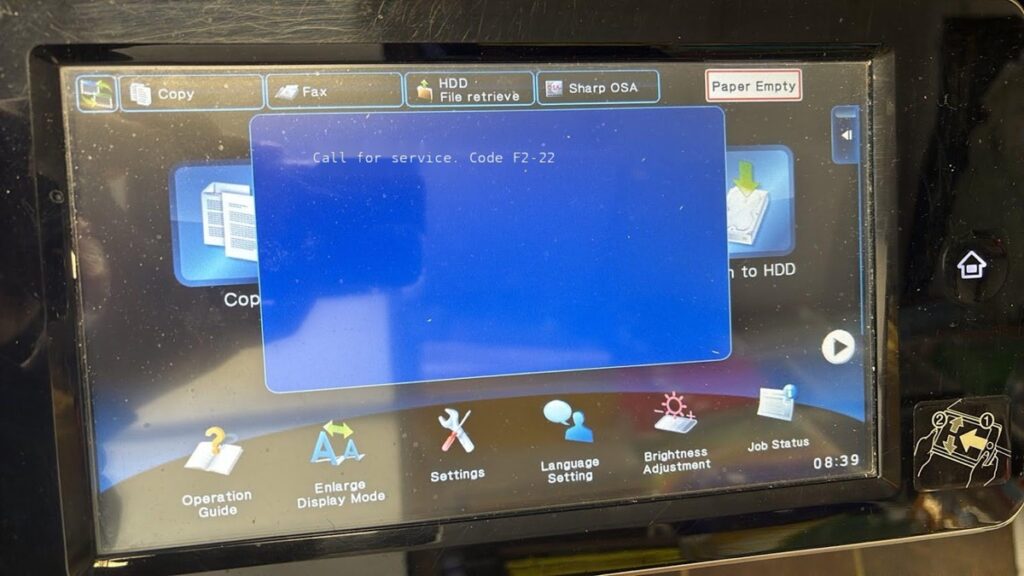
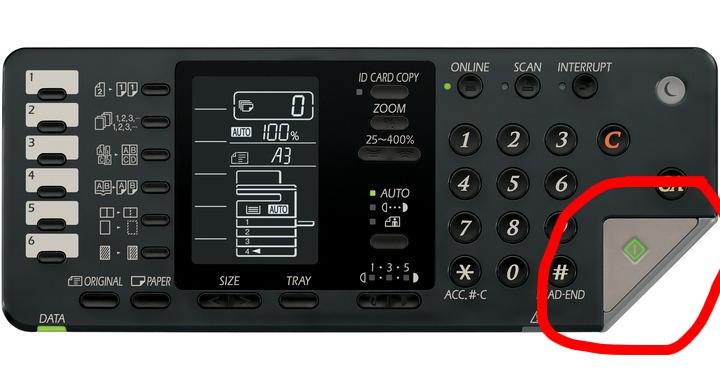
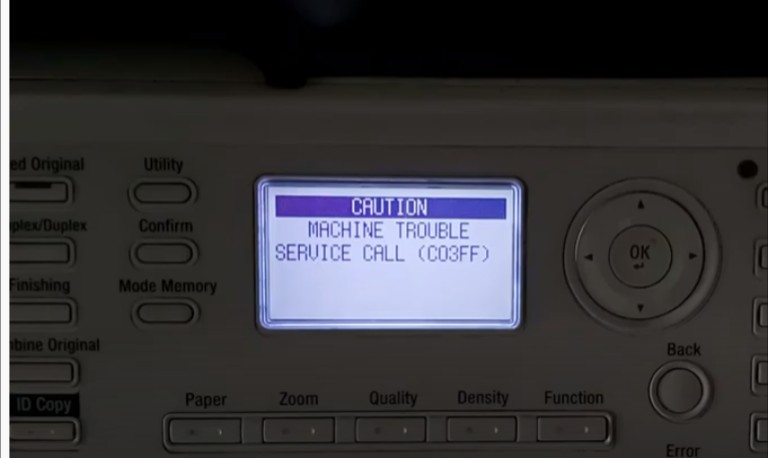
SERVICE CALL (C03FF) is the code for an inappropriate or improper model setting code on the machine. The machine model type and the model type set in circuit board are different or the machine operating system firmware is misinterpreting. You can adjust the incorrectly set model type by entering in to service mode. Try the following reset method. Press the “Utility” button then press “STOP, 00, STOP, 01” buttons. Then use up down key to find “ADJUST”, then go to “MODEL SETTING” and PRESS “ok” button. You can see the list of model speed. Specify your model speed from the list. Then select your model speed and press the “OK” button and turn OFF and ON the machine. If your model is, Bizhub 235 or ineo 235, then select 23PPM. Bizhub 215 or ineo 215, then select 21PPM. Bizhub 195 or ineo 195, select 19PPM. Bizhub 164 or ineo 164, select 16PPM https://www.youtube.com/watch?v=AFzd3PN8HEo
Frequently asked questions
What does the C03FF error mean on a Konica Minolta bizhub?
C03FF is a service call for an incorrect model setting — the model type stored on the board does not match the actual machine. Setting the correct model speed in service mode clears it.
Which model speed do I choose?
Select the PPM that matches your model: bizhub/ineo 235 → 23PPM, 215 → 21PPM, 195 → 19PPM, 164 → 16PPM. Then power the machine off and on.
Will this delete my settings?
No. It only corrects the model-speed setting so the firmware and hardware match again.