HomeSetup & DriversSoftware & DriversAdvanced Scan to PDF - Free Download

Advanced Scan to PDF – Free Download

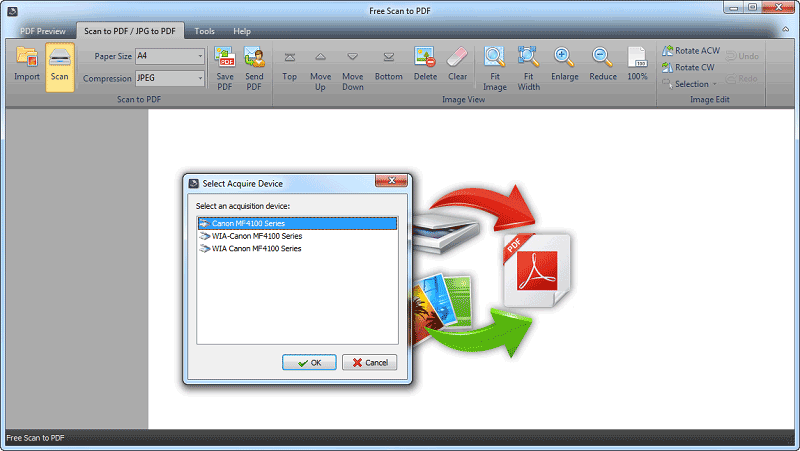
Advanced Scan to PDF is a simple, ease of use, good, clean, without ads, and without activations scaning program?

Scan to PDF

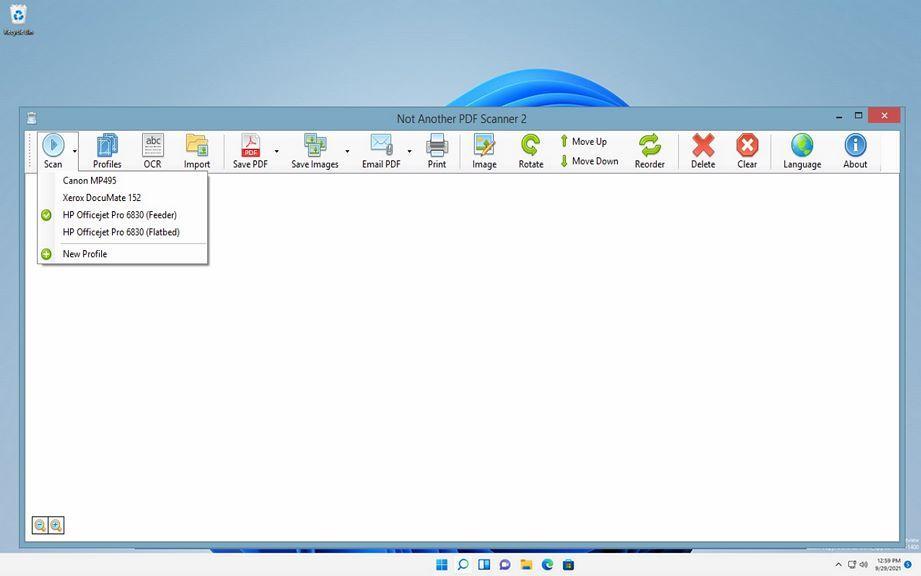
Scan your documents to PDF format from your multifunctional device. Here is Advanced Scan to PDF.

FREE DOWNLOAD
How to reset drum cartridge on Brother DCP-1510/1512

If your Brother DCP-1510 or DCP-1512 shows a “Replace Drum” or “Drum End Soon” message after you fit a new drum unit, you need...

Toner Save mode ON/OFF on Brother DCP L5500 / 5700 / 5750 / 6700 / 6900

Toner Save mode lightens the print density so the machine uses less toner and the cartridge lasts longer. Here is how to turn Toner...

Reset Cleaning Web Counter on Ricoh MP6002SP / MP9002 (Fusing Web Reset Guide)

If your Ricoh Aficio MP6002SP or MP9002 displays a maintenance message related to the cleaning web, you may need to reset the counter after...

Turn on the toner save mode on Sharp AR-5516/5520 series

To reduce toner consumption you can turn on toner save mode on the Sharp AR-5516 / AR-5520 series. It is enabled through the machine’s...

Ricoh MP2553SP / 3053 / 3353 Service Program Mode – How to Enter

If you need to enter Service Program Mode (SP Mode) on the Ricoh MP2553SP, 3053, 3053SP, 3353 or 3353SP, use the key sequence below....