

Now Reading: Enter Service Mode on Konica Minolta bizhub 165 / 185
-
01
Enter Service Mode on Konica Minolta bizhub 165 / 185

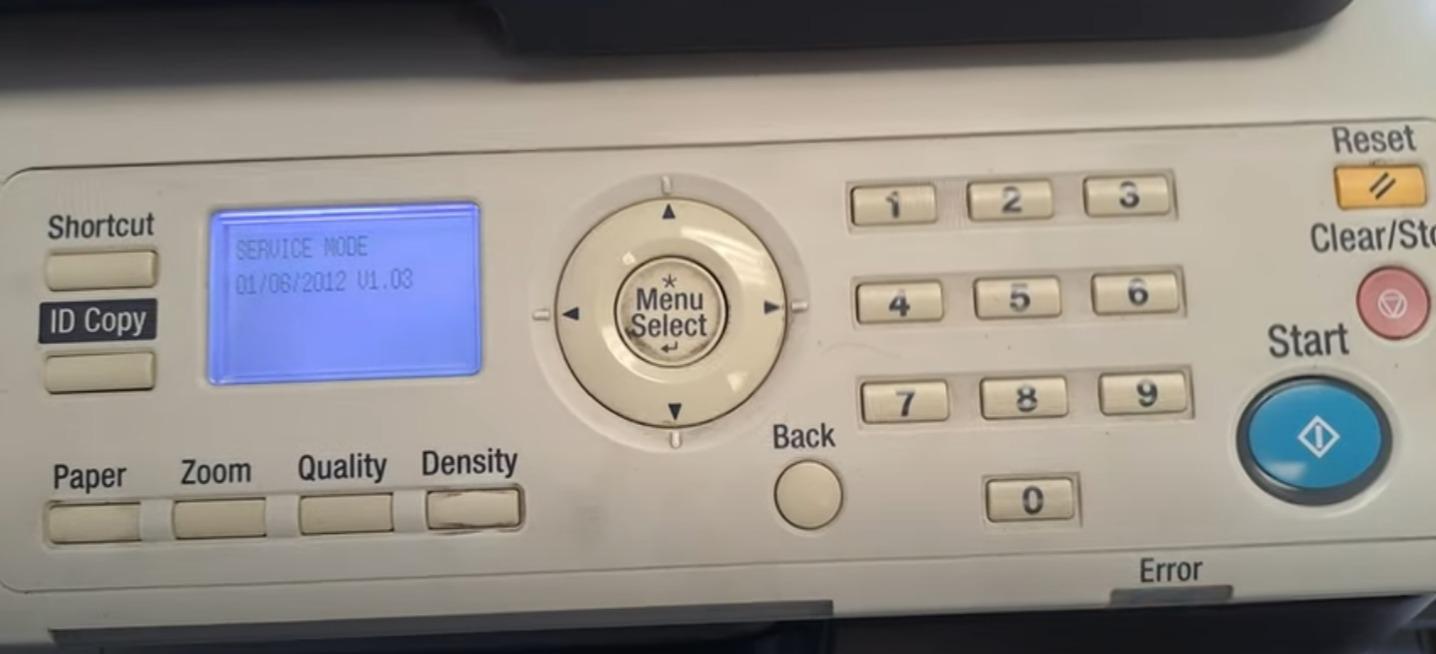
Enter Service Mode on Konica Minolta bizhub 165 / 185
If you want to enter in an service mode on Konica Minolta bizhub 165 or bizhub 185 for many reasons… Maybe to clear some error counter, to reset the machine or clear the maintenance counters, the procedure to enter in service mode is simple. Press “Menu/Select” button, than press “Clear/Stop”> “0” >”0″ > “Clear/Stop” > “0” > “1” or watch the video below: https://www.youtube.com/watch?v=jAmPv-toUa4
Frequently asked questions
What can I do in service mode on the bizhub 165/185?
Service mode lets you clear error and maintenance counters, reset the machine and run adjustments. Only change settings you understand.
Do I need a password?
The bizhub 165/185 uses the key sequence above to enter service mode; no separate password is required for basic entry.
How do I exit service mode?
Press the Clear/Stop or exit key to leave, and power the machine off and on if needed.
Related guides
Leave a reply
You must be logged in to post a comment.
Pingback: How to clear error code H5-01? | Copiers Printers Tricks
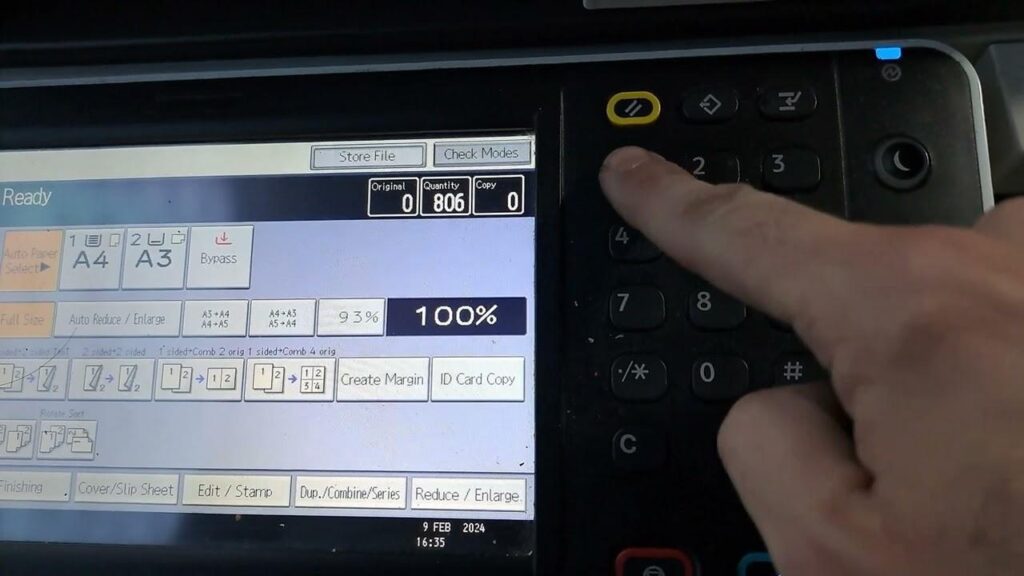
Pingback: Enter in service program mode on RICOH MP2553SP/3053/3053SP/3353/3353SP | Copiers Printers Tricks
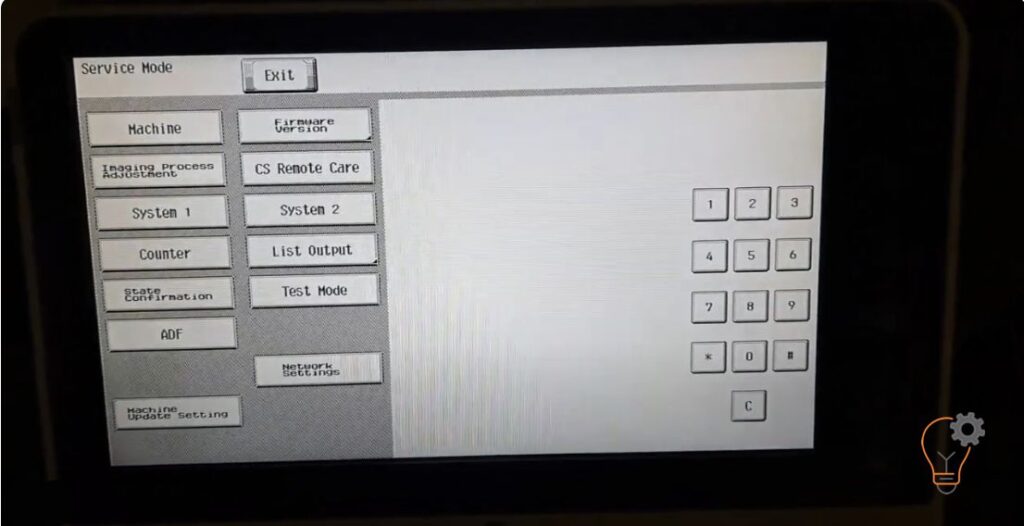
Pingback: Enter in Service Mode on KONICA MINOLTA bizhub C224e | Copiers Printers Tricks
Pingback: Enter in service program mode on RICOH MP2553SP/3053/3053SP/3353/3353SP | Print Copy Tech
Pingback: Enter in Service Mode on KONICA MINOLTA bizhub C224e - PrintFixLab
Pingback: Enter in service program mode on RICOH MP2553SP/3053/3053SP/3353/3353SP - PrintFixLab