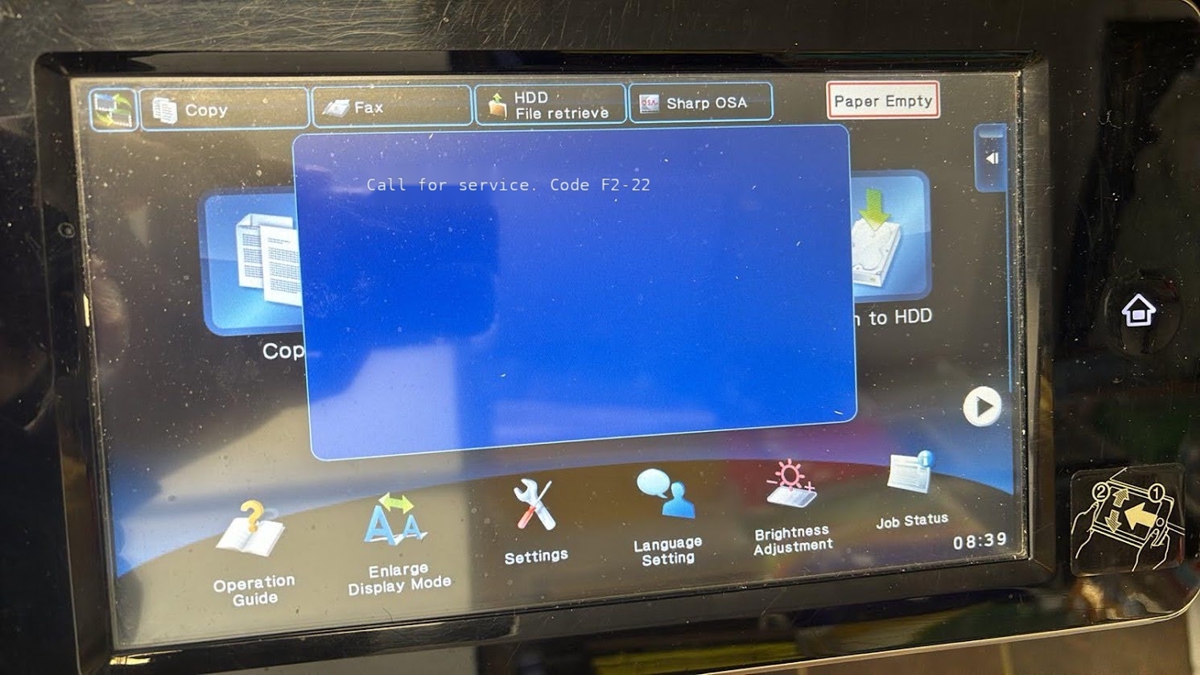
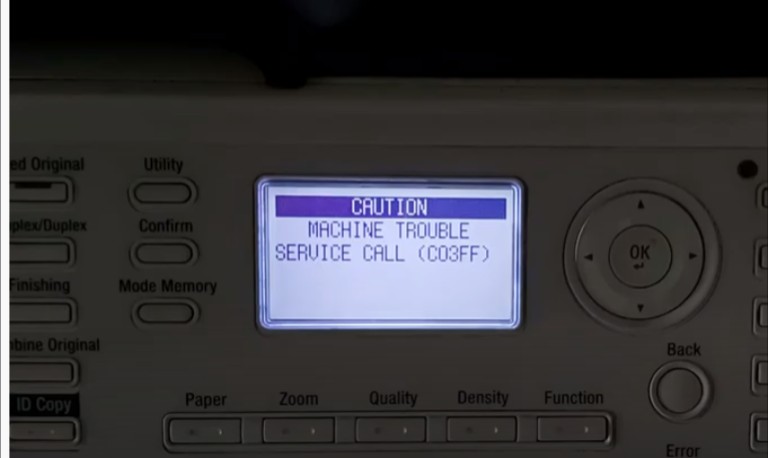
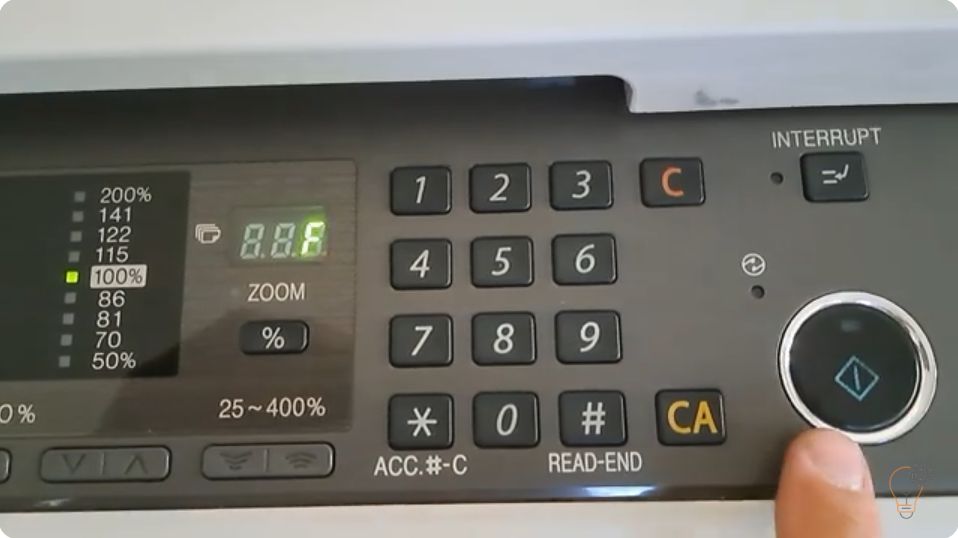
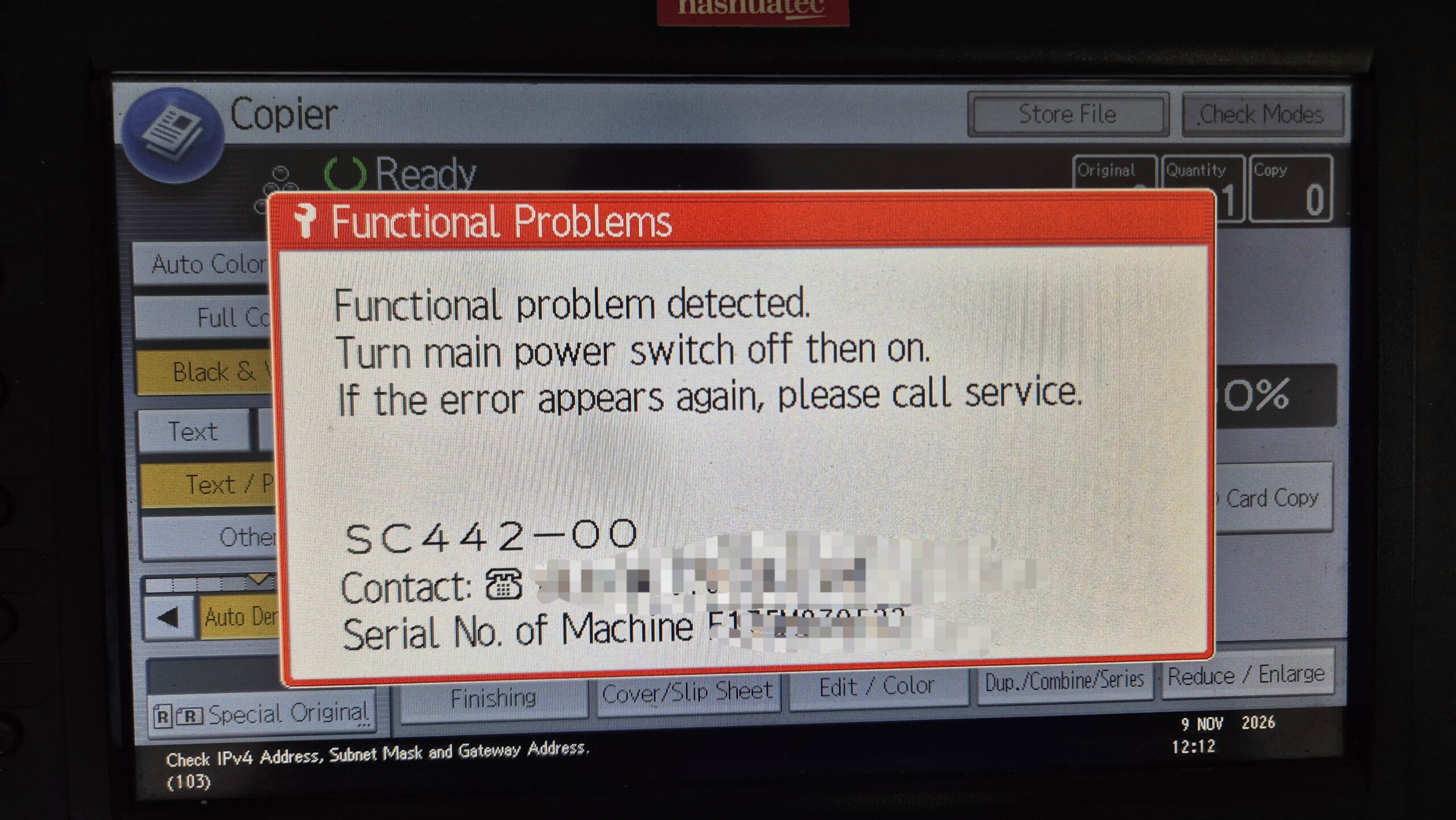
Getting SC442 on a Ricoh MP C4503 or MP C3003? This Ricoh MP C4503 SC442 error is an ITB (Image Transfer Belt) contact error: the machine cannot confirm that the transfer belt moved into or out of contact with the drums. In most cases the cause is simple – toner dust has built up on the ITB contact sensor inside the machine. You don’t need new parts. Remove the transfer belt unit, vacuum the sensor area and the unit, put everything back and restart the copier.
Applies to / What you’ll need
- Models: Ricoh MP C4503, Ricoh MP C3003 (procedure shown in the video)
- Error: SC442 – ITB contact error (transfer belt contact/lift error)
- Tools: a toner vacuum (not a household vacuum), lint-free cloth, gloves
- Time: about 10–15 minutes
How to fix Ricoh MP C4503 SC442 – step by step
- Switch the machine off and unplug the power cord.
- Open the front cover – the lower front cover below the toner cartridges.
- Lower the two levers on the left and right side of the transfer belt (ITB) unit.
- Pull the ITB unit straight out towards you. Place it on a clean, flat surface and do not touch or scratch the belt surface.
- Vacuum inside the machine where the ITB unit sits. Pay special attention to the ITB contact sensor – it must be completely free of toner. (See the video for the exact sensor location.)
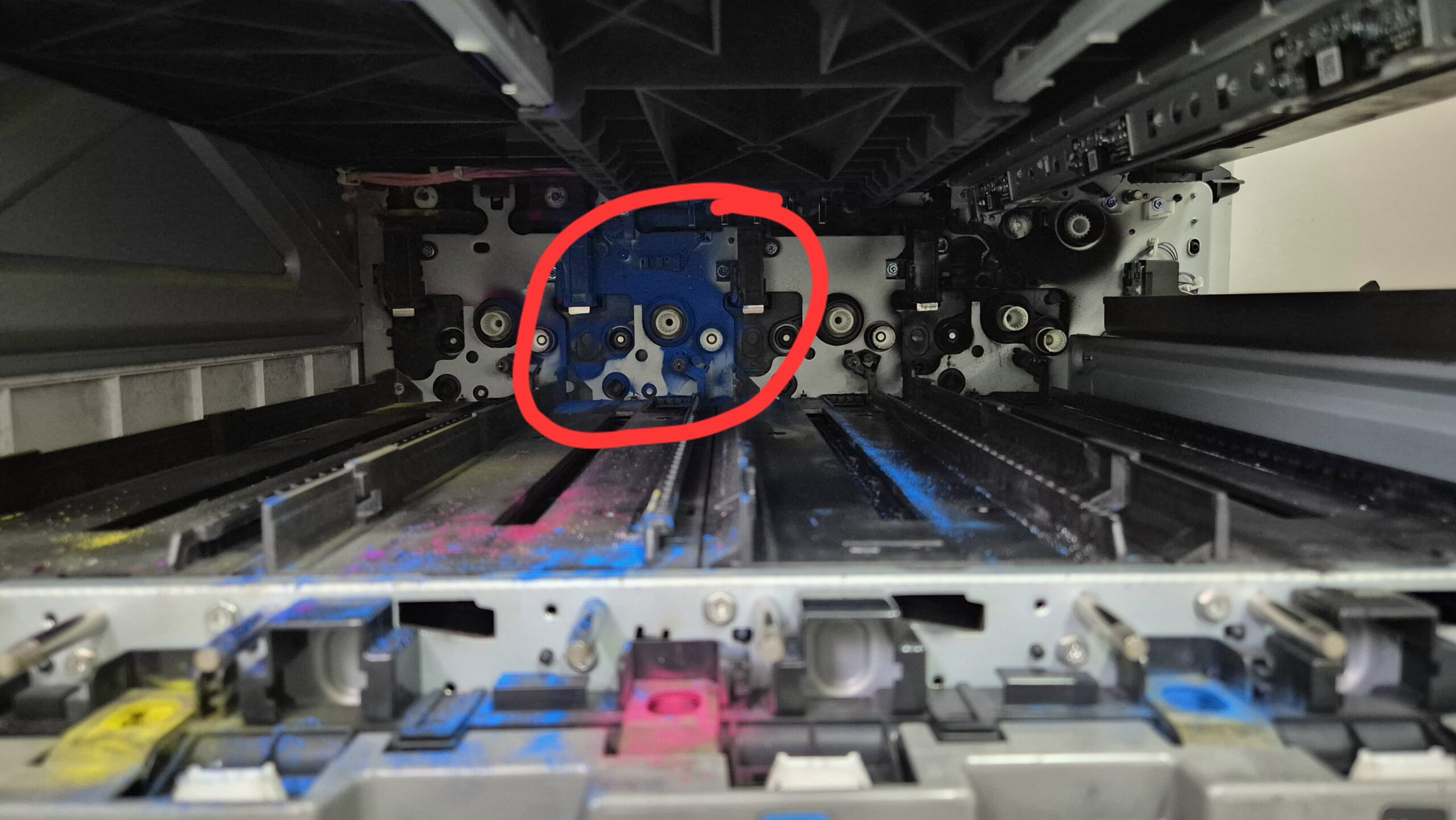
- Vacuum the ITB unit itself – edges, frame and any loose toner around it. Do not press the nozzle onto the belt.
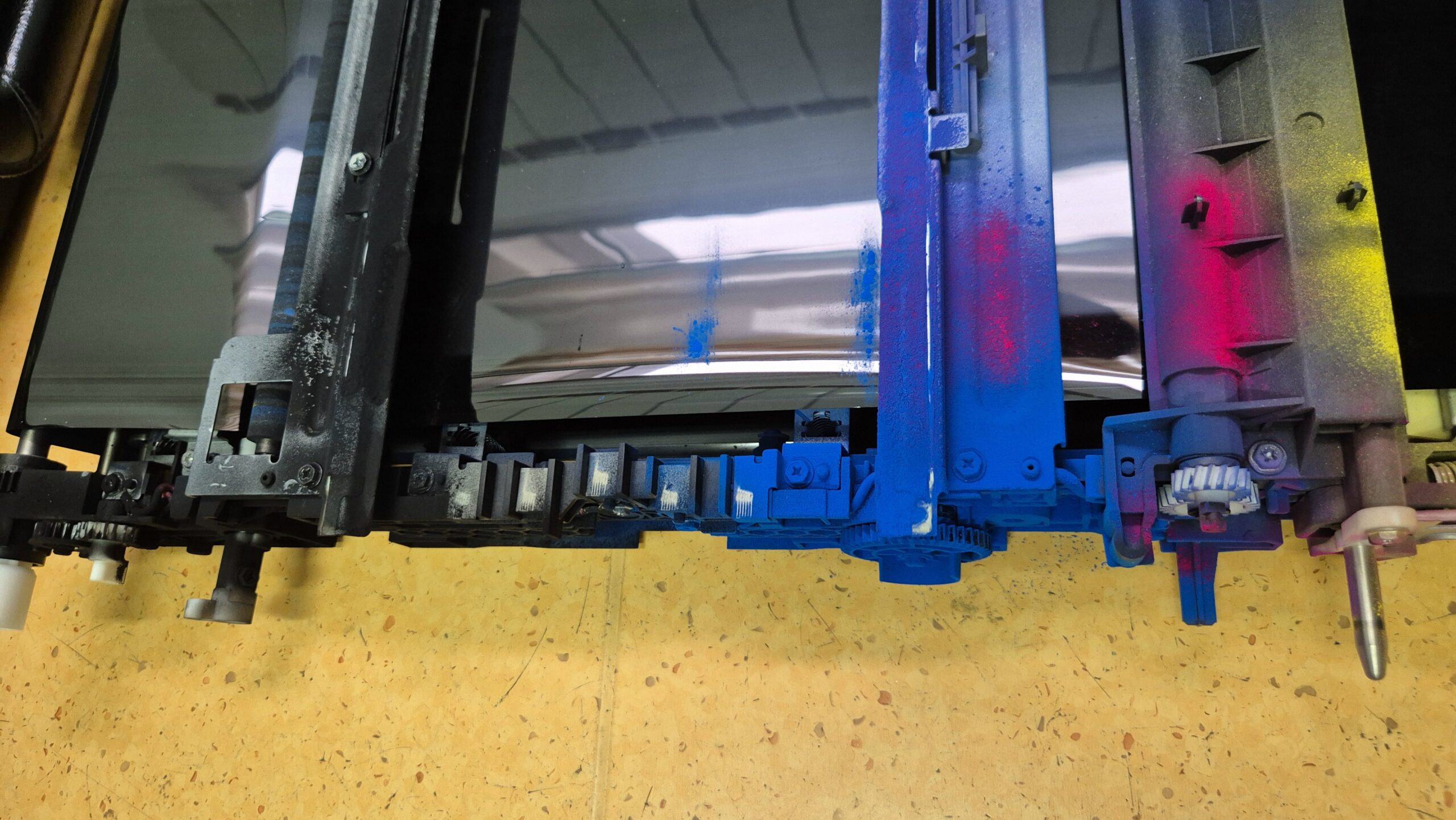
- Slide the ITB unit back in, raise both levers to lock it, and close the front cover.
- Plug in and switch on the machine. SC442 clears after the power is cycled.