


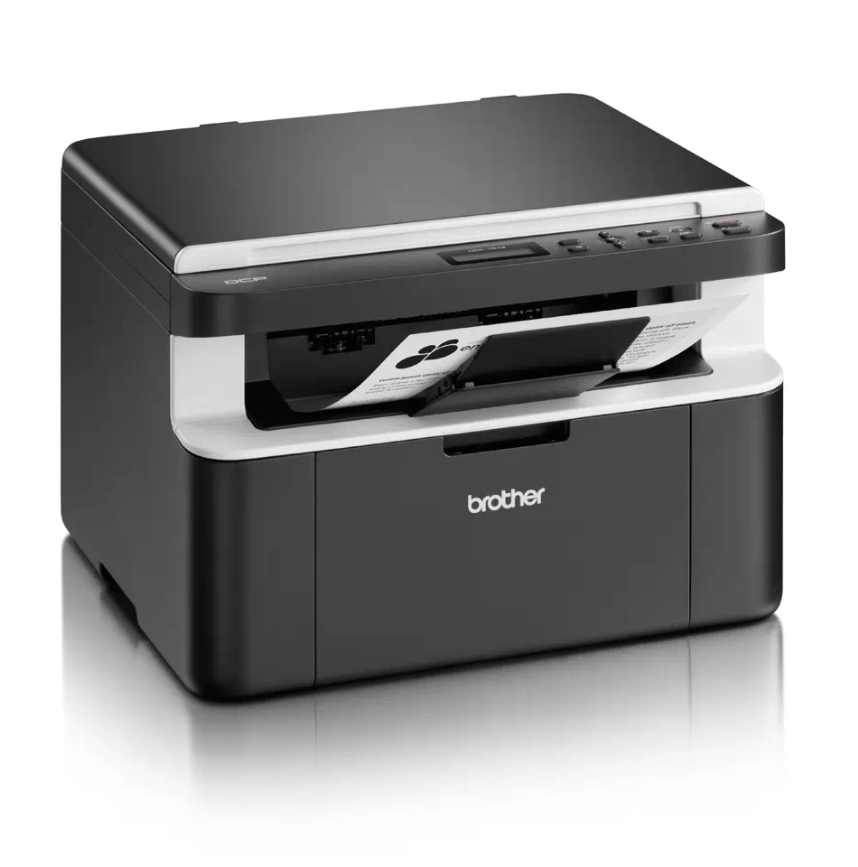
The Brother machine has separate consumables the toner cartridge and the drum unit. Verify you replace only the drum unit and not the toner cartridge. Keep the machine powered ON. Replace the old drum unit with new one, put it into the printer.
– Press Menu.
– Press the Up or Down arrow key to choose Machine Info.. Press OK.
– Press the Up or Down arrow key to choose Reset Drum. Press OK for 3 seconds.
– Press the Up arrow key to reset the drum unit counter.
– Press Stop/Exit.
[…] printer shuts the drum unit down when it reaches 10,000 pages. The reset procedure will reset the drum counter back to zero, so you can keep using your drum unit after the “Replace Drum” message appears and […]
[…] this guide, we’ll show you how to change the language on your printer step-by-step, helping you reset it to English or any other preferred language. This solution is ideal for users who want to get […]
[…] this guide, we’ll show you how to change the language on your printer step-by-step, helping you reset it to English or any other preferred language. This solution is ideal for users who want to get […]
[…] this guide, we’ll show you how to change the language on your printer step-by-step, helping you reset it to English or any other preferred language. This solution is ideal for users who want to get […]
[…] printer shuts the drum unit down when it reaches 10,000 pages. The reset procedure will reset the drum counter back to zero, so you can keep using your drum unit after the “Replace Drum” message appears and […]