


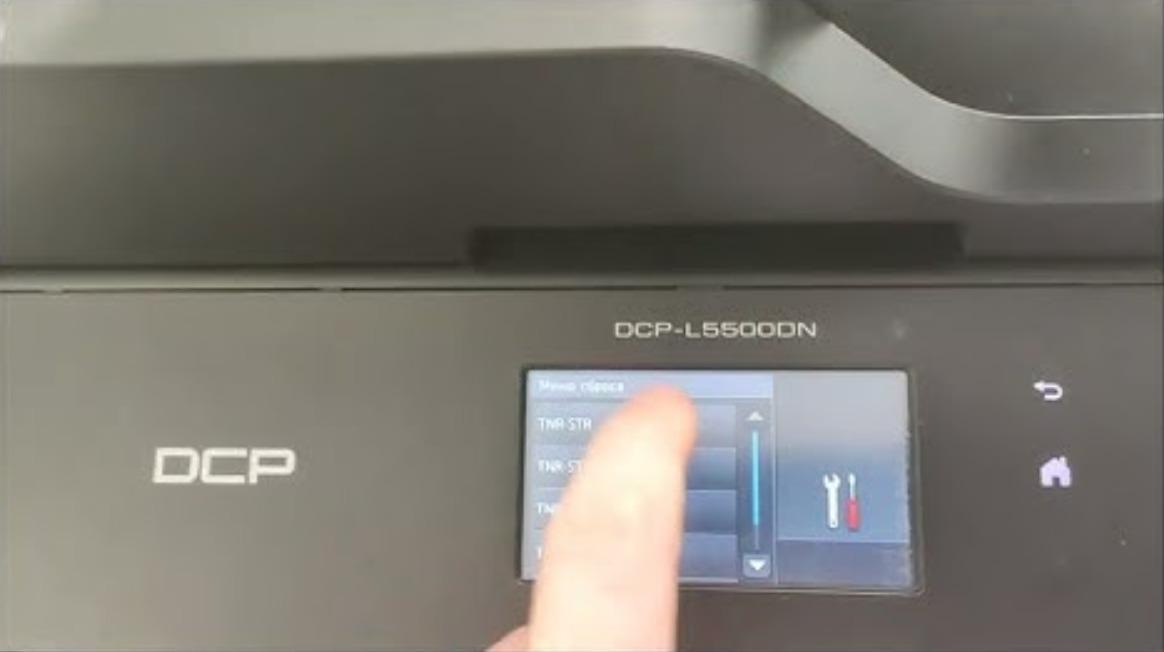
If you want to turn on or off the toner save mode on your Brother printer, follow this steps or watch the video below:
- Press Menu.
- Press the Up or Down arrow key to choose General Setup and press OK.
- Press the Up or Down arrow key to choose Ecology and press OK.
- Press the Up or Down arrow key to choose Toner Save and press OK.
- Press the Up or Down arrow key to choose On or Off and press OK.
- Press Stop/Exit.
[…] you want to turn on the toner save mode on Sharp AR-5516 series, you must to do this by entering in simulation […]
[…] you want to turn on the toner save mode on Sharp AR-5516 series, you must to do this by entering in simulation […]
[…] you want to chek the remaining percentage life of the toner cartridge on Sharp AR-5516, 5518, 5520 6020 or 6023 […]
[…] you want to chek the remaining percentage life of the toner cartridge on Sharp AR-5516, 5518, 5520 6020 or 6023 […]
[…] you want to turn on the toner save mode on Sharp AR-5516 series, you must to do this by entering in simulation […]