

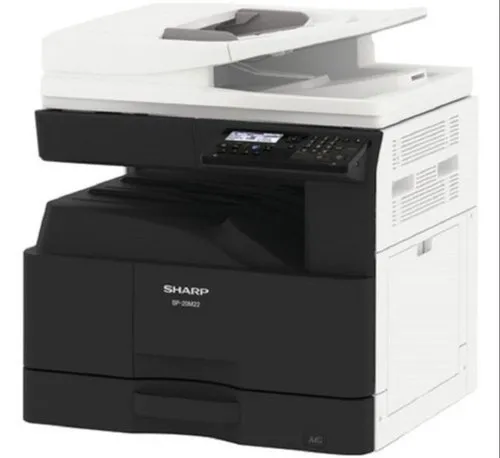
By default, on this models, USB port (B type) is disabled. You must to enter in the simultation mode.
How to enter in service mode (simulation mode): Machine must be in Copy mode: [#] key -> [*] key -> [C] key -> [*] key -> 26 -> Start -> 50 -> Start -> press the down arrow and go to “3: USB DEVICE”, press 1 key -> Start. Than press CA key to exit the simulation mode.
Install the driver from the official web page.
[…] default, on this models, the USB port (B type) is disabled. You must to enter in the simultation mode to enable […]
[…] default, on this Sharp models, the USB port is disabled. You must to enter in simulation mode to enable it. Enter in simulation […]
[…] default, on this Sharp models, the USB port is disabled. You must to enter in simulation mode to enable it. Enter in simulation […]
[…] default, on this Sharp models, the USB port is disabled. You must to enter in simulation mode to enable it. Enter in simulation […]