


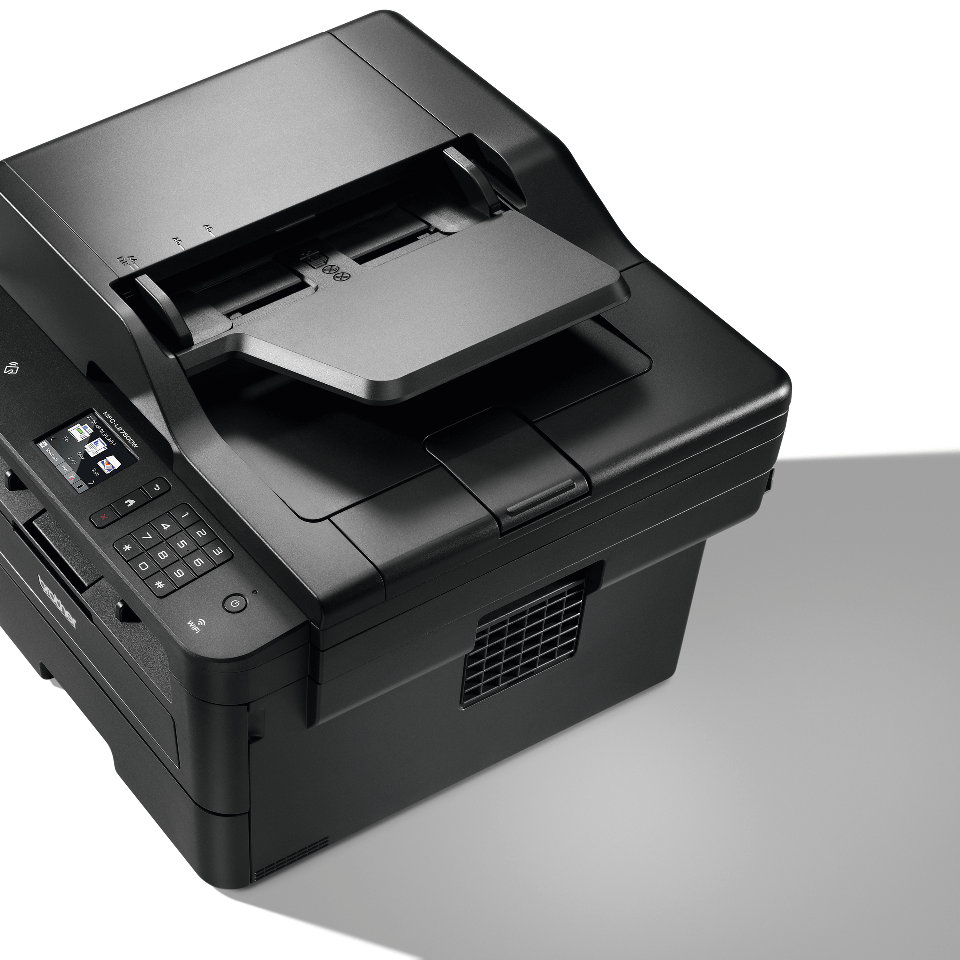
When you replace the drum unit, you must to reset the drum counter, here is the procedure how to do this:
- Press the “Cancel” button.
- Press and hold the “Toner” icon for 5 seconds.
- Select ”Reset Drum”
- Select “YES”
- Your printer is ready!
You can watch this procedure on this video for better understanding:
[…] you replace the drum unit with a new one, you must reset the drum counter by completing the following […]
[…] your printer asking you to replace the drum unit even after you replaced it with a new one, please follow these easy steps to fix the […]
[…] you replace the drum unit with a new one, you must reset the drum counter by completing the following […]
[…] you replace the drum unit with a new one, you must reset the drum counter by completing the following […]
[…] your printer asking you to replace the drum unit even after you replaced it with a new one, please follow these easy steps to fix the […]