Now Reading: Drum reset for BROTHER DCP-L2510D / MFC-L2712DW
-
01
Drum reset for BROTHER DCP-L2510D / MFC-L2712DW

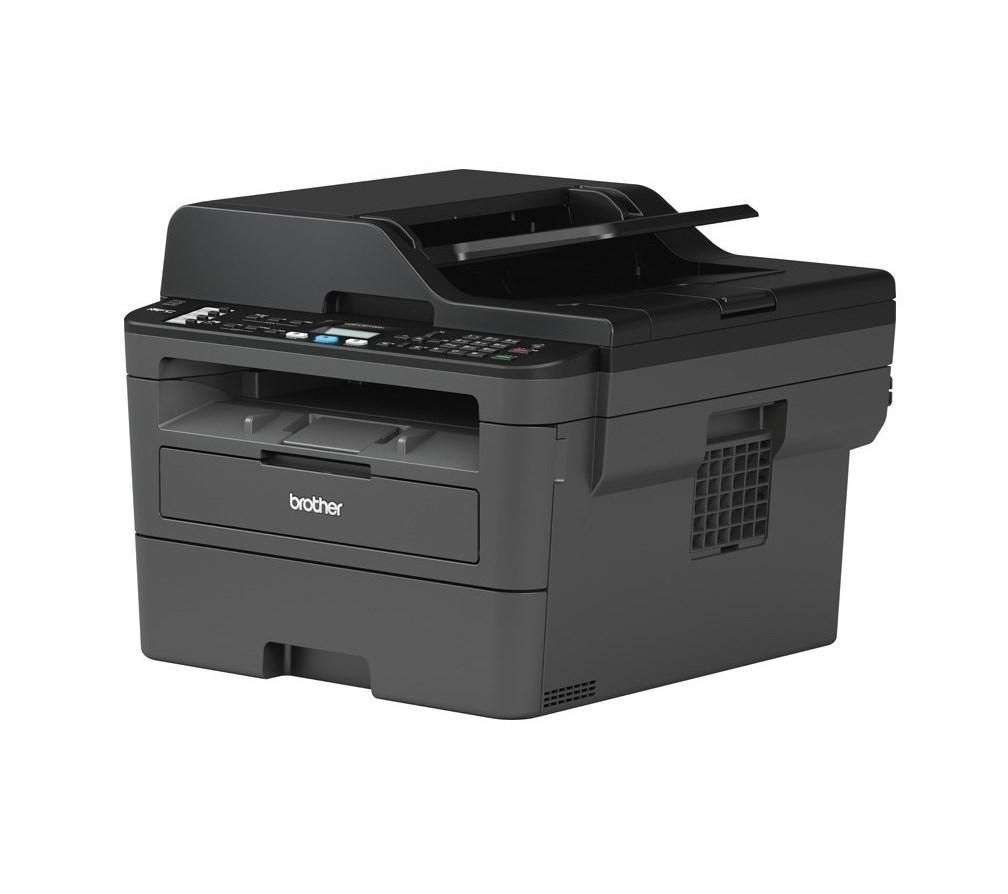
Drum reset for BROTHER DCP-L2510D / MFC-L2712DW
After you replace the drum unit on the Brother DCP-L2510D or MFC-L2712DW, the printer shows a drum warning until you reset the drum counter. This Brother DCP-L2510D drum reset guide shows the exact key sequence — the same steps also work on the MFC-L2712DW and the related models below.
Compatible models
This procedure also works on: DCP-L2510D, DCP-L2512D, DCP-L2530DW, DCP-L2532DW, DCP-L2537DW, DCP-L2550DN, DCP-L2551DN, DCP-L2552DN, MFC-L2710DN, MFC-L2710DW, MFC-L2712DN and MFC-L2712DW.
How to reset the drum counter on the Brother DCP-L2510D
- Make sure the machine is turned on.
- Close the front cover.
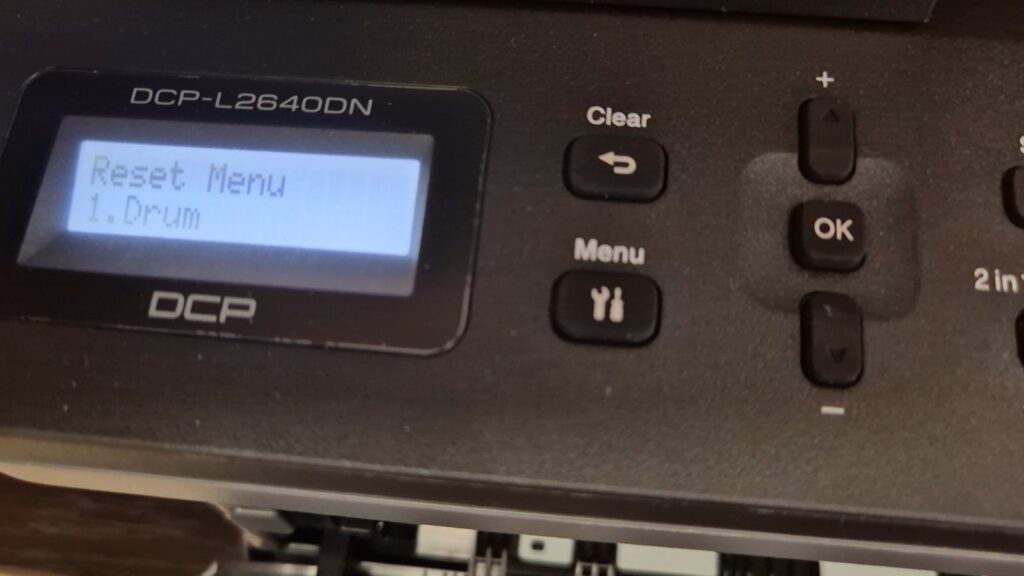
- Press OK and the Up arrow key at the same time.
- Press OK to select Drum.
- Press the Up arrow key to reset the drum counter.
- The drum warning clears and the printer is ready to use.
Watch the video
You can watch the full procedure in this short video for better understanding:
Troubleshooting
If nothing happens when you press OK and the Up arrow together, make sure the front cover is fully closed and try again — the reset menu only appears with the cover shut. If the drum warning returns soon after resetting, the drum unit may be worn and need replacing.
Frequently asked questions
Does the drum reset also reset the toner?
No. This resets only the drum counter. To clear a toner message, see our Brother MFC-L2712 toner reset guide.
Do I need to reset the drum every time I change the toner?
No. Reset the drum counter only after replacing the drum unit itself.
How many pages does the drum last?
The drum unit is rated for roughly 12,000–15,000 pages, depending on usage.