Test Pages
Video
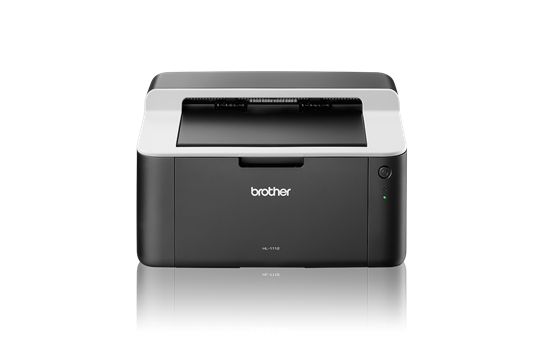
How to Print a Self-Test Page on Brother HL-1110E / HL-1112E
Print a self-test page on Brother HL-1110E / HL-1112E using only the power button – no computer needed.

Printer & Copier Fix, Guides & Tech Solutions
Guides by task
Copier and printer setup guides: settings and configuration, drivers and software, firmware and test pages to get every office machine working right.
19 guides
Print a self-test page on Brother HL-1110E / HL-1112E using only the power button – no computer needed.
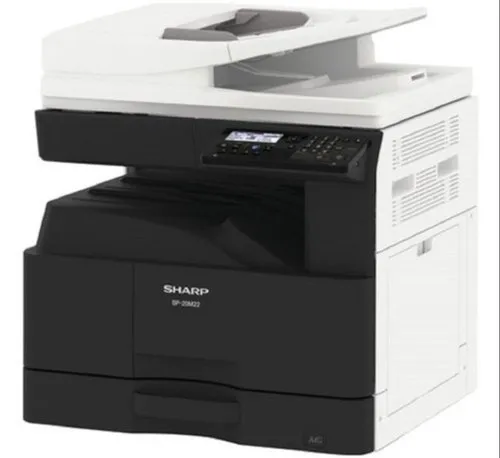
Print the PCL self test pattern on Sharp BP-20M22 / BP-20M24 straight from the machine with simulation 64-05.
If the touchscreen on your SHARP multifunction printer is not responding correctly, registers the wrong position, or feels slow and…
If you are troubleshooting your Epson LX-350 dot matrix printer or simply want to check its performance, printing a self…
If you’ve recently purchased a second-hand Epson Stylus OFFICE BX300F or BX305F printer and found it set to a language…
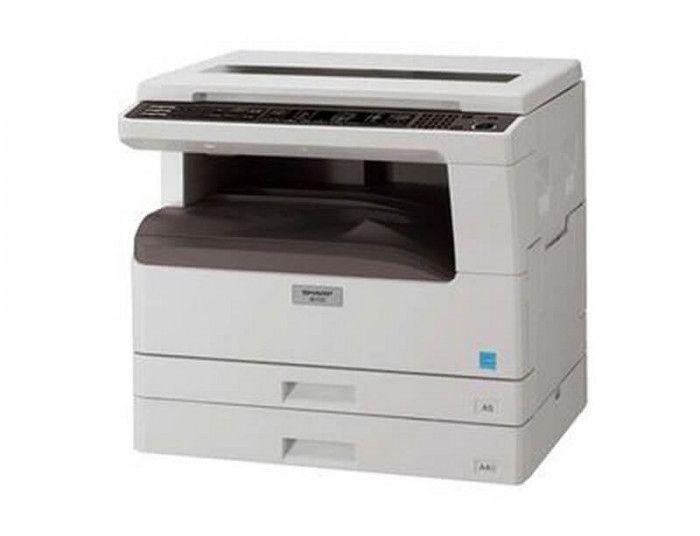
By default the USB port is disabled on these Sharp models. To enable the USB port on the Sharp MX-B350P,…
By default the USB port (Type B) is disabled on this model. To enable the USB port on the Sharp…
Changing the paper size on the Sharp AR-6020 is needed when you load a different size into Tray 1 or…
By default the USB port (Type B) is disabled on these models. To enable the USB port on the Sharp…
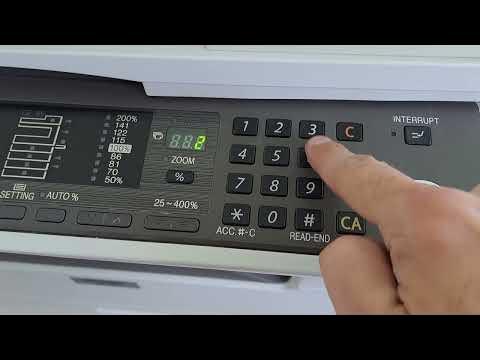
If you want to check the remaining toner life on the Sharp AR-5516, AR-5518, AR-5520, AR-6020 or AR-6023, the copier…
To reduce toner consumption you can turn on toner save mode on the Sharp AR-5516 / AR-5520 series. It is…
Toner Save mode lightens the print density so the machine uses less toner and the cartridge lasts longer. Here is…

Print Copy Fix is a free knowledge base for copier technicians and office users. Every guide covers a specific model and gives the exact key sequence or menu path, so you can fix the problem on site without a service manual.
Find a fix